
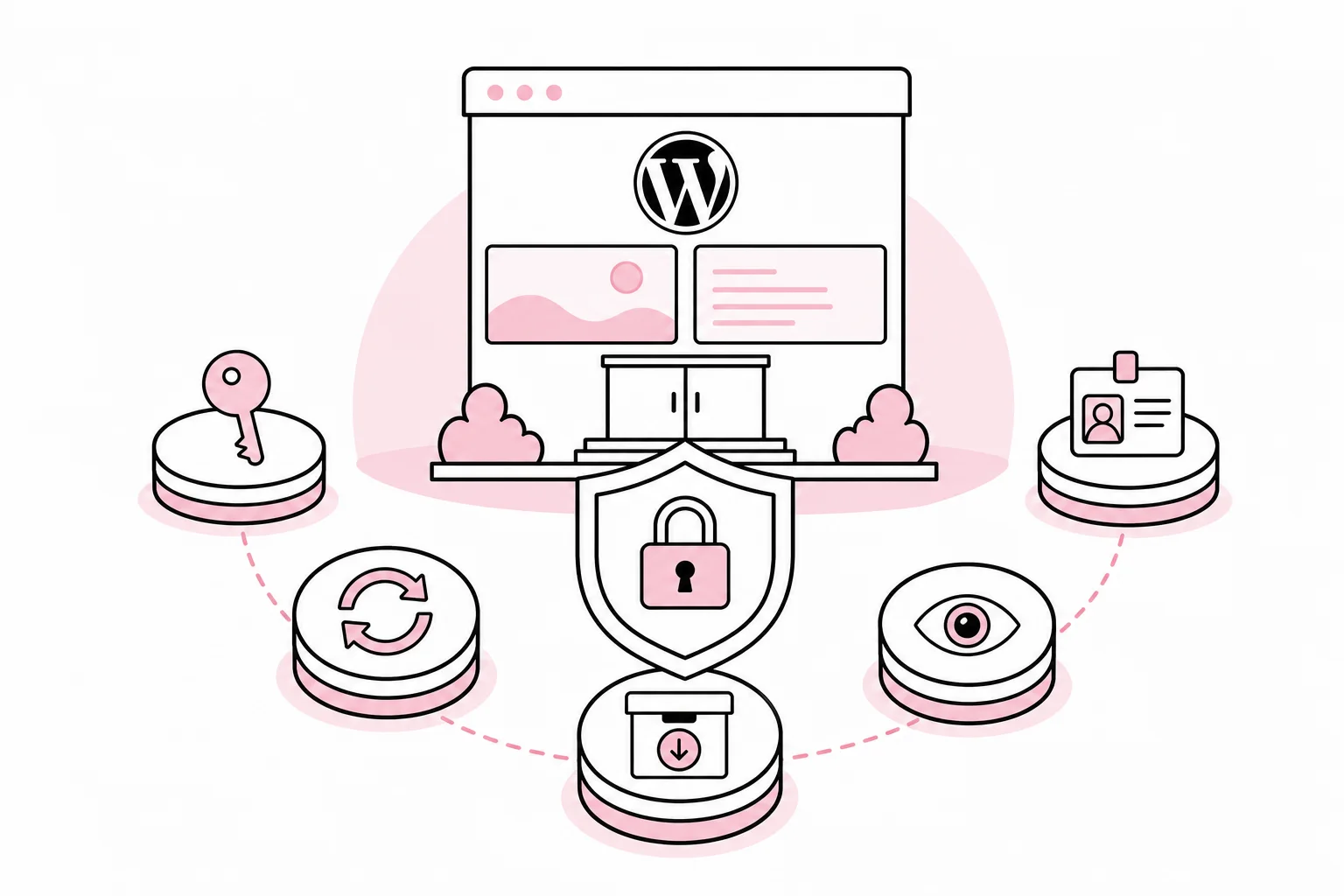
What is a reasonable minimum level of security for a WordPress website? The short answer is clear accountability, strong authentication, limited access, prompt security updates, control over extensions, tested backups, and monitoring that someone actually follows up on.
None of these measures are particularly exotic. That is precisely the point. Good website security is rarely about one magical feature that turns the shield icon green. A security plugin can be useful, but it does not become a guard just because the dashboard has more warning lights than a ferry bridge.
A minimum level of security works much like the fuses in an electrical system: Each control limits the consequences when something else fails. A stolen password should not automatically provide full administrator access. A vulnerable plugin should not remain in place for months. A faulty update should not turn the backup into a theoretical consolation.
Start with accountability and a simple risk assessment
Before choosing tools, you need to know what the website actually does. A simple informational website has different consequences from an online store, membership portal, or solution that receives sensitive enquiries. Map which functions are business-critical, what data is processed, and which external systems WordPress communicates with.
Then appoint a named person responsible for technical operations and security follow-up. This person does not need to do everything themselves, but must know who handles updates, alerts, backups, and incidents. “The provider takes care of it” is not a description of responsibility until it specifies what the provider takes care of, how quickly, and how you are notified.
Also define a few concrete requirements:
- Critical security updates must be assessed and handled promptly after they become known.
- Administrative accounts must use multi-factor authentication or passkeys where the solution supports them.
- Backup must be stored separately from the production environment and be recoverable.
- Security alerts must have a recipient and an agreed response time.
- Access rights and components must be reviewed regularly.
Protect logins and limit the extent of damage
Administrator logins are a natural target. Use unique personal accounts, strong passwords stored in a password manager, and multi-factor authentication for everyone with elevated privileges. Shared administrator accounts make both tracking and revoking access difficult. The “shared-admin” account is convenient right up until no one knows who changed the payment settings.
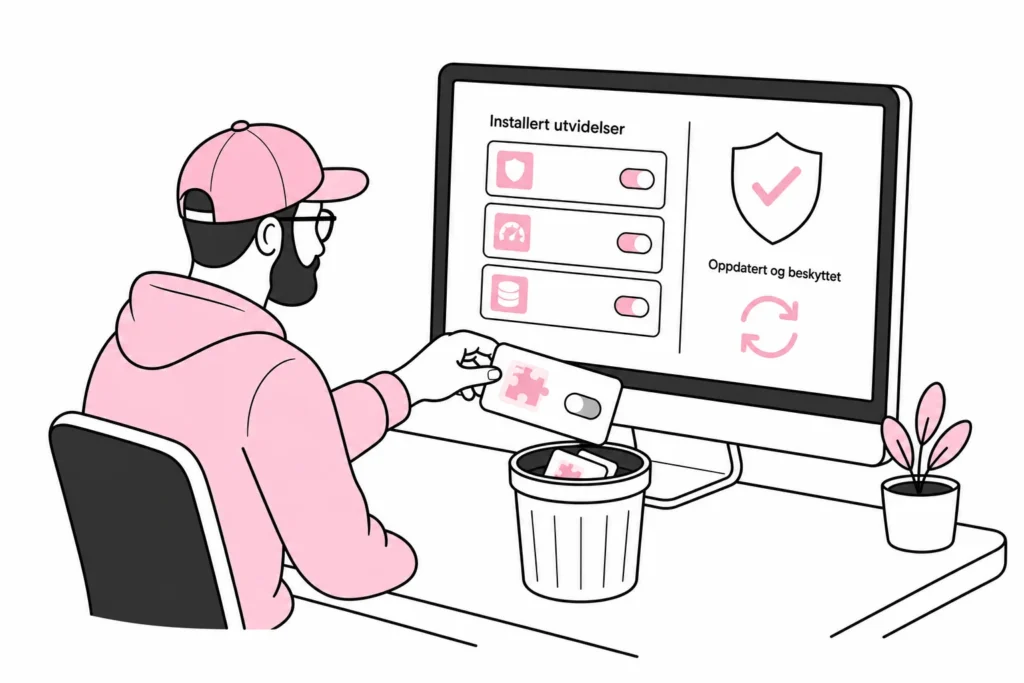
Give users the lowest role that covers their tasks. A content creator usually does not need to install plugins, change the theme, or manage other users. External developers should be given time-limited access whenever possible, and their accounts should be deactivated when the assignment is complete.
Technical integrations should have their own service accounts or keys with limited privileges. Do not let an integration use the login of a named employee. Otherwise, a password change, job change, or blocked account could suddenly stop an important workflow.
Supplement authentication with rate limiting, protection against automated login attacks, and secure routines for recovering accounts. Moving the login URL can reduce some noise, but should not be treated as a central security control. A door does not become significantly stronger just because the door sign is moved.
Reduce the attack surface and update based on risk
The WordPress core, themes, and plugins are software that must be maintained. Keep an up-to-date overview of all components, who provides them, why they are installed, and whether they are still in use. Remove deactivated and unnecessary software from the server. An unused plugin is not preparedness; it is more like an extra front door you have cut into the building because someone might want to use it later.
Choose extensions with active maintenance, a clear purpose, and as little overlap as possible. Five plugins that each do a quarter of the same job rarely provide 125 percent security. More often, they provide more dependencies, more updates, and more creative troubleshooting.
The update routine should distinguish between regular maintenance updates and high-risk vulnerabilities. Assess the severity, whether the vulnerability can be exploited without logging in, whether the component is exposed on your website, and whether active exploitation is known. These factors can change quickly and must be checked against current information from vendors and security services.
Critical updates need an emergency track. They should not wait for the next regular release window if the risk is significant. At the same time, changes should be tested against the website’s most important functions, particularly logins, forms, search, payments, and integrations. The process must be fast enough to protect the website and controlled enough not to bring it down. This usually requires a checklist, not three steering meetings and a presentation with the word “governance” on every other page.
Also reduce unnecessary exposure. Disable features and integrations you do not use, limit the ability to edit program files from the administration panel, and ensure that file permissions and server configuration follow the principle of least privilege. A web application firewall can block known attack patterns and reduce load, but it does not replace updates or secure configuration.
Make backup, monitoring, and response part of one operational routine
Backups must cover the database, uploaded files, configuration, and necessary components. Copies should be stored outside the same server and preferably outside the same administrative control plane. If a compromised administrator account can delete both the website and all its backups, you effectively have one basket with several labels.
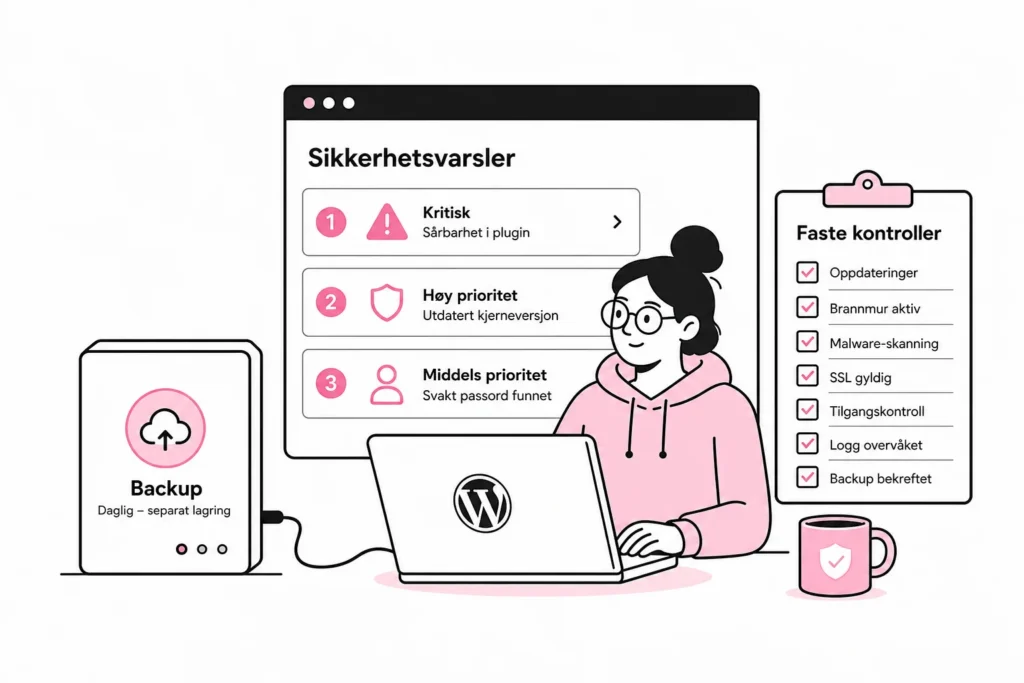
Decide how much data you can afford to lose and how long the website can be unavailable. This determines how often backups must be taken, how long copies should be retained, and how quickly recovery must be possible. Regularly test that a copy can be restored to a separate environment. Do not just check that the front page appears; also check logins, forms, media files, integrations, and any purchase journeys.
Monitoring should detect more than downtime. Relevant signals may include failed logins, new administrator accounts, changes to program files, disabled security features, unexpected plugin installations, errors in scheduled tasks, and sudden changes in traffic or server load.
Alerts must be prioritised. If the system sends an alarm for every blocked bot, it becomes the digital equivalent of a car alarm that reacts to leaves: technically active, humanly ignored. Distinguish between incidents requiring immediate assessment, anomalies that can be investigated the next working day, and information that should simply be stored for later analysis.
Finally, create a short response plan. It should describe who can block accounts, put the website into maintenance mode, contact the hosting provider, secure logs, and decide on recovery. Contact details and necessary access must be available outside WordPress. It is inconvenient to store the entire contingency plan in the system you can no longer access.
A practical monthly check
A minimum level of security only works when it is maintained. Set aside a fixed, short check during which the responsible person reviews the following:
- Check that WordPress, themes, and plugins are supported and up to date.
- Remove components and users that are no longer necessary.
- Confirm that multi-factor authentication works for administrative accounts.
- Look for new administrators, unexpected file changes, and repeated login attempts.
- Verify that backups are completed, stored separately, and included in a scheduled recovery test.
- Review open security alerts and document what has been assessed or carried out.
- Confirm that the contact list and response plan are still accurate.
For higher-risk websites, more of the checks should be performed automatically or more frequently. The most important thing is that the level is chosen deliberately based on impact, not on how many green check marks a dashboard can produce.
In other words, a good security baseline is not a single product, but a small set of controls that support one another. When authentication, updates, access control, backups, and monitoring are treated as integrated operations, the website is both harder to compromise and easier to manage when something deviates.