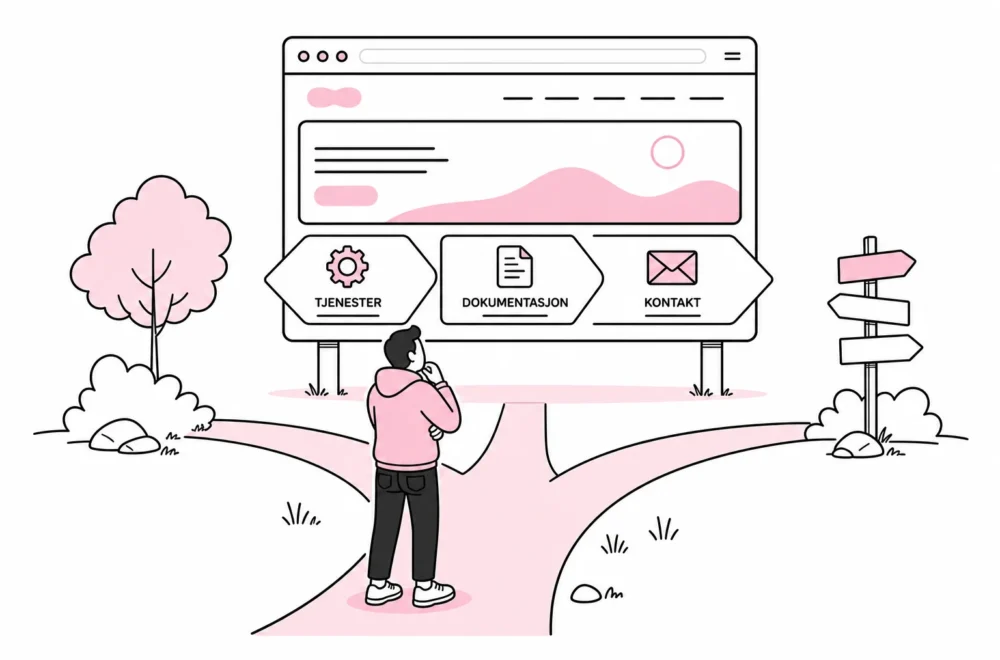

Should a customer story be a page, a post or a custom content type? The question may seem minor, but the answer affects editing, navigation, search, filtering, performance and future development. Choose incorrectly, and the website will usually work anyway – until someone has to update 40 employee profiles, create an overview or reuse the content somewhere else.
Many WordPress websites start out using pages for everything. It is understandable: Pages are visible, familiar and easy to create. After a few years, the administration resembles a junk drawer with a search field. Everything is there, but no one will promise they can find the right charging cable.
A good content model is not about making WordPress more advanced. It should distinguish between different types of content so editors have fewer choices, the content becomes more consistent and developers do not have to interpret headings and text fields as if they were archaeological finds.
Start with the content’s function, not its appearance
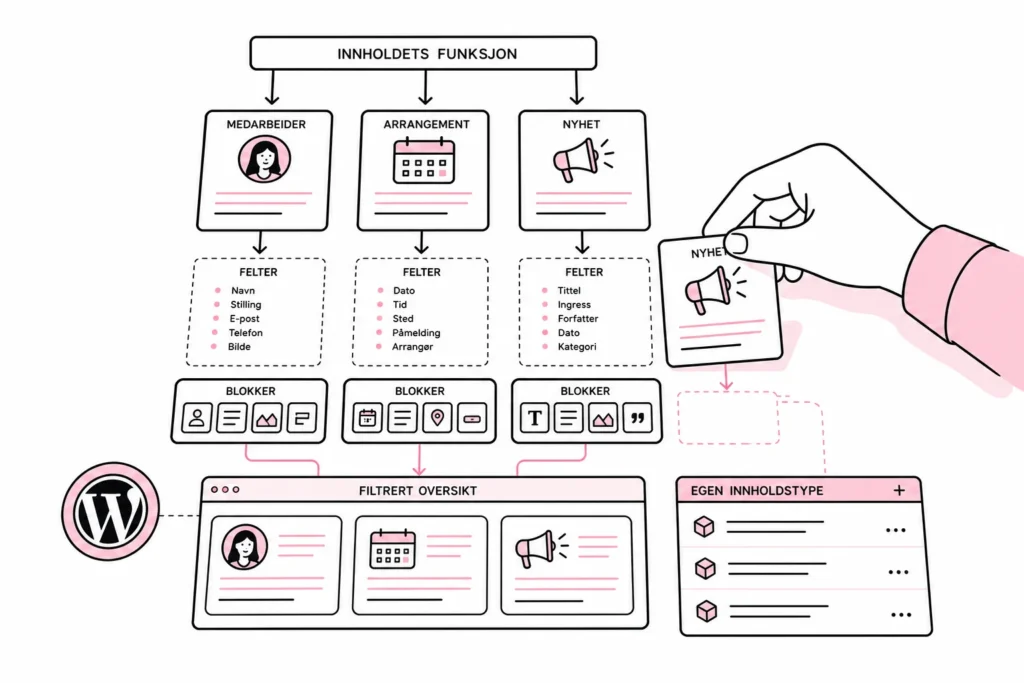
The most common mistake is choosing a structure based on what the content looks like on one particular page. An event may be displayed as a card with an image, date and button. That does not mean that a “card” is a content type. The card is a presentation. The event is the content itself.
Before choosing a solution, describe the content without mentioning the design. Ask these questions:
- Will there be many instances of the same type of content?
- Do all instances have the same information, such as a date, location, role or price?
- Should the content be listable, filterable or sortable?
- Should the same information be displayed in multiple places on the website?
- Does the content have a clear lifecycle, such as upcoming, completed or expired?
- Do editors need a dedicated overview in the WordPress administration?
If several answers are yes, there is often a case for a custom content type. If the content is unique, relatively stable and only needs to exist in one place, a standard page will usually be sufficient for a long time.
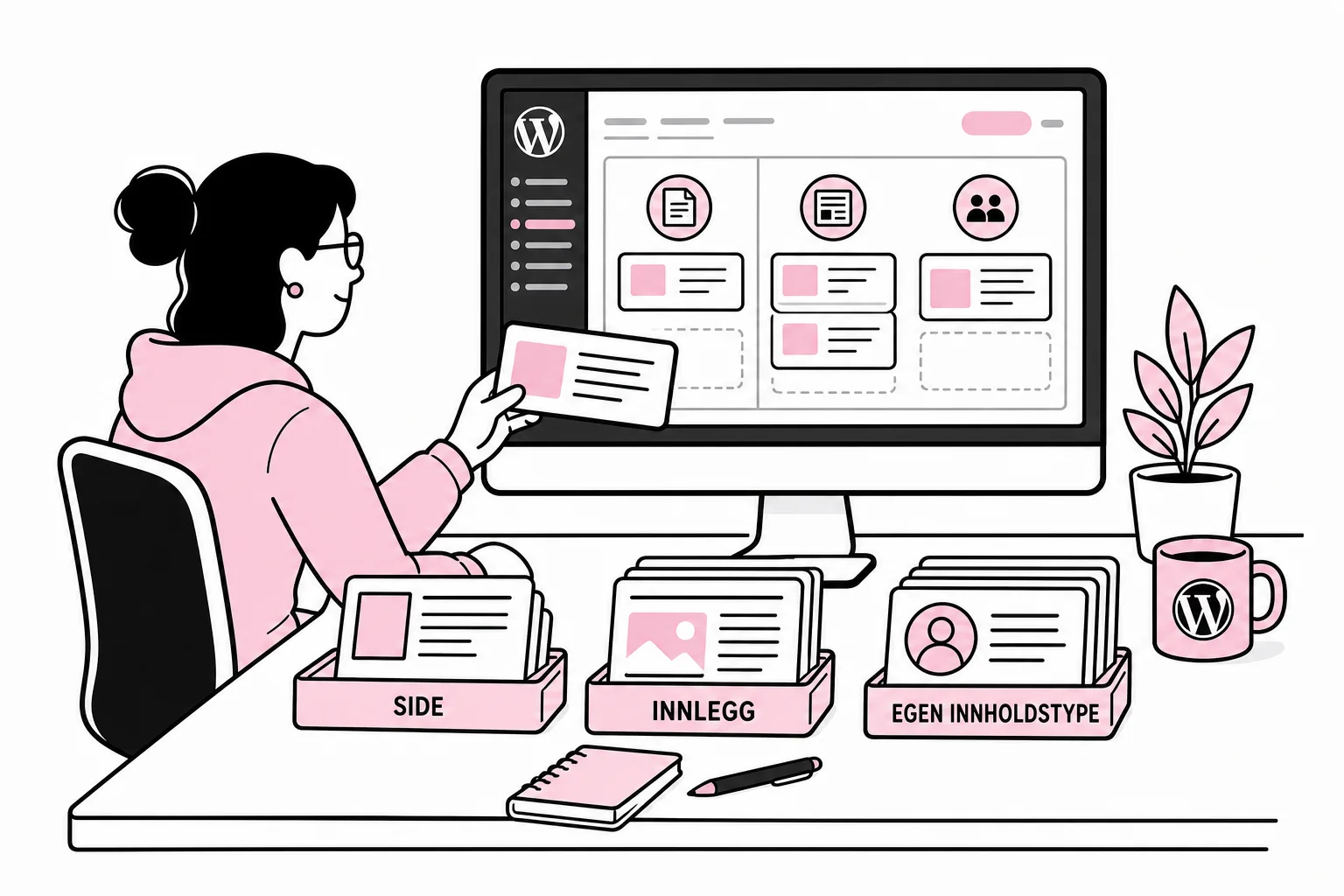
When should you use a page, post or custom content type?
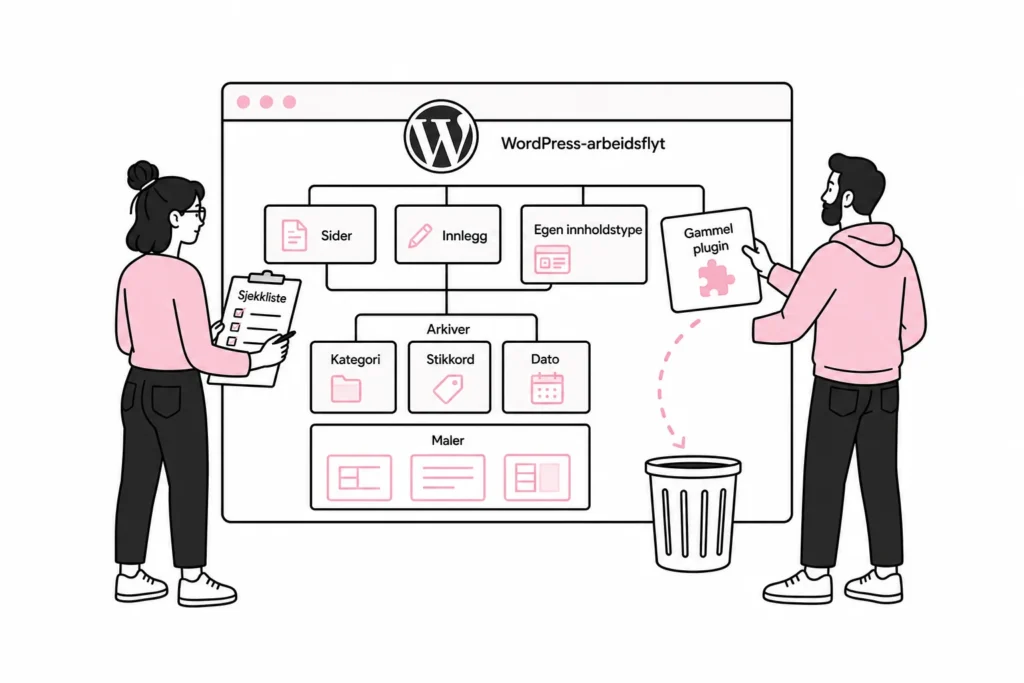
Use pages for permanent, hierarchical content
Pages are suitable for content such as “About us”, “Contact”, service areas and information with a fixed place in the website structure. They can be organised as parent pages and subpages, but the hierarchy should be used sparingly. An organisational chart disguised as a main menu is still an organisational chart, just with less space.
A page is a good choice when the content is unique and the editor needs the freedom to combine text, images and sections. Gutenberg works well for this, particularly when the organisation has defined block patterns and clear layout guidelines.
Use posts for ongoing publishing
Posts are suitable for news, professional articles, press releases and other dated content published on an ongoing basis. They have built-in support for publication dates, authors, categories, tags and archives.
Do not use posts simply because something will be displayed in a list. An overview of employees or services can also be listed, but the content is not necessarily editorial or chronological. If the publication date has no significance for the reader, it is a sign that a post may be the wrong model.
Use custom content types for recurring, structured entities
A custom content type is suitable when you have many elements with the same purpose and data structure. Typical examples include employees, locations, events, case studies, courses, job openings and products without e-commerce.
Each type can have its own fields and rules. For example, an employee can have a name, job title, department, telephone number, image and biography. The contact information can then be reused on the profile page, department page and contact directory without the editor entering it three times.
There are plugins that promise to create every conceivable content type, field, filter and relationship before lunch. Some are good. Others are like buying a forklift to move a coffee cup: impressive capacity, a little too much maintenance and surprisingly many buttons.
Gutenberg handles presentation, not the content model
Gutenberg blocks determine how content is built and presented in the editing interface. They do not eliminate the need to define what the content actually is. An editor can build an employee profile with a heading block, image block and paragraph, but WordPress still does not know which paragraph contains the telephone number.
Therefore, distinguish between three levels:
- Structured fields store information that needs to be reused, validated, sorted or filtered.
- Gutenberg blocks are used for flexible editorial content and presentation.
- Block patterns give the editor a recommended starting point for a specific section or page type.
A block pattern is like a cookie cutter: It helps you start with the right shape, but it does not store all the cookies as one database record. If content needs to be retrieved automatically and displayed in multiple places, it should be stored structurally – not just made visually correct.
A practical combination is to use fixed fields for information that must be accurate, and Gutenberg for descriptive content. For a case study, the customer, industry and deliverables can be structured fields, while the story itself is built with approved blocks. The editor gets flexibility without key data disappearing into arbitrary text fields.
Choose a model that can withstand editing and maintenance
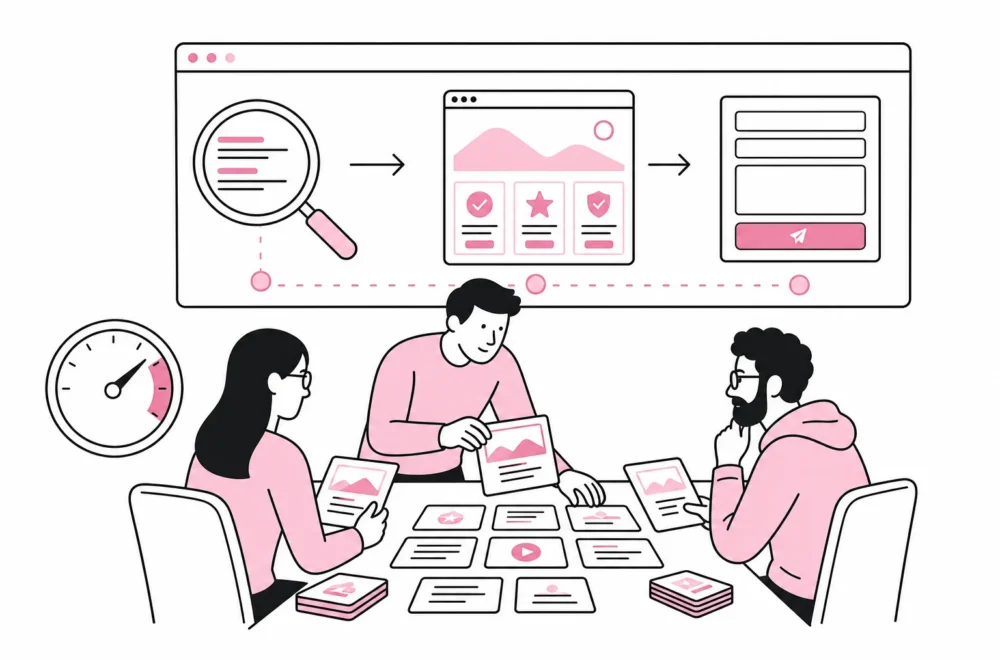
Before development begins, test the model with real content. Create three to five representative examples, including the difficult variant that always appears after launch. If one course spans several dates, an employee belongs to two departments or a location has no visitor address, the model must handle it without creative workarounds.
Also clarify what should happen when content changes. If an employee leaves, should the profile be deleted, unpublished or archived? If an event has taken place, should it remain with its historical information? Such rules should be part of the workflow, not something the next editor has to guess.
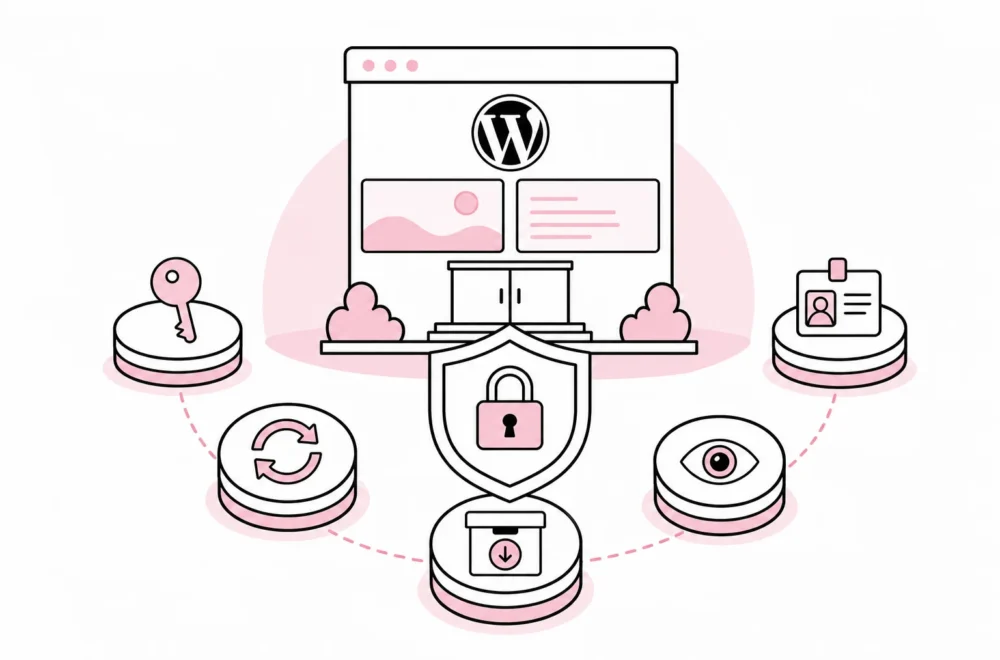
Pay particular attention to dependencies. A custom content type can be registered in the website’s code or through an extension, but the solution should be documented and portable. Critical data should not become unreadable because one plugin is deactivated. Shortcodes left behind in the content after an old page builder are the web industry’s equivalent of geological sediments: layer upon layer, and no one is entirely sure what is living at the bottom.
The structure also affects performance. Automatically generated overviews should retrieve only the content and fields they need. Filtering across many loose text values can result in unnecessarily heavy queries, while clear taxonomies and consistent fields make the solution easier to optimise. It is rarely necessary to install an “AI-powered performance engine” to fix a content model that should have been cleaned up in the first place.
A practical decision sequence
- Describe the content with concrete examples.
- Separate data from presentation and layout.
- Choose a page for unique, stable content.
- Choose a post for dated, ongoing publishing.
- Choose a custom content type for recurring entities with a shared structure.
- Use taxonomies when content needs to be grouped or filtered.
- Use fixed fields for data that should be reused or validated.
- Use Gutenberg and block patterns for the editorial presentation.
- Test the model with real-world exceptions before building all the templates.
- Document ownership, publishing rules and technical dependencies.
The best content model is not the one with the most content types. It is the one editors understand, that meets actual needs and can be maintained without every change becoming a small consulting project. WordPress is flexible enough to accommodate almost any structure. Precisely for that reason, it pays to choose deliberately.