
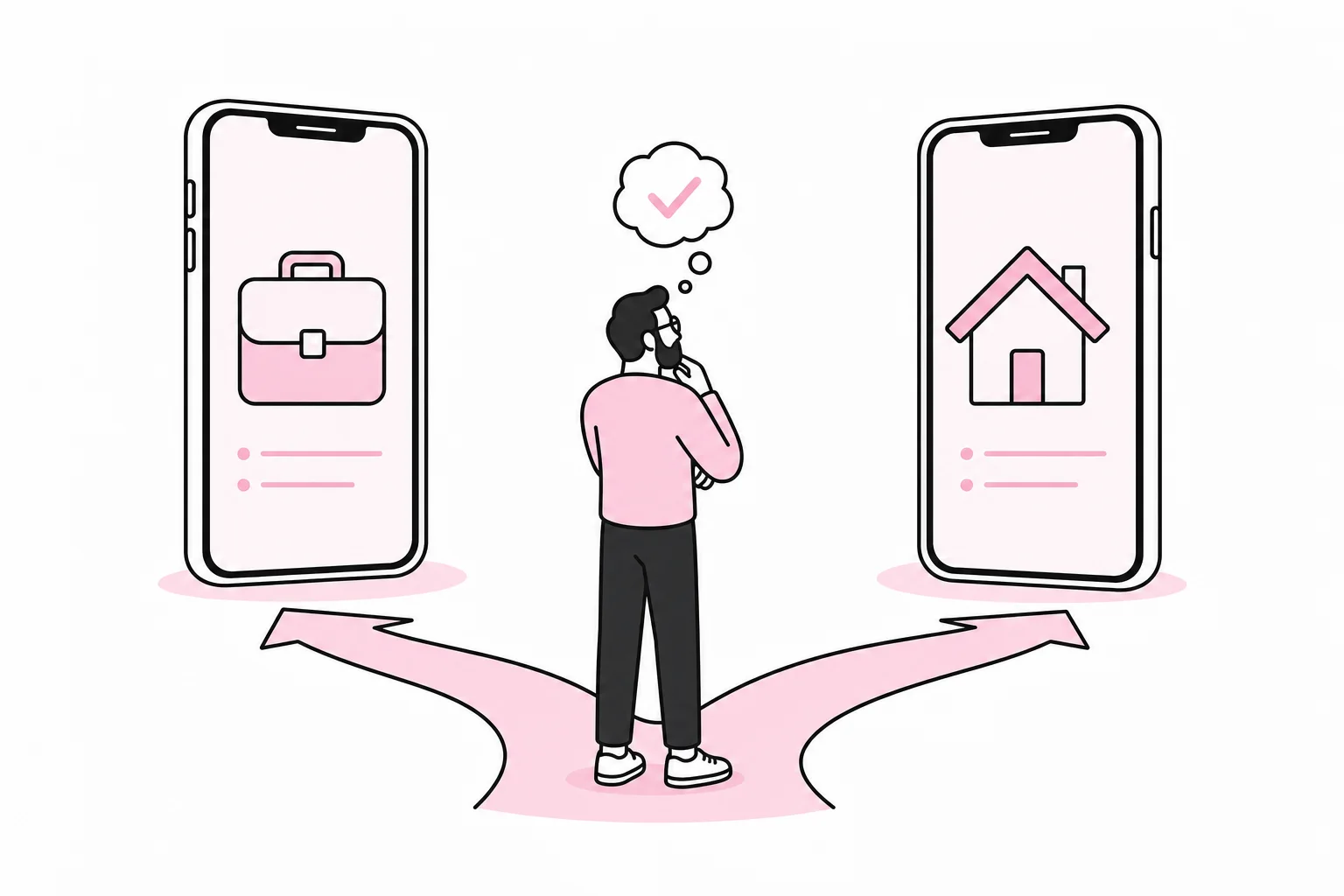
Should employees receive a mobile phone from their employer, or use their personal phone for email, chat and logins? The question seems simple until security, privacy, costs and support gather around the meeting table. Then a SIM card can quickly turn into a 19-page policy document.
There is no single model that suits everyone. An adviser with customer data on their mobile has different needs from a seasonal employee who only needs to receive work schedules. The right choice therefore depends on which data the phone can access, how critical it is in the working day, and how much control the company actually needs.
For most companies, the choice is between three models: a company-owned phone, a personal phone used for work, and a hybrid model in which work data is kept separate on the employee’s mobile. The aim is not to find the most advanced solution, but the simplest model that provides adequate security and a manageable working day.
The three most common models
1. Company-owned and company-managed phone
The company buys the phone, determines the basic setup and can manage it through a mobile device management system, often called MDM. This provides the greatest control over screen locks, updates, apps, encryption and deletion of work data.
The model is particularly well suited when employees handle customer information, have access to internal systems or depend on their mobile to perform critical tasks. It also makes replacement and the end of employment more predictable: The phone is returned, access is closed and the device is prepared for reuse.
The downside is the cost of purchasing, subscriptions, administration and support. Some employees also end up with two phones. It is practical in much the same way as carrying two sets of keys because one door is slightly more important than the others.
2. Personal phone used for work
With a personal mobile, often referred to as BYOD, the employee owns the phone while the company allows access to selected services. This can reduce purchasing costs and spare the employee from carrying two devices.
At the same time, the boundaries become less clear. Who provides help when the phone does not support a necessary function? What happens if it is too old to receive security updates? Can the company delete work data without affecting private photos and messages? Such questions must be clarified before the first account is added, not after the phone has been left in a taxi.
Pure BYOD is best suited when access is limited, the data carries low risk, and the company can protect each service with strong login requirements. An alleged “magic security app” does not turn any random personal phone into a controlled work environment. It mainly makes the license overview more decorative.
3. Hybrid model with a separate work area
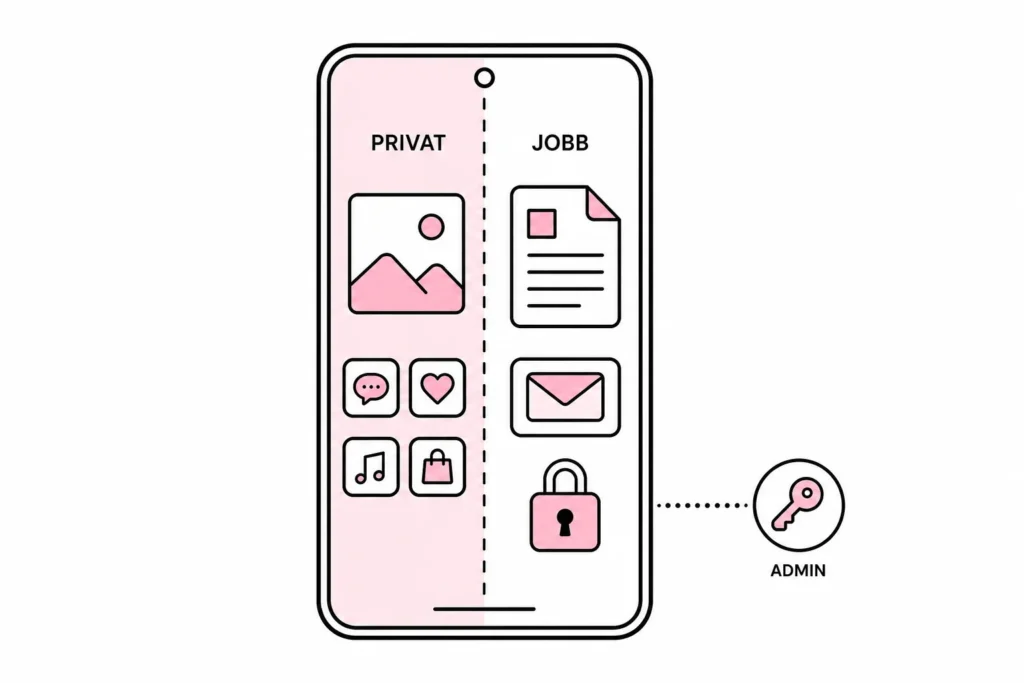
In a hybrid model, the employee uses one phone, but work apps and work data are placed in a managed area. The company can enforce rules and remove work-related content without managing the entire personal device.
This can provide a good balance between control and privacy. However, it requires the phones to support the solution, the boundaries to be explained clearly, and the company to test what the administrator can actually see and do. A work area is like a lockable filing cabinet in a private home: Useful, but only if everyone knows who has the key and what belongs there.
Assess risk before assessing phone models
Start with the work tasks, not the phone brands. Create an overview of which systems and information employees can access from their mobiles. It may be useful to distinguish between ordinary services, such as calendars and internal chat, and more sensitive or critical functions, such as customer systems, financial data, health information or payment approvals.
Then assess the consequences if the phone is lost, lent out, compromised or no longer receives security updates. Risk is affected both by the content on the device and by the active sessions, stored files and approval capabilities it provides access to.
The following questions provide a useful basis for decision-making:
- What data is processed? Map both locally stored files and access to cloud services.
- How critical is the mobile? Can work continue if the phone is unavailable for one day?
- Does the company need remote wiping? Clarify whether only work data or the entire device must be capable of being wiped.
- How long is the device supported? Phones without the necessary security updates should not have the same access as up-to-date devices.
- Who provides support? Decide which models, operating systems and issues IT will actually support.
- What can the administrator see? Employees should receive clear information about access, logging and administration.
This assessment can be brief. A simple one-page risk assessment is often better than a “mobile strategy maturity journey” that takes six meetings to discover that sales staff read email on their phones.
Security requirements that should apply regardless of the model
The choice between a personal and company-owned phone does not solve security on its own. The basic requirements must be tied to access. The more sensitive the data and critical the functions the mobile opens up, the stricter the requirements should be.
- Require a secure screen lock and a short automatic lock time.
- Use multi-factor authentication suited to the risk associated with the service.
- Require a supported operating system and ongoing security updates.
- Limit which apps can store or share work data.
- Prevent work files from being automatically copied to private backups or storage services.
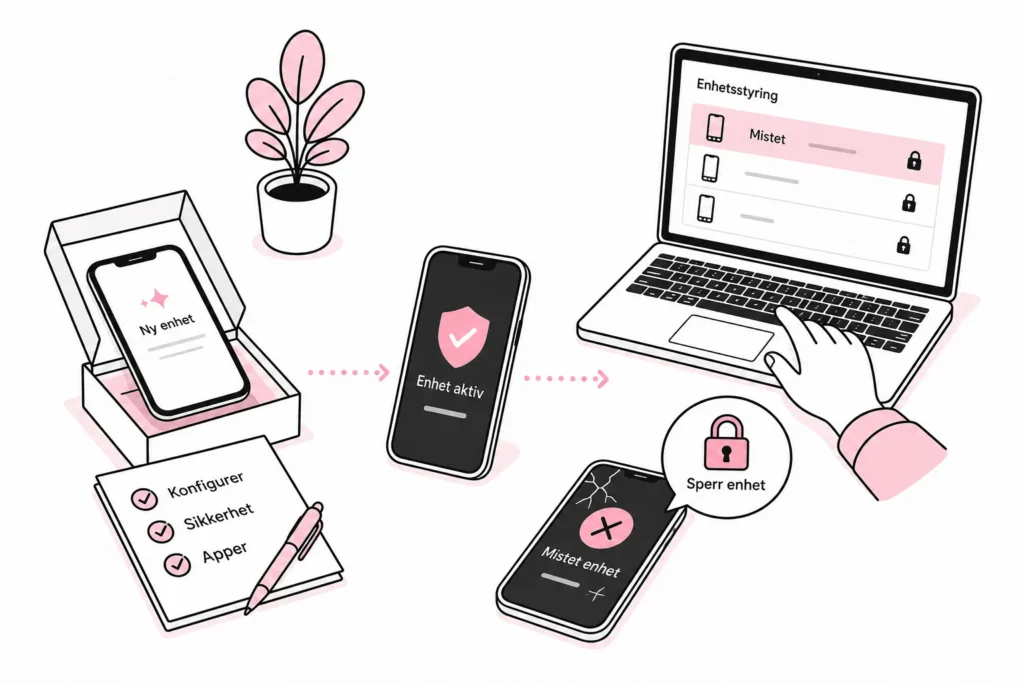
- Have a quick process for blocking accounts and removing work data in the event of loss or theft.
- Keep a record of which devices have access, without collecting more information than necessary.
An MDM solution can enforce several of these requirements, but it does not replace good choices. MDM is administration, not holy water. If all users are administrators, old devices can still get in, and no one follows up on alerts, the system is mostly an expensive way to document the problem.
How to choose a model in practice
A useful approach is to divide employees according to their actual needs rather than their job titles. People with extensive access, emergency responsibilities or a lot of work outside the office can be given a managed company phone. Employees who only need a calendar and a simple communication channel can have limited access from a personal phone or browser.
- Define user groups. Describe tasks, data access and availability needs.
- Determine the permitted model for each group. Choose a company phone, hybrid model or limited BYOD.
- Set minimum requirements. Describe screen locks, updates, apps, login and storage.
- Create procedures for the entire lifecycle. Include ordering, setup, replacement, repair, loss and termination of employment.
- Test with a small group. Check security, usability and administrative burden.
- Explain the arrangement clearly. Employees must understand what the company manages, which data is visible and who to contact if problems arise.
The pilot should cover common incidents, not just a successful login in the meeting room. Test a lost phone, a device that has not been updated, changing phones and an employee leaving the company. It is during these transitions that fine policies often prove about as useful in practice as umbrella rules written on a sunny day.
A sensible default choice for many companies
If employees have broad access to customer data, internal documents or business-critical systems, a managed company phone is usually the cleanest choice. The company gains better control over updates, access and decommissioning, while the employee does not have to make their personal device available.
For roles with limited access, a hybrid model can be a good compromise, provided that work data can be kept separate and deleted independently. Pure BYOD should be used deliberately and with clear limitations—not because someone added their work email three years ago and accidentally established the company's mobile strategy.
The most important thing is that the arrangement is easy to understand. Employees should know what they can do, the company should know which devices are allowed in, and IT should be able to handle loss and offboarding without improvisation. Then the mobile becomes a work tool instead of a small, shiny negotiation between security, privacy and finances.