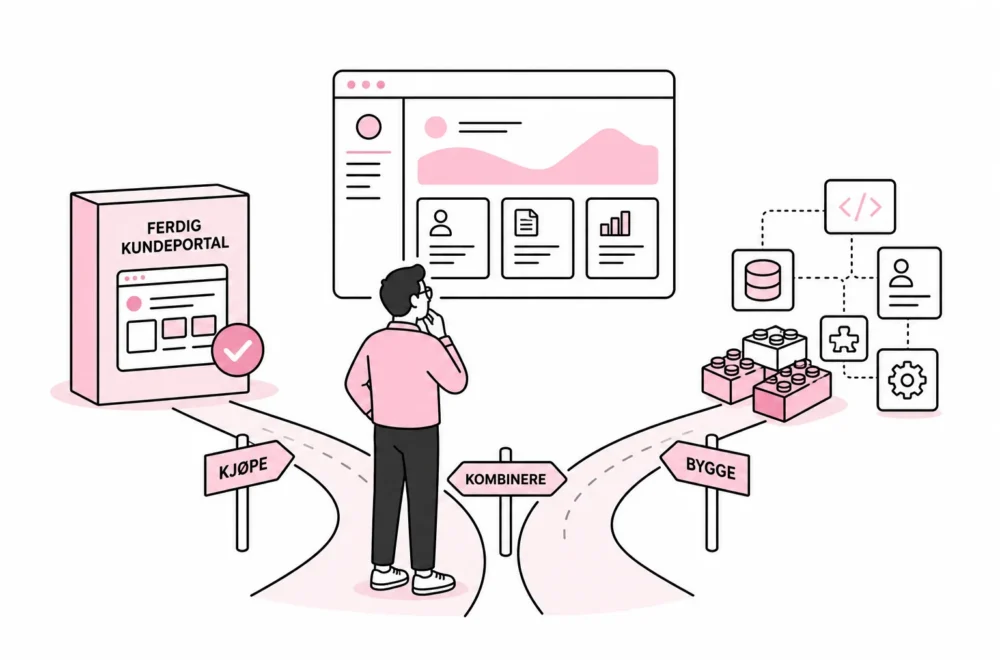


A staging environment is a separate copy of the website where you can test updates, design changes and integrations before publishing them. For most business websites that are updated regularly, the answer is simple: Yes, you should have one. Testing directly in production is roughly like adjusting the engine while the car is moving. It may go fine, but the method adds an unnecessarily strong element of suspense.
The need nevertheless depends on what the website does, how often it changes and what consequences errors may have. A simple information website that is updated once a year does not need the same setup as an online store, membership portal or website with forms connected to a CRM. The goal is not to introduce more process than necessary. The goal is to identify errors before customers do the work for free.
What should a staging environment solve?
Staging should be the last realistic test before production. The environment should therefore resemble the published website in terms of its technical setup, while being shielded from ordinary visitors and external systems. You should be able to verify here that the change works together with the rest of the solution, not just that it looks right on the developer’s screen.
A good staging environment can, among other things, be used to test:
- updates to the content management system, themes and extensions
- new templates, components and landing pages
- forms, validation and confirmation pages
- integrations with CRM, financial systems or other line-of-business systems
- payments, logins and access control
- performance, caching and image optimisation
- accessibility in new or modified functionality
- analytics configuration, consent and event tracking
Staging is particularly useful when several vendors work on the same solution. It gives everyone a shared place for review and approval. Without it, quality assurance often ends up as a mixture of screenshots, spreadsheets and messages marked “urgent”. It is a workflow, just as a drawer full of cables is a filing system.
When is staging necessary, and when can you manage without it?
The need increases with the complexity and consequences of errors. If the website generates sales, enquiries or self-service functionality, the threshold should be low. The same applies if the solution has frequent updates, custom-built functionality or many integrations.
You should normally have staging when the website has
- an online store, payments or an ordering process
- logins, roles or personal data
- forms that send data on to other systems
- custom-built modules or complex templates
- multiple editors, developers or vendors
- frequent publishing and technical updates
- high costs associated with downtime or incorrect registrations
A very simple website may manage without a permanent staging environment if changes are small, infrequent and easy to reverse. In that case, a temporary test environment can be created when needed. This still requires a backup, a controlled publishing method and a rollback plan. “We roughly remember what we changed” is not a plan, even though it has a remarkably high market share.
Staging is not automatically the answer to every quality problem either. If no one knows what should be tested, who should approve it or how the change should be published, you have simply gained another website to forget the password for.
How to set up staging without creating new problems
A staging environment should be sufficiently similar to production for the tests to be relevant. The same type of server setup, software, configuration and dependencies reduce the risk of something working in staging but failing after publication. The environments do not always need identical capacity, but key technical differences must be known and documented.
Secure the environment properly
Staging should not be open to search engines or random visitors. Use access control, and consider network restrictions if the content or functionality requires them. A signal to search engines not to index the site is useful, but it is not access security. It is equivalent to putting a “please do not enter” sign on an unlocked door.
Do not use real personal data either unless there is a clearly defined and lawful need. Test data should be synthetic or anonymised. If you copy production data, you must have procedures covering which data is included, who has access and how long the copy is retained.
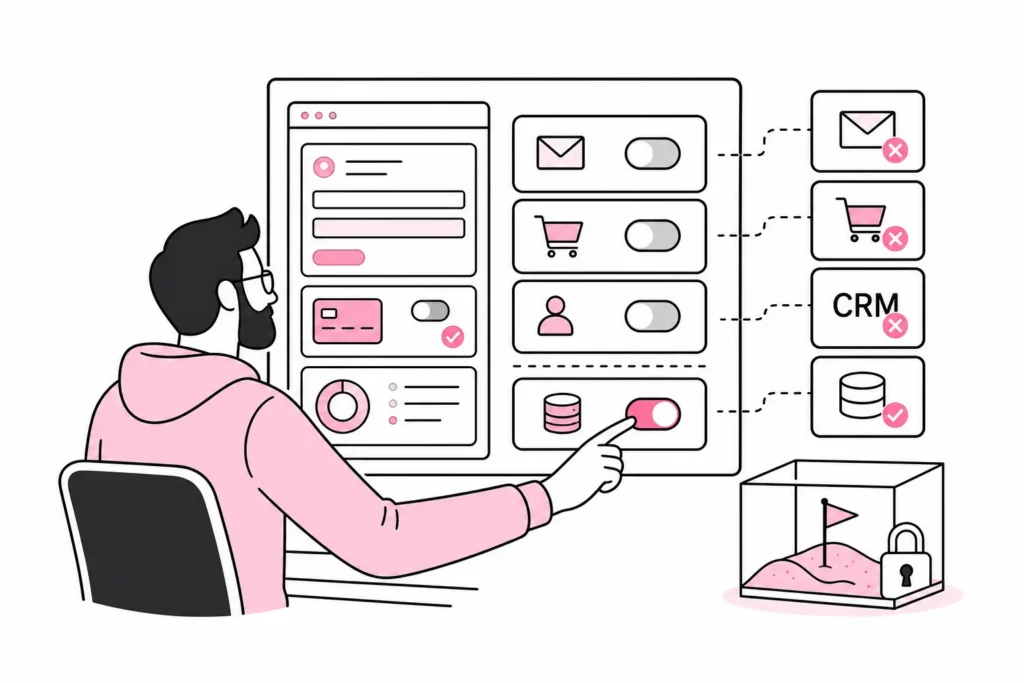
Separate external integrations
Staging should normally not send real orders, emails, payments or customer updates. Use test accounts, sandboxes or disabled endpoints wherever possible. Integrations should have separate keys and settings for each environment. A test order that becomes a real order is an effective demonstration of the integration, but rarely the demonstration the finance department asked for.
Check the following in particular before the environment is put into use:
- Outgoing email goes to a test recipient or is intercepted.
- Payment solutions are in test mode.
- Forms do not create real customers or cases.
- Analytics tools distinguish staging traffic from production traffic.
- API keys and secrets are separate.
- Scheduled jobs and automatic notifications have been checked.
- Search engines and unauthorised users are blocked.
Decide what should be synchronized
Code, configuration, databases and media files have different needs. Code should normally be moved in a controlled manner from development to staging and then to production. Content often moves in the opposite direction, because editors continue publishing on the live website. Carelessly overwriting the production database could therefore delete new articles, orders or form submissions.
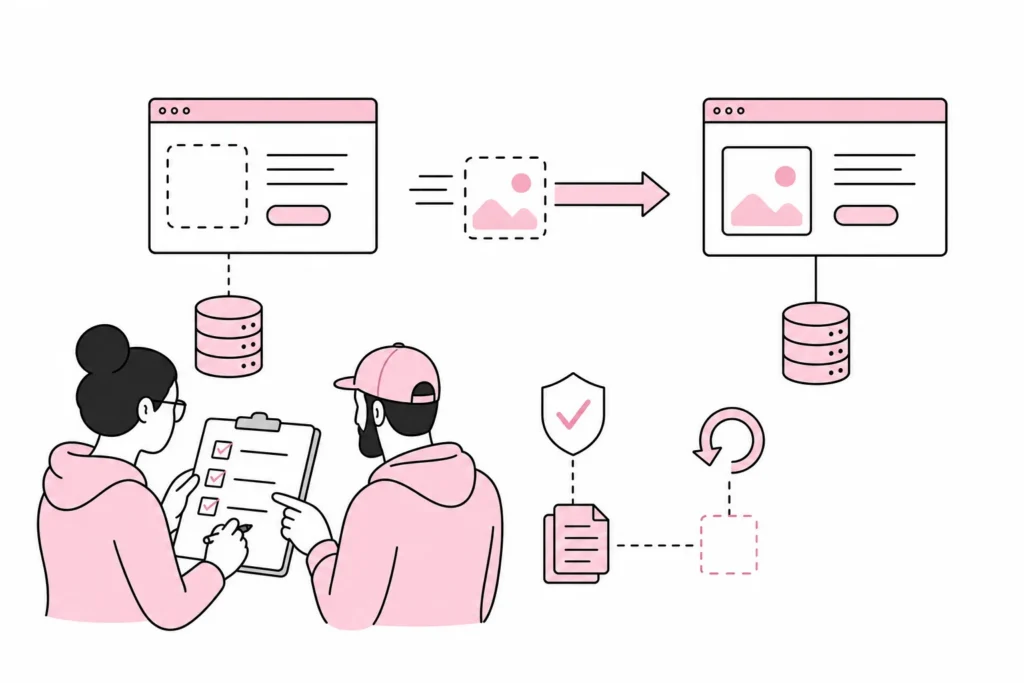
Avoid solutions that promise complete cloning and one-click publishing without explaining what happens to the data. Magic is useful in fairy tales; in operational environments, it often means the error message is wearing a cape.
Make staging part of the publishing routine
The environment only creates value when it is part of a clear workflow. Every change should include a brief description of what should work, what could be affected, who will test it and how to roll it back. Small changes do not need a meeting with six participants and a roadmap called «Release Excellence». A simple checklist is often enough.
A practical publishing workflow might be:
- The person carrying out the work develops and verifies the change.
- It is deployed to staging along with any necessary configuration changes.
- Relevant functionality is tested on mobile and desktop.
- Forms, integrations and key user journeys are checked.
- A responsible person approves the change.
- A necessary backup is taken before publishing.
- The change is published with a defined rollback plan.
- Production is checked immediately afterwards.
Automated publishing reduces manual errors and makes it easier to repeat the same process. This does not mean everything has to be built as an advanced delivery platform. Choose a level that suits the solution’s risk and pace of change. A small business website probably does not need a process capable of sending a satellite into orbit, especially when the task is to change the opening hours.
Also clarify who keeps staging up to date. A test environment that has not been synchronized for a year is mostly a museum of past technical decisions. Therefore, plan regular updates, deletion of old test data and access reviews.
The practical conclusion: If the website has important forms, integrations, logins, payments or frequent changes, you should have a staging environment. For a simple site that is rarely updated, a temporary environment may be enough. In any case, testing, approval, publishing and rollback should be clarified before anyone presses the button that makes the change visible to everyone.