
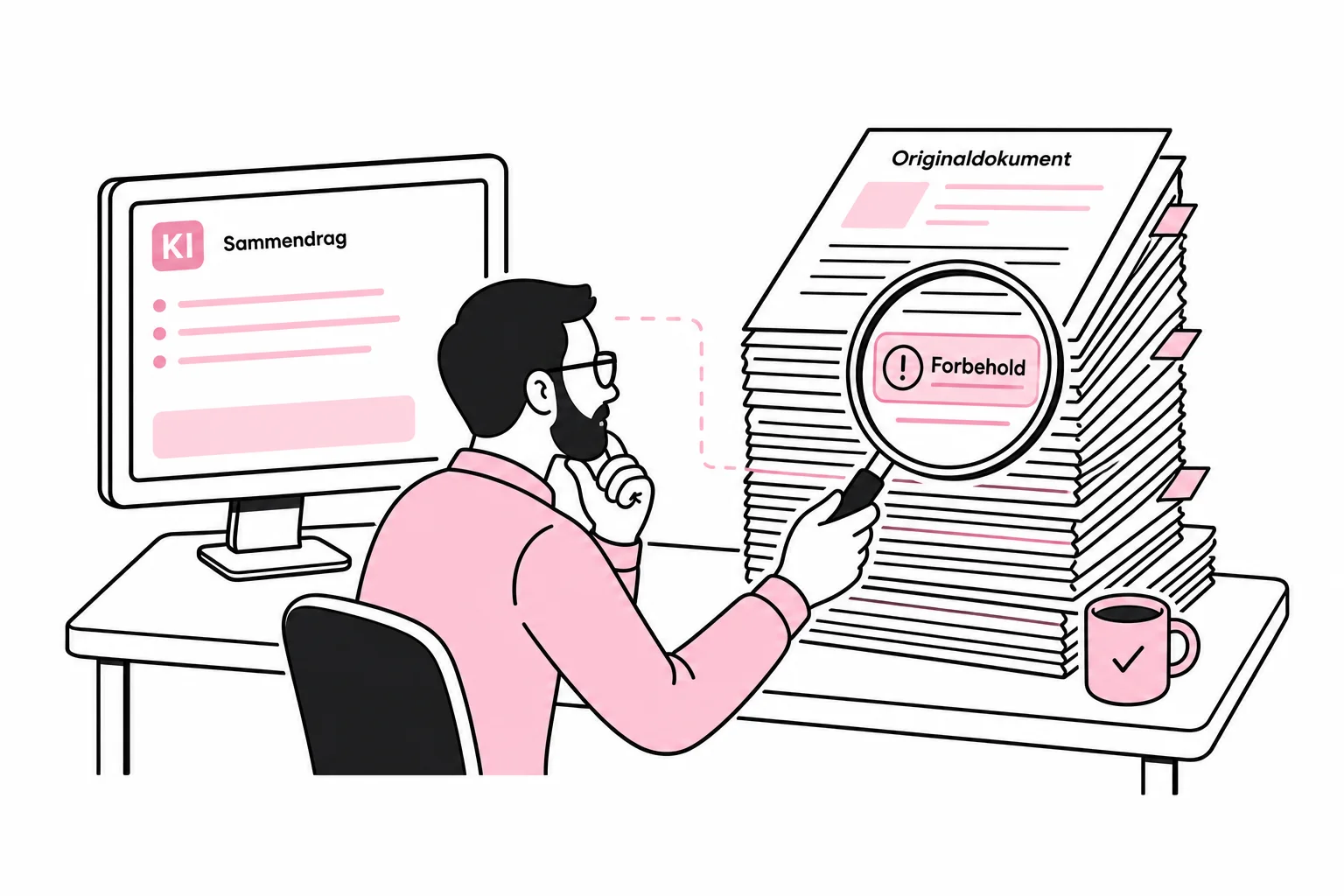
An AI tool can turn an 80-page report into six neat bullet points before you have time to find the right attachment. That is useful. The problem is that the summary can sound equally confident when it is accurate, when it has overlooked an important caveat, and when it has linked two pieces of information that should never have been linked.
The question, therefore, is not whether artificial intelligence can summarise documents. It often can. The relevant question is whether you have a way of working that detects errors before the summary is sent to management, the customer or the project team. Linguistic confidence unfortunately does not come with any guarantee.
An AI summary should be treated as a draft produced by a fast assistant, not as an authorised definitive answer. The greater the consequences of an error, the more must be checked against the original document.
Why AI summaries can be wrong
A summary is like a map: It is useful precisely because it leaves out details. Its quality depends on whether it leaves out side roads or the very bridge you need to reach your destination. A language model does not assess significance in the same way as a subject-matter expert responsible for the decision.
The errors are not always obvious either. The model may reproduce figures correctly but lose the period they relate to. It may describe a proposal as though it had been adopted, merge findings from different departments or remove a caveat that changes the entire conclusion.
- Omissions: Important terms, exceptions or counterarguments are missing.
- Incorrect weighting: A detail is given too much space, while the main conclusion is played down.
- Merging: Information from different chapters, periods or organisations is combined.
- Invented connections: The model creates an explanation that seems reasonable but does not exist in the document.
- Lost context: Figures and statements are reproduced without the limitations that make them accurate.
Lowering the temperature or using a more advanced model may reduce some variations, but no setting works as a truth serum. A button labelled «enterprise accuracy» does look impressive in a presentation, especially if it has a gradient.
Determine the level of checking before you summarise
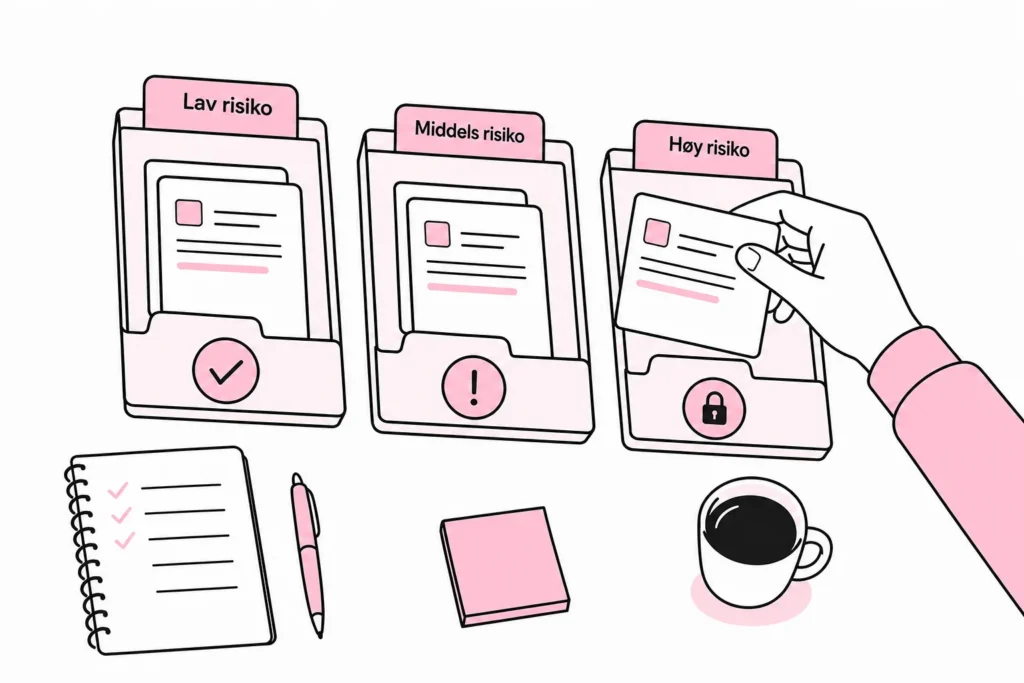
Not all summaries require the same level of quality assurance. An internal summary of idea notes can tolerate more uncertainty than a summary of contractual terms, HSE deviations or financial forecasts. Classify the task according to the consequences of errors.
Low risk
These may be summaries of internal working notes, brainstorming sessions or background material that will in any case be read by subject-matter experts. Here, a quick spot check may be sufficient, as long as the summary is clearly marked as AI-generated working material.
Medium risk
Examples include decision-making material for a project, customer insights or summaries to be shared across departments. Here, a named person should check conclusions, figures, time periods and key caveats against the original.
High risk
Legal documents, personnel matters, safety assessments, medical information and major financial decisions require relevant subject-matter expertise. AI can help with structure and navigation, but the summary should not be the sole basis for decisions. Confidential information must also only be processed in solutions the organisation has assessed and approved for the purpose.
The risk assessment does not need to become a governance document with 14 columns, three colour codes and a compulsory meeting about naming conventions. Three levels, clear examples and an accountable role are often enough.
A practical workflow for quality assurance
- Define the source material. Specify exactly which documents should be used. Avoid mixing several versions of the same report without explaining which one is current. Give the files clear names and remove irrelevant attachments.
- Describe the purpose. Do not just ask for «a summary». Explain who will read it, which decision it will support and which information must be retained. A summary for the board has different requirements from a checklist for the project manager.
- Require traceability. Ask the model to specify the chapter, heading or page for key claims. Such references can also be wrong, but they make checking faster. They are a navigation aid, not documentation in themselves.
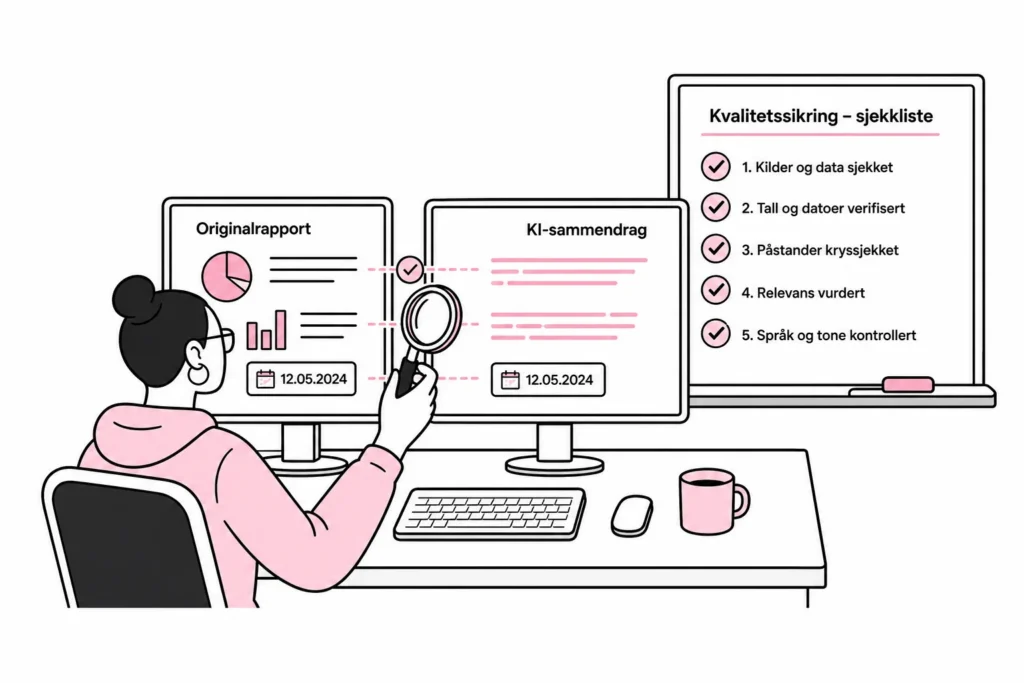
- Check critical information. Compare all figures, dates, names, requirements, deadlines and conclusions with the original. Pay particular attention to words such as «shall», «may», «recommends» and «assumes». Small verbs have ruined more important meetings than you might think.
- Test what is missing. Ask the model which important caveats, disagreements and uncertainties it may have omitted. Then check the answer against the document. The goal is not to get the model to approve its own work, but to use a new prompt to identify possible blind spots.
- Approve with a name and date. One person should be responsible for the final check. Save which document version the summary is based on, when it was checked and what it is to be used for.
A good instruction could, for example, ask for main conclusions, key figures, caveats and open questions in separate sections. Add that the model should use only the content of the specified documents and that missing information must be clearly marked. This reduces the risk, but still does not replace checking.
It is rarely necessary to install a separate «AI trust layer»-plugin to achieve this. Clear instructions, well-organised sources and a subject-matter expert with access to the original often do more good than yet another dashboard with a circle stuck at 87 per cent.
Build a check that works in everyday practice
A routine works only if it is simple enough to be used. So create a short checklist in the tool where the summaries are actually produced. It can consist of five checkpoints: correct source version, verified figures, retained caveats, confirmed recipient and named approver.
When used repeatedly, you should also test quality systematically. Select some representative documents, create summaries, and note which errors occur. Look for patterns: Are footnotes missing? Are tables mixed up? Are suggestions interpreted as decisions? Such tests provide more value than a general discussion about how “smart” the model seems.
The review should be adapted whenever the document type, model, settings, or workflow changes. A setup that works for text-heavy reports will not necessarily work for scanned documents, complex tables, or presentations where much of the meaning lies in figures.
Also be clear with the recipient. If the text is a machine-generated working draft, it should not look like a completed, professionally approved summary. A little visible uncertainty is better than a flawlessly polished error with a company logo.
AI summaries are most useful when they reduce the time spent sorting and navigating, without shifting responsibility away from the people who know the subject area. Use the model to identify the structure, highlight the topics, and suggest questions. Use the original document and professional expertise to determine what is actually true, important, and relevant to decisions.