
Work phones often start as a simple purchase: Order a phone, insert the SIM card and hand it to an employee. After a few years, there are suddenly several models, unfamiliar operating system versions, old user accounts and at least one phone that “may be with a former project manager”.
A spreadsheet can keep track of who received which phone. It cannot, however, enforce a screen lock, install required apps or remove company data. As a security measure, the spreadsheet is about as effective as a key cabinet drawn in PowerPoint.
The question is therefore not just how many phones the business has. What matters is how dependent the business is on them, what data they provide access to, and how much manual work IT or administration spends on setup and decommissioning. For many businesses, MDM is the right tool, but the solution should be introduced to solve specific problems – not because a vendor has described the dashboard as “intelligent”.
What does an MDM solution do?
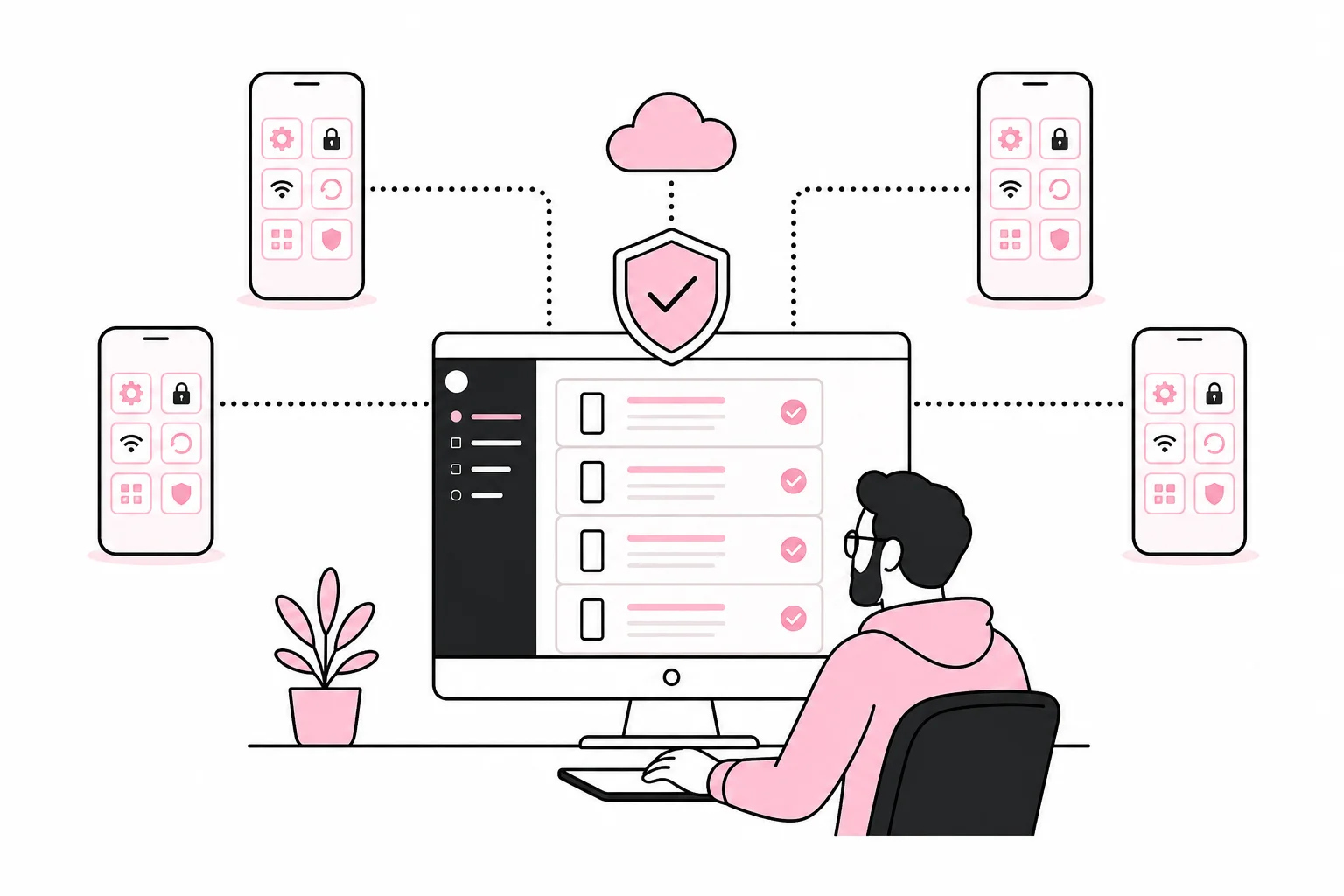
MDM stands for Mobile Device Management. The solution allows the business to register and manage mobile phones and tablets centrally. Many products are also referred to as UEM, Unified Endpoint Management, because they can manage computers and other devices in the same system.
On a company-owned phone, MDM can be used to configure email and wireless networks, require a screen lock, distribute apps and control certain security settings. If the device is no longer to be used, an administrator can remove company data or reset the entire phone, depending on ownership, platform and registration method.
A typical solution may cover the following tasks:
- Registration: Linking the phone to the correct employee, department and ownership type.
- Configuration: Setting up accounts, certificates, networks and security requirements.
- App management: Installing, updating or removing approved work apps.
- Compliance: Detecting devices that lack a screen lock, are out of date or violate the business’s rules.
- Decommissioning: Removing work content when an employee leaves or the phone is taken out of service.
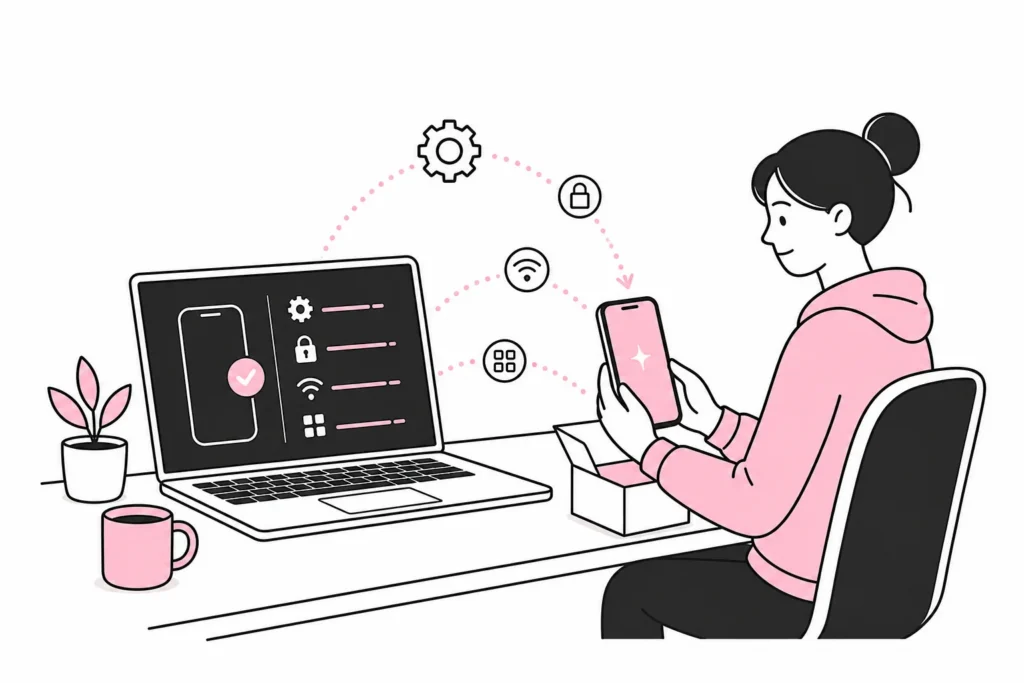
Automated registration can ensure that a new phone is configured when the user turns it on and signs in. “Zero touch” nevertheless rarely means zero work. It means the work was done in advance, before someone opens the box and discovers that the wrong app store account was used.
When does a business need MDM?
There is no magic threshold at which phone number 17 triggers an urgent need for MDM. A small business with access to customer data, financial systems or administrative accounts may have a greater need than a larger organization whose phones are mainly used for calls.
MDM is particularly relevant when one or more of the following applies:
- The phones provide access to email, documents, customer information or internal systems.
- The business has multiple mobile models and operating systems to manage.
- New phones are set up manually by a manager, IT administrator or external consultant.
- It is difficult to know whether all devices have the necessary updates and security settings.
- Employees change roles, projects or workplaces, and access rights need to be changed frequently.
- The business needs a predictable process when employees leave.
- Insurance, customer or industry requirements impose specific demands on device security.
MDM may be unnecessary if the business has very few phones, limited access to internal data and good manual procedures that are actually followed. The last point is important. A procedure sitting in a document no one remembers the location of is more of a cultural relic than a control measure.
Consider making a simple assessment with three columns: what data the phones provide access to, which measures must be enforced, and how this is done today. If the answer in the last column is often “we ask the employee to take care of it”, you probably have an administrative need.
What should you require of the solution?
The right support for ownership and platforms
Company-owned phones and personal phones should not be treated the same way. On a company-owned device, the business can normally exercise greater control. On a personal phone, work data should be kept separate, for example in a managed work profile or through managed apps. The exact capabilities vary between platforms and registration methods.
Clarify which combinations the solution actually supports: company-owned phones, personal devices, shared devices and any tablets. Ask the vendor to demonstrate the entire process from a new phone to deletion, not just the dashboard with the attractive circles.
Simple security rules
Start with a small set of requirements you can explain and enforce. These may include a screen lock, encryption where the platform supports it, a minimum operating system version and blocking devices that have been tampered with in ways that weaken security.
Avoid enabling every available rule just because it exists. A phone locked down so tightly that employees cannot do their jobs will often lead to workarounds. If the vendor also needs three add-on packages to enforce a six-digit passcode, the licensing model has received more thought than the workflow.
Privacy and visibility
Employees must be clearly informed about what the business can see and do. MDM does not automatically provide access to private messages, photos or content in private apps, but the information visible and the administrative capabilities depend on how the device is registered.
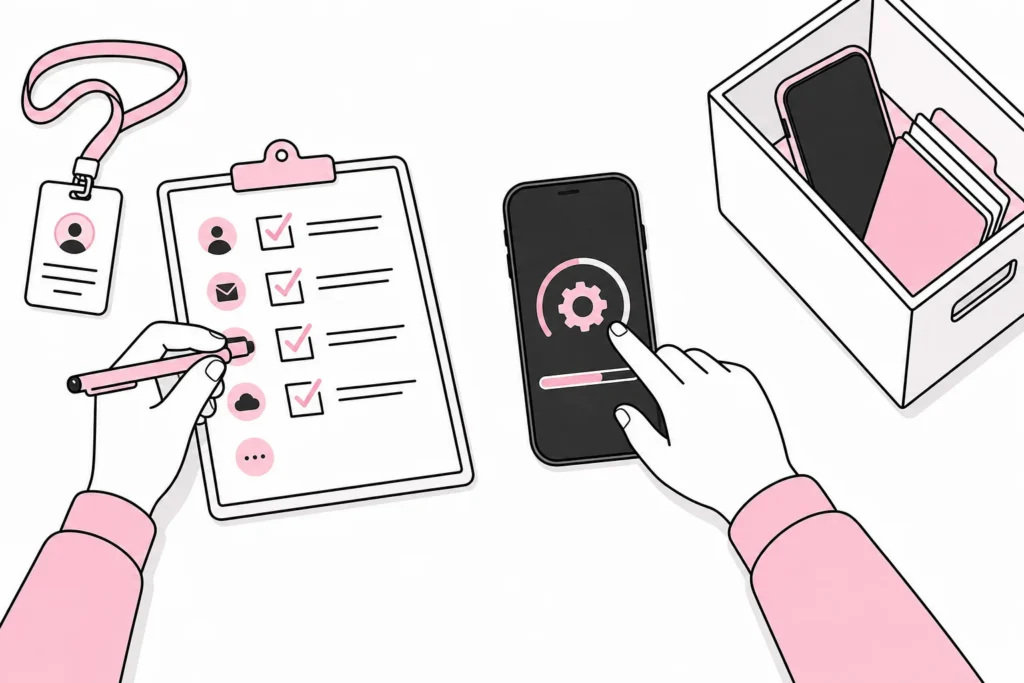
Therefore, document what data the solution collects, who has administrator access, how long information is retained and when remote deletion may be used. HR, the data protection officer and IT should clarify this before rollout. The measures must be necessary and proportionate, especially when personal phones are involved.
Integrations and administration
MDM should fit with the identity platform, device procurement, and onboarding and offboarding processes. Check whether the solution can assign settings based on groups, automatically enroll devices, and remove access when a user account is deactivated.
Also consider how many daily tasks the solution creates. If installing one approved app requires a form, two meetings, and a change committee, you have managed to turn the app store into a minor regulatory process.
How to conduct a controlled rollout
Do not start with all employees at once. Choose a small pilot group with different phone models, roles, and work patterns. Test both normal use and situations such as getting a new phone, forgetting a passcode, missing an update, and ending employment.
- Map the devices: Record the model, platform, ownership type, user, and the systems the phone provides access to.
- Define a minimum: Determine the necessary security requirements, apps, and configurations.
- Choose an enrollment method: Clearly distinguish between company-owned and personal devices.
- Run a pilot: Test with real users and document issues before a broad rollout.
- Create support procedures: Describe who helps with enrollment, replacement, loss, and technical issues.
- Plan offboarding: Test that company data and access can actually be removed without unnecessary manual cleanup.
Communication to employees should be short and clear: why MDM is being introduced, what the company can see, what it cannot see, and who to contact if problems arise. A long policy is no substitute for an understandable explanation.
The company probably needs MDM when phones are genuine work tools with access to important data, and when manual routines no longer provide reliable control. Choose the solution based on ownership, platform support, privacy, and administrative workload. The goal is not maximum control over every setting, but a fleet of phones that can be set up, secured, and decommissioned without digital archaeology.