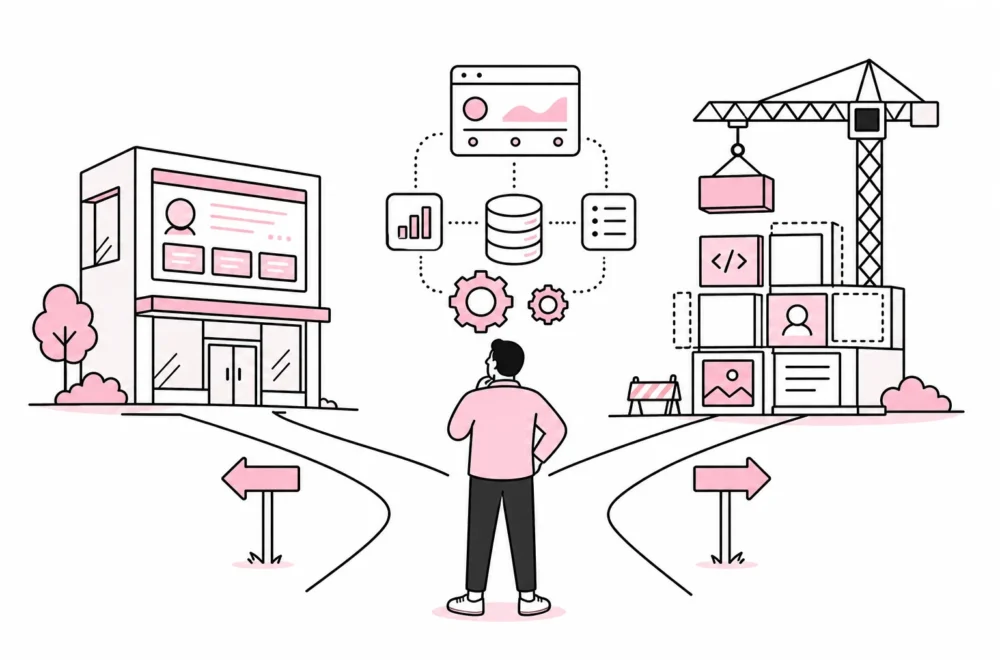

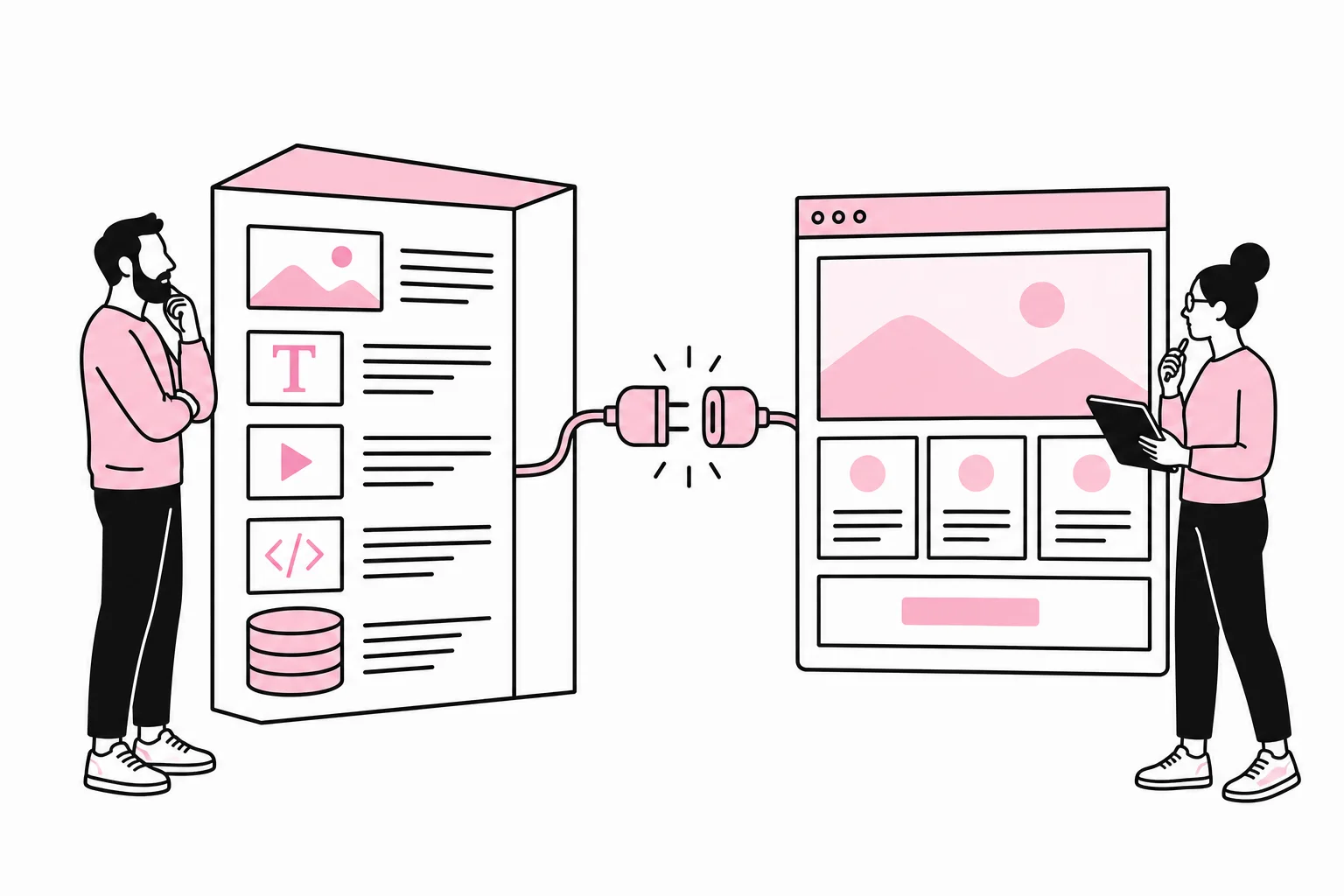
Headless CMSs often come up when a business is renewing its website, bringing multiple digital channels together or seeking better control over its content. The term undeniably sounds dramatic, as if the publishing solution lost its head during an architecture meeting. In practice, it means separating the system that stores and organises content from the solution that presents it to users.
It can be a good technical choice. It can also make an ordinary business website more expensive to build, harder to preview and more demanding to maintain. The specific question is therefore not whether headless is modern, but whether you have needs that justify more moving parts.
What is the difference between traditional, headless and hybrid CMSs?
In a traditional CMS, the same platform handles content, administration and presentation. The editor creates a page, selects any required blocks and publishes it through the theme or template system belonging to the solution. This provides a short path from editing to a finished website.
A headless CMS instead delivers content through an API. The frontend is built separately, often with a framework that retrieves the content and creates the pages users see. The same content can therefore be used on a website, app, customer portal, information screen or other digital service without being copied between multiple publishing systems.
A hybrid solution combines these characteristics. The CMS can still offer a page builder, previewing or traditional templates, while content can also be retrieved through APIs. For many businesses, this is a more realistic compromise than going fully headless from day one.
The key distinction concerns responsibility. With a traditional solution, much of the presentation logic is already in place. With headless, developers must establish the frontend, routing, forms, search, previewing, metadata, image processing, caching and publishing workflow. An API is a doorway, not teleportation.
When does a headless CMS provide real value?
Headless is most relevant when content genuinely needs to live in multiple places, or when the digital service requires more advanced functionality than a standard CMS theme can handle well. There should be a concrete need behind the architecture, not just a slide with the word “composable” written very large.
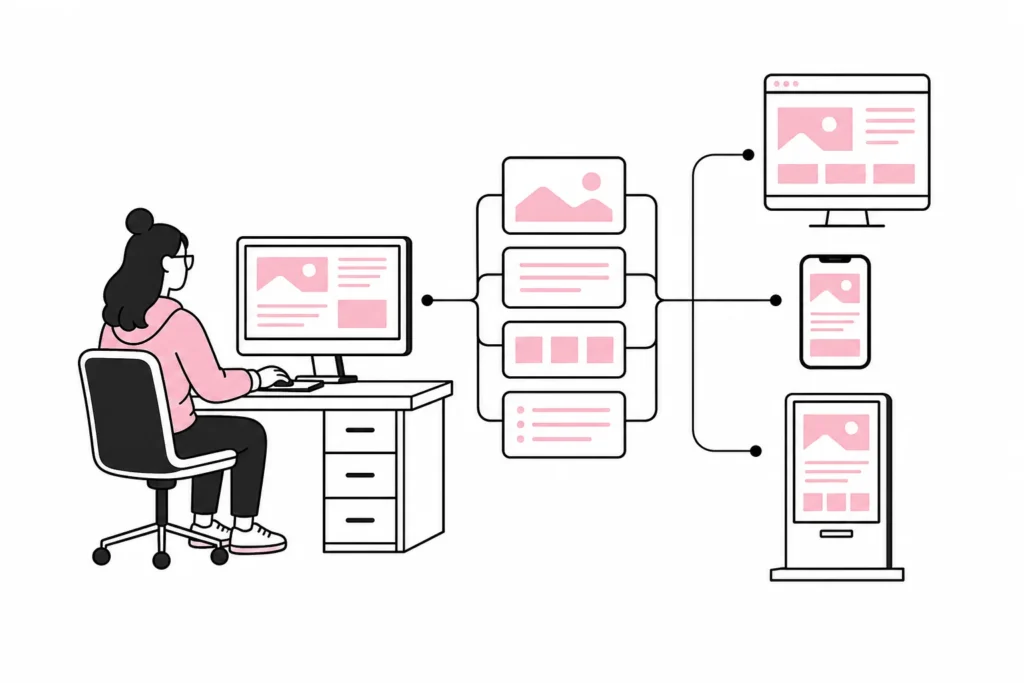
You publish the same content across multiple channels
If product data, articles, guides or location information need to be displayed on the website, in an app and on internal screens, a central content repository can reduce duplicated work. The benefit only comes when content is modelled in a structured way. A title, introductory text, product benefit and opening hours can be reused more easily than a large text box full of visual formatting.
The website is an application, not just a collection of pages
A service with login, personal data, advanced search, calculators or ongoing integrations may benefit from a separate frontend. Developers gain greater freedom to organise the user interface and communicate with multiple backend systems. The CMS can then do what it is good at: managing editorial content.
Multiple websites need to use the same content model
Groups with multiple brands or countries can use headless to share content types, component data and translations. This requires clear governance over what is shared and what can be adapted locally. Without such governance, you do not get one well-organised content platform, but multiple websites arguing through an API.
You have a development team that can own the solution
Headless works best when someone actually takes responsibility for the frontend, integrations, build process and monitoring over time. Building the solution is only the first stage. Frameworks must be maintained, dependencies updated and issues traced across multiple systems. This is manageable, but not self-service simply because the provider has drawn the architecture with rounded corners.
When is a standard CMS the better choice?
A typical business website with services, industry articles, employees, case studies and a contact form rarely needs a fully headless architecture. If the content is mainly going to be published on one website, a traditional or hybrid solution is often simpler to develop and manage.
Headless does not automatically make a website faster either. Performance depends, among other things, on how pages are rendered, how well images are optimised, how data is cached and how much JavaScript is sent to the browser. A poorly built headless site is still a poorly built site, just with more invoices involved.
Pay particular attention to the editors’ working day. In a traditional CMS, editors can often see the page roughly as it will be published. In a headless solution, previewing must be built and connected to the correct content version. If the marketing team publishes frequently, this should be tested early. A technically elegant architecture is not very elegant when a simple introductory text requires a message to the development team.
You should normally choose a simpler setup if several of these points apply:
- The content will only be used on one website.
- The website consists mainly of standard content pages.
- Editors need simple visual editing and previewing.
- You have limited capacity for ongoing development and technical maintenance.
- Time to launch and a predictable budget matter more than maximum architectural freedom.
- The need for headless is described using buzzwords, but without concrete user journeys or channels.
How to make the decision without building first
Start with the content and workflows, not the framework. Map out what types of content you have, where they will be published, who maintains them and which systems need to exchange data. This exercise is less glamorous than a technology demonstration, but it has the unusual quality of revealing actual needs.
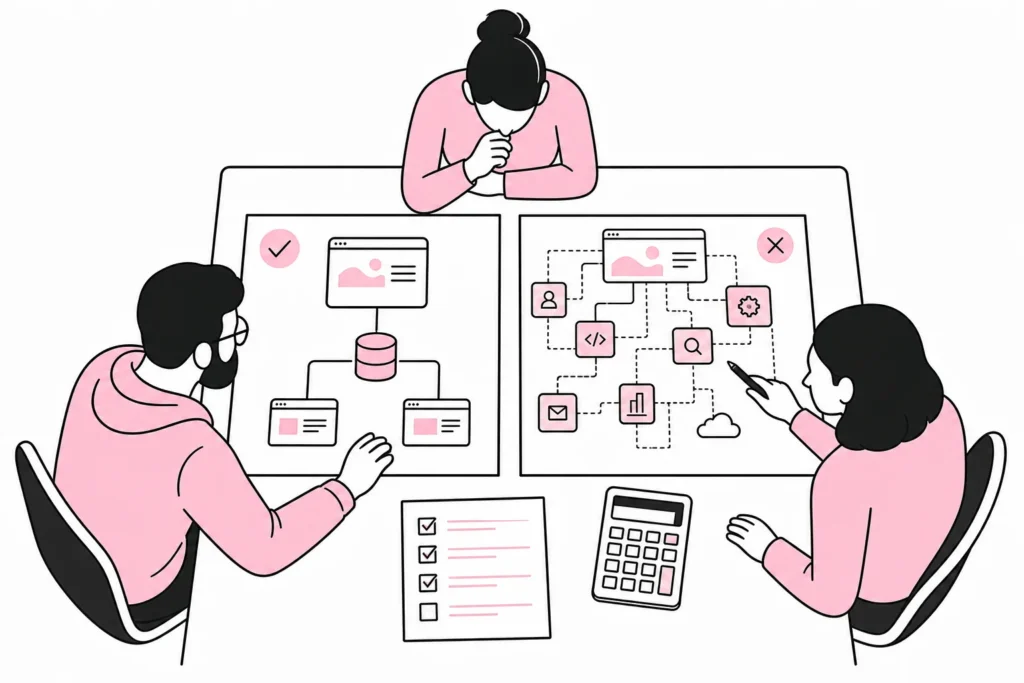
1. Map one complete publishing workflow
Choose a concrete example, such as publishing a new service. Follow the process from drafting and approval through previewing, publishing, translation and later updates. Note which roles, systems and channels are involved. If the workflow ends on one website and is handled by one editorial team, the benefits of headless are often limited.
2. Separate content from functionality
A CMS should handle editorial content. Price calculations, customer data, stock levels and orders often belong in other systems. Describe where each type of data is owned and how it should be assembled in the user interface. This helps you avoid building a CMS that gradually becomes a CRM, product database and slightly confused finance department all at once.
3. Calculate the full cost
Include frontend development, CMS licensing, hosting, search, forms, analytics, previewing, image handling, testing and maintenance. Also include the cost of changing the content model or switching providers. “Flexible architecture” usually means you can choose from more components. It also means someone has to choose, connect and look after them.
4. Test a representative part
Build a small prototype with one important content type and one real user journey. Test both the frontend and the editorial interface. Can the editor create, preview and correct content without specialist help? Do developers receive the data in a stable and understandable form? A test like this reveals more than an extensive solution document with an impressively large number of arrows.
5. Agree on ownership before choosing the technology
Decide who owns the content model, frontend code, integrations and operations. Also clarify how errors are handled when the CMS is working but the website is not showing new content. In a distributed architecture, each component can be “up” while the whole system is down. That is a technical achievement you would ideally rather not experience in production.
The short recommendation: Choose headless when you have multiple channels, complex digital services, and a team that can manage the architecture. Choose a traditional or hybrid CMS when you primarily need a good website that editors can manage efficiently. The best solution is not the one with the most boxes in the architecture diagram, but the one that solves the task with the least unnecessary friction.