
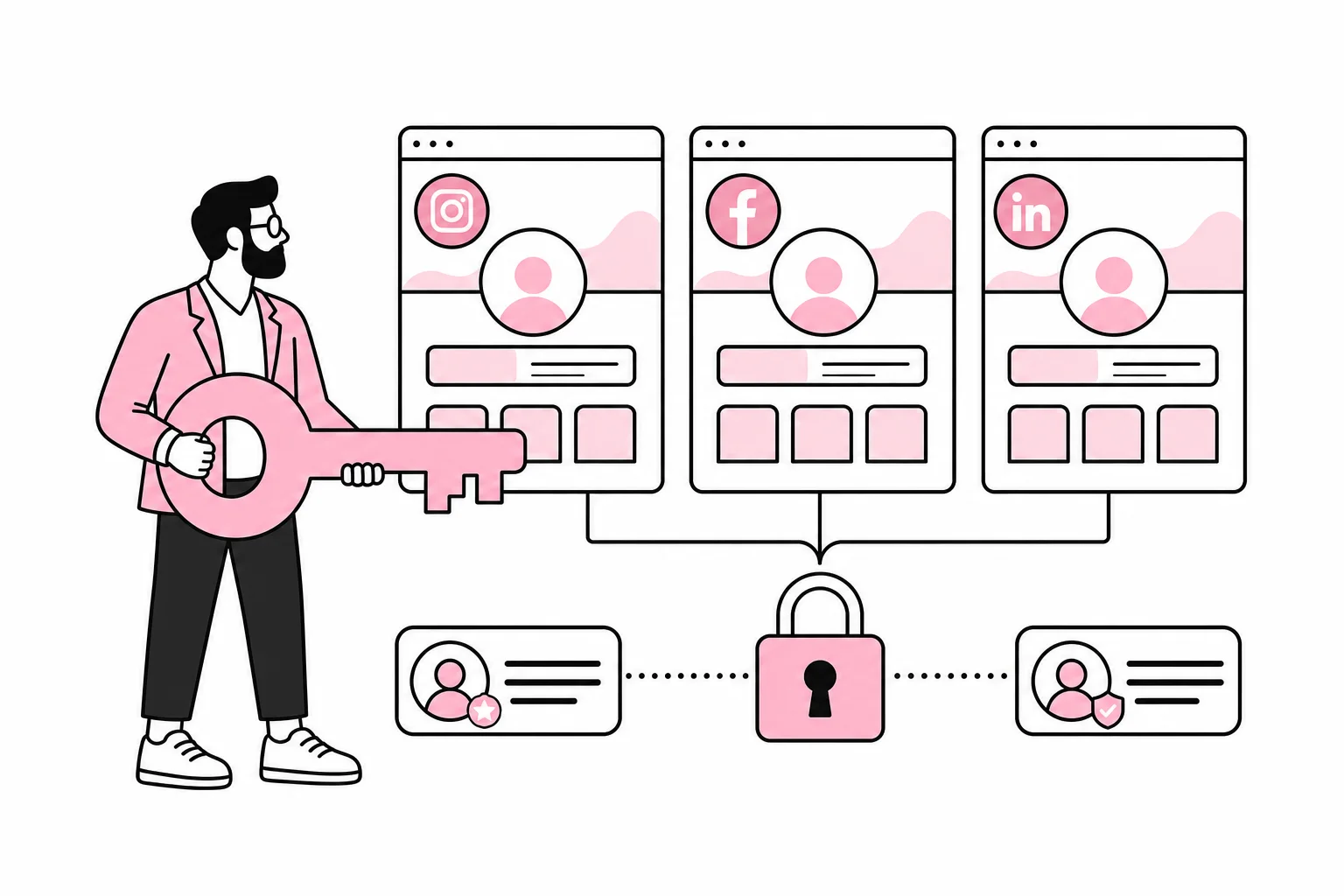
Who can actually log in to your company’s social media accounts? The right answer is rarely “the marketing department”. Usually, it’s a specific person, an old email address or an agency that set up the account several years ago. If no one knows who, you don’t have an access model. You have a digital treasure hunt.
The problem usually becomes visible when an employee leaves, an agency is replaced or an account is blocked. At that point, it doesn’t help much that the company has a publishing plan, tone of voice and an impressive number of ideas for short videos. Without documented ownership, you may lose the ability to publish, respond to customers, manage ads or request recovery.
The goal is not to give as many people full access as possible. The goal is for the company to control the accounts, for each person to have the right role, and for access to be recoverable without calling a former summer temp.
Start by separating ownership from day-to-day access
Someone who can publish posts does not necessarily own the account. Social platforms often have several levels: an overarching business account or business portfolio, the page or profile itself, ad accounts, analytics tools and connected integrations. These may have different administrators.
First, create an overview of all the accounts the company uses. Include accounts that are rarely active. A forgotten profile may still contain messages, customer data, old campaigns or a username the company wants to keep.
- Platform and account name: Note the official profile and any local branch accounts.
- Overall owner: Find the business account or administrator level that controls the profile.
- Primary administrators: Register at least two people with the necessary authority.
- Contact information: Check the email address, phone number and other recovery details.
- Connected resources: Include ad accounts, payment methods, catalogues, forms and integrations.
- External parties: Note agencies, consultants and publishing tools that have access.
Role names and admin interfaces change regularly. You should therefore verify the current setup within each platform when carrying out the review. Social media has a particular talent for moving an important setting three menus away and giving it a new name, often while the help text still describes the old location.
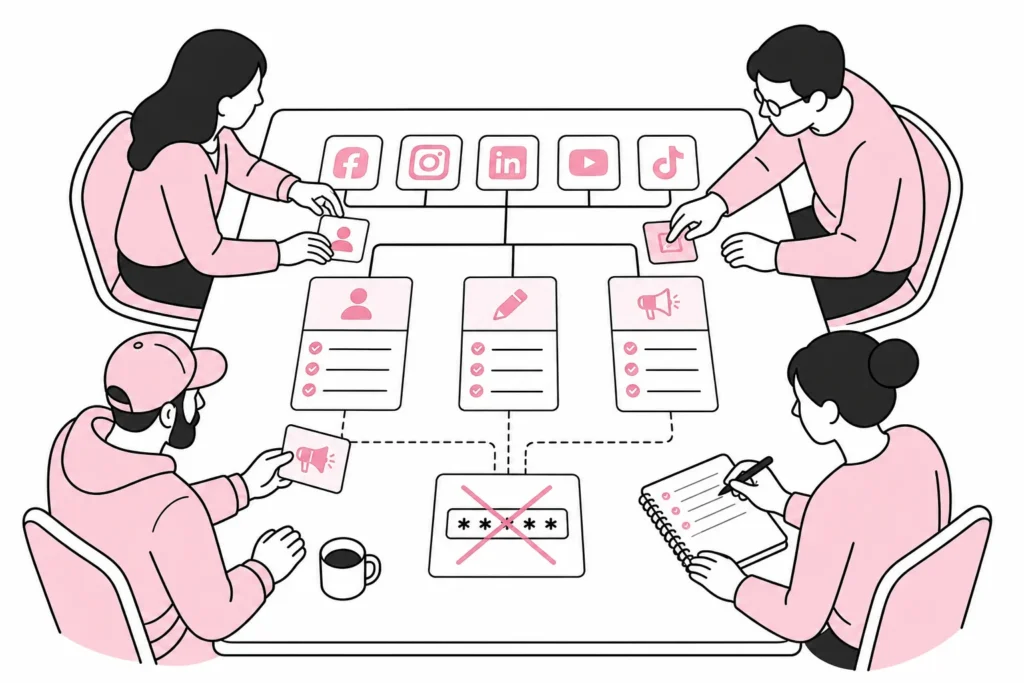
Build an access model that can withstand absences and job changes
At least two trusted people should be able to administer each critical account. Relying on one person creates unnecessary vulnerability in the event of illness, leave, a change of role or the end of employment. At the same time, not everyone should receive administrator rights just because that is the easiest option right now.
Use the principle of least privilege. Someone who only needs to publish will normally not need to manage payment methods or remove other administrators. Someone who manages ads does not automatically need access to private messages. Divide permissions according to tasks wherever the platform supports this.
Avoid shared user accounts
Each person should use their own identity and be assigned a role. A shared password makes it difficult to see who did what and makes it harder to remove one person’s access. It’s roughly like leaving the master key under the doormat and hoping everyone returns it after use.
If a platform requires shared login details, the password should be stored in a managed password service with access controls and an activity log. The password should not be saved in the browser on “that computer in the meeting room”, in a spreadsheet or in an old chat thread.
Secure the administrators
- Use strong, unique passwords: Do not reuse passwords from email, online shops or other services.
- Enable multi-factor authentication: Choose a robust method supported by the platform, and avoid making recovery dependent on a single personal phone number.
- Protect email accounts: Email is often the key to resetting access and must be secured at least as well as the account itself.
- Store backup codes securely: They should be available for emergencies, but not to everyone who can open the shared drive.
- Use the company’s contact details: Critical notifications and billing information should not be sent only to a personal address.
You don’t need to buy a platform that promises “seamless, AI-powered access orchestration” to achieve this. Clear roles, a password service and an up-to-date overview are often enough. The rest can quickly become a spreadsheet with a subscription and confetti.
Make access part of onboarding and offboarding
Access to social media must be included in the procedures for both new hires and departures. It should not be an informal task that the person responsible for marketing remembers only after someone has already handed in their access card.
When an employee is given responsibility for social media, their immediate manager or system administrator should approve the role. Record which accounts the person can access, what level of access has been granted and who owns the decision. Consider setting a review date if the access is for a project or temporary assignment.
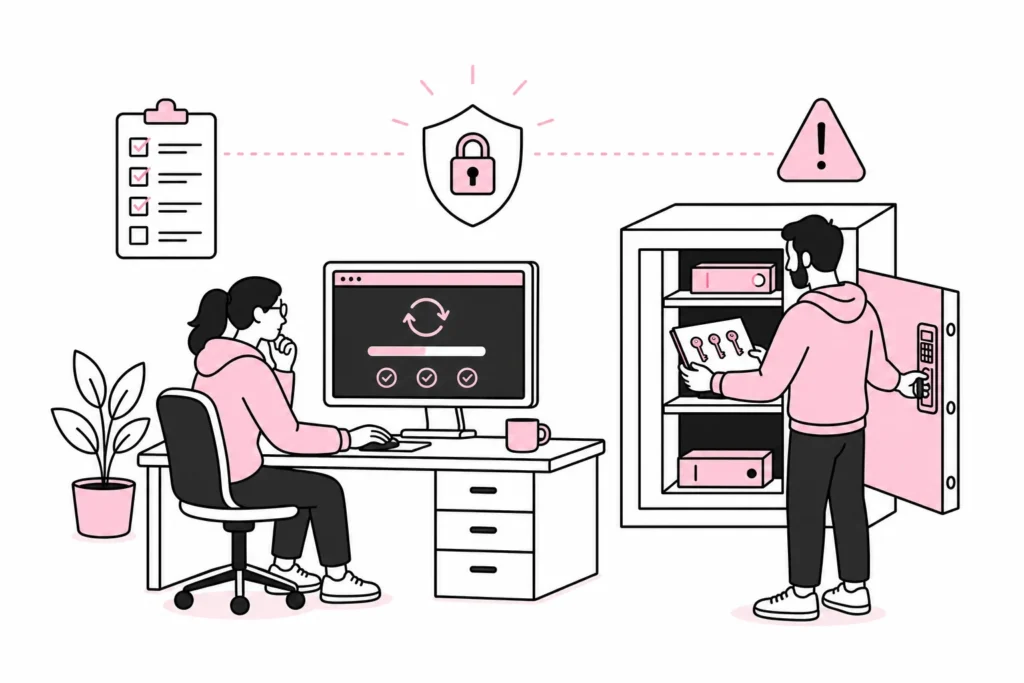
When someone leaves or changes roles, carry out the following:
- Remove the person’s roles from business accounts, profiles and ad accounts.
- Revoke access to publishing, analytics and integration tools.
- Change shared passwords if any still exist.
- Verify that email addresses, phone numbers and recovery methods belong to the company.
- Transfer ownership of drafts, ad campaigns, forms and other resources.
- Document who now has primary and backup access.
The same applies to agencies. Where possible, an agency should be given partner or role-based access, rather than taking over ownership of the company’s accounts. The agreement should describe who creates accounts, who owns the data and ad setup, and how access is terminated. “We’ll sort this out later” is a popular process, especially among those who will not be the ones cleaning it up later.
Test recovery before you need it
A documented account overview is useful, but it must be tested. Choose one account and conduct a controlled exercise: Can the backup administrator log in? Do security alerts reach the right recipient? Are the backup codes available? Do you know how to report incorrect or compromised access internally?
Do not perform a full password reset just to create activity. Instead, test the parts that can be checked without risking operational disruption. If you discover unknown administrators, suspicious changes or loss of access, the affected accounts and email accounts should be secured quickly. Preserve relevant logs and screenshots, and follow the platform’s current recovery process.
Also establish a regular check, for example quarterly and whenever there are organisational changes. Review administrators, external partners, integrations, payment methods and contact details. Remove anything that is no longer necessary. A contingency plan that exists only in the inbox of the person you cannot reach has an almost poetic weakness.
Good social media governance ultimately comes down to ordinary management: The company owns the accounts, employees and suppliers receive limited access, and at least two people can handle critical tasks. It is less glamorous than a new content strategy, but significantly more useful on the day someone actually needs to find the login button.