
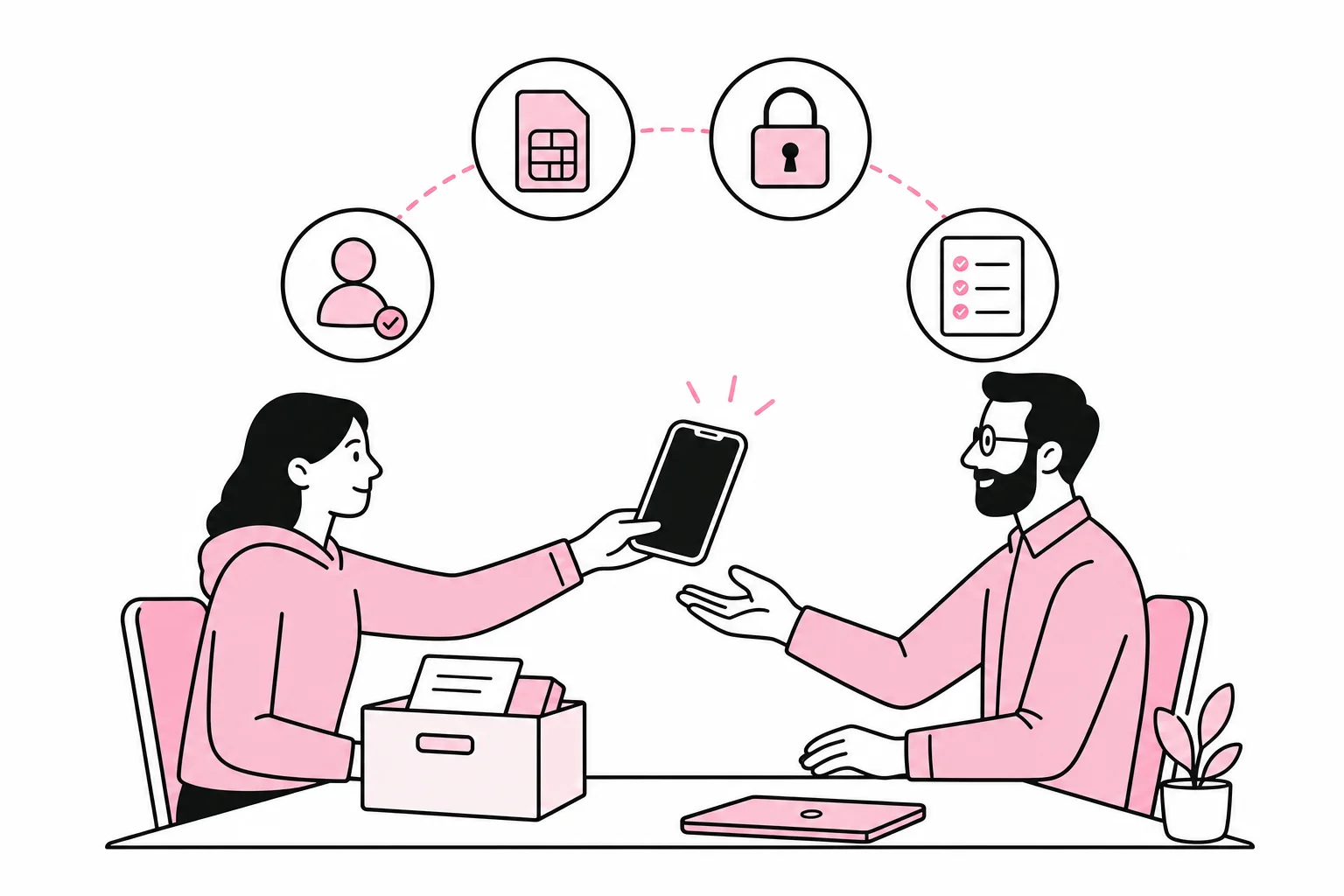
When an employee leaves, it is easy to think that the work phone should simply be handed back and put in a drawer. It can lie there alongside three chargers no one knows the origin of and a Nokia that probably still has 40 percent battery. But the phone is only one part of the offboarding process.
The mobile number may be known to customers, the SIM card may provide access to the subscription, and the phone may contain email, documents, messages and login methods. If these are handled in the wrong order, the company may lose both data and access to important accounts. The specific question is therefore: How do you offboard a work phone without losing control of the number, logins and company information?
Separate the phone, number and user account
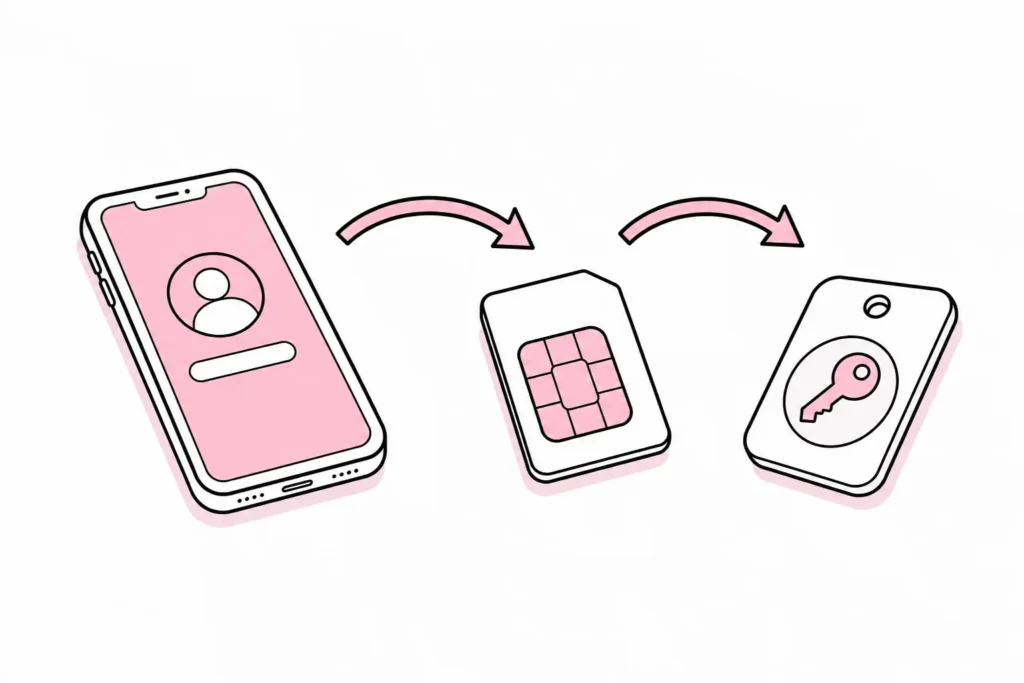
Start by treating the phone, mobile number and employee user account as three separate things. They are connected, but have different owners, functions and offboarding processes.
- The phone is the physical device and may be owned by the company or the employee.
- The mobile number is linked to a subscription and may be registered to the company or the individual.
- The user accounts provide access to email, cloud storage, internal systems and apps.
Think of the mobile number as a road sign, the phone as the car and the user account as the key card to the office. Getting the car back does not mean that the sign points in the right direction or that the key card has been deactivated. Many offboarding routines treat everything as one bundle of charging cables, with a result that is about equally easy to make sense of.
First find out who formally owns the phone and the subscription. Then check who administers the subscription with the mobile operator and who has access to the company’s device management solution. This should be known before the last working day, not discovered while the employee is standing at reception with the phone in hand.
Clarify what should happen to the mobile number
A work number may be visible on the website, in email signatures, customer systems, advertisements, directory listings and old quotes. Before cancelling the subscription, you should therefore assess whether the number still has business value.
The company should keep the number
If the number belongs to the company, it can be transferred to a new employee, temporarily forwarded or placed on a subscription that handles incoming calls. At the same time, update the contact information on the website and in relevant systems. Avoid giving the number to a new employee immediately if they would otherwise receive enquiries without any context.
A short transition period with call forwarding or a clear autoresponder may be sensible. What is possible depends on the operator and the company’s telephony solution. So test the function in practice. An administration panel called “Smart Communication Lifecycle Hub” may still require someone to actually press the call-forwarding button.
The employee should take over the number
If a company-registered number is to become private, the transfer must be agreed and completed formally. Do not cancel the subscription first and hope that the number can be recovered later. Also agree on a specific date for when payment responsibility and administration will transfer.
Before the number is transferred, remove it from the company’s public contact points and internal notification lists. Also check whether the number is used for logging in to or recovering company accounts. A phone number can live on in security settings long after the email signature has been deleted.
Move two-factor authentication before access is closed
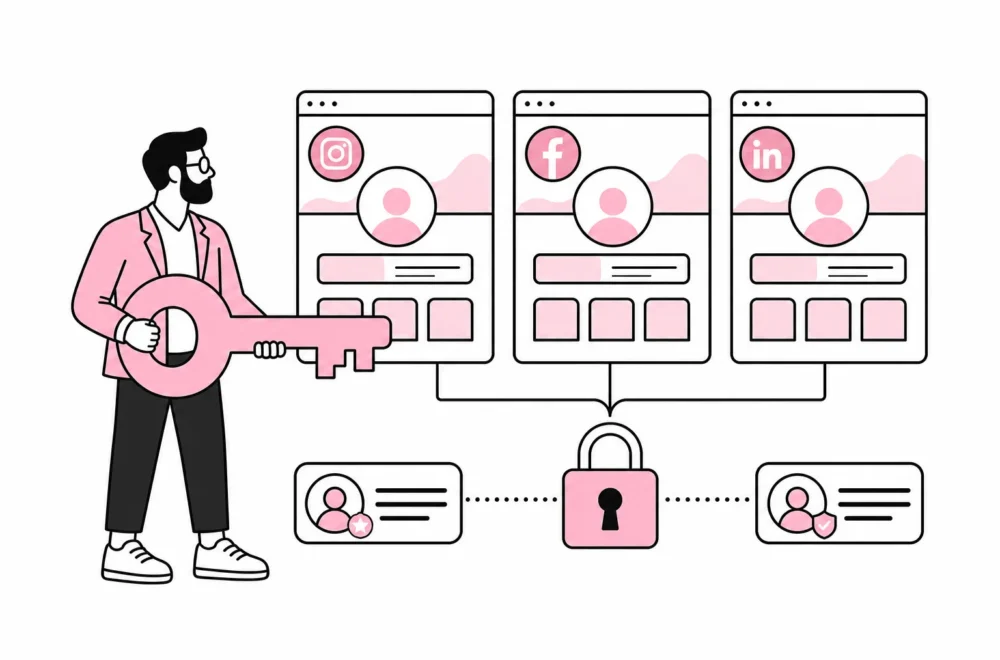
This is the point that most often creates unnecessary drama. The employee’s phone may be registered to approve logins to email, cloud storage, advertising accounts, publishing tools, financial systems or other shared services. If the account is deactivated and the phone is deleted first, the company may lock itself out.
Create an overview of which services use the employee’s mobile number, authentication app or device as a security factor. Move necessary approvals to a role-based company account or another authorised administrator. Two-factor authentication on one former employee’s phone is, from a security perspective, roughly like installing a sturdy door lock and leaving the only key under the neighbour’s doormat.
- Map the accounts the employee administers.
- Add a new, approved administrator where necessary.
- Register new login factors and recovery methods.
- Test that the new administrator can actually get in.
- Remove the former employee’s phone number, device and authentication methods.
- Only then deactivate the personal user account.
Do not assume that one central checkbox will clean up all access. Modern systems are often marketed as seamlessly orchestrated, but the seam is often visible when someone leaves. External services and local apps usually need to be checked separately.
Secure company data before deleting the phone
Before resetting the phone, clarify whether it contains information the company needs to preserve. This may include customer contacts, photos from assignments, messages, notes or files that do not exist anywhere else. This should be moved to approved company systems while the employee can still explain what the material is.
At the same time, the company must respect private content. If the phone has also been used privately, the review should follow an established policy and be limited to business-relevant information. Do not start a general search through photos and messages. The purpose is to secure the company’s data, not to clear out someone else’s digital attic.
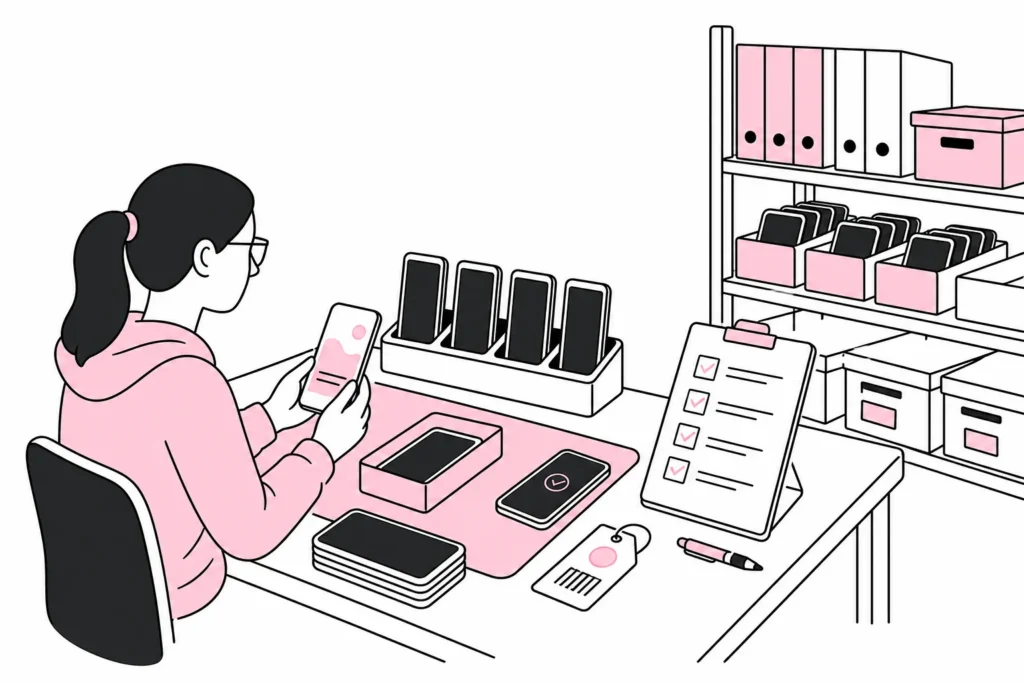
For company-managed phones, a mobile device management solution can often remove company data, revoke profiles or erase the entire device. The choice depends on ownership and configuration. A private phone with a separate work profile should normally be handled differently from a wholly company-owned work phone.
Remove activation locks before reuse
A phone can be reset and still be linked to the previous user’s account. The next user may then be met by an activation lock requiring the old account’s password. So check that personal device accounts have been signed out, that the device has been removed from relevant account lists and that the company’s management solution can still provision the phone.
SIM cards and eSIMs must also be handled. A physical SIM card can be removed, while an eSIM is a digital subscription profile that must be removed or managed through the operator. The letter “e” does not make the process magical; it simply removes the small piece of plastic you might otherwise lose in a carpet.
Use a standard checklist on the last working day
A good offboarding routine should have a named owner and a status for each item. It is not enough to send an email to “IT” when IT is, in practice, the person responsible for finance, the web agency, and a former intern with administrator access.
- Confirm who owns the phone and mobile number.
- Agree whether the number should be retained, forwarded, transferred or terminated.
- Move customer contacts and other business materials to approved systems.
- Change administrators and login factors on shared services.
- Remove the number from the website, signatures, directories and notification lists.
- Deactivate or transfer the SIM and eSIM.
- Sign out of private device accounts and remove activation locks.
- Revoke work profiles, certificates and managed apps.
- Reset company-owned phones before storing or reallocating them.
- Record the phone’s model, serial number, condition and new status.
Test the phone after resetting it before placing it in storage. Check that it starts without requesting the previous user’s account, and label it with an internal asset ID. A sticky note saying “mobile maybe available” is not an inventory management system, even if it technically has both an interface and handwriting.
The best routine begins as soon as the phone is issued: ownership, personal use, storage of company data and return procedures should be clarified in writing. That way, offboarding becomes a controlled process instead of a hunt for passwords, SIM cards and a number that is still listed as the company’s main contact.