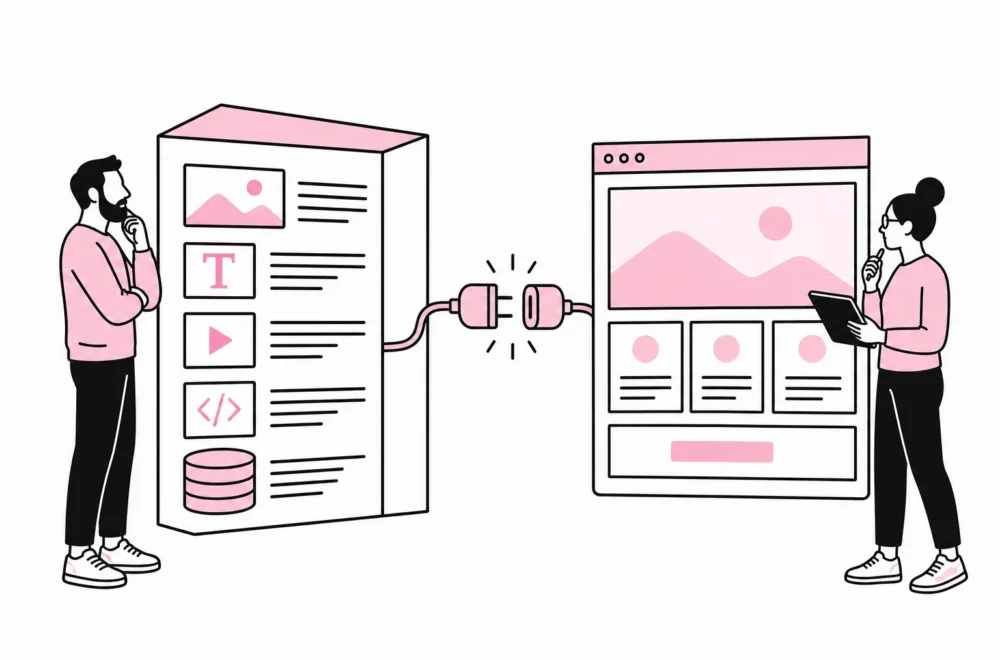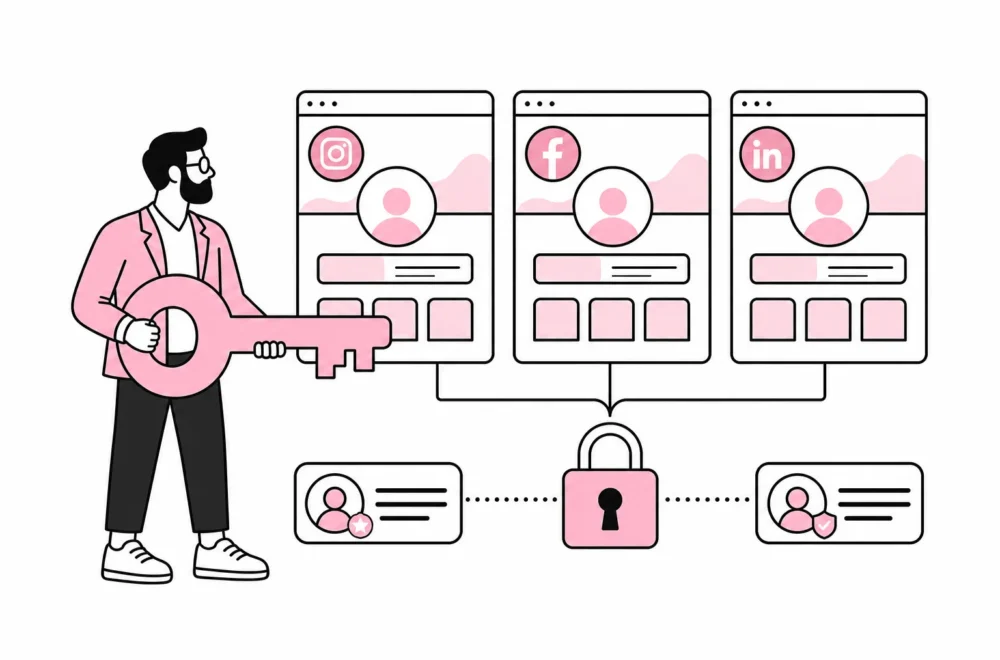

The question of whether the company should build or buy a customer portal usually arises when email, spreadsheets and shared folders can no longer keep up. Customers want to find documents, track cases, update information or order services without waiting for a reply from customer service.
A portal sounds tempting. The project is often described as «just a login with some documents behind it». That is roughly how a small shed can end up as an extension with a bathroom, underfloor heating and its own planning file. The login is rarely the difficult part. The challenge is clarifying which data the portal should display, where it comes from, who can change it, and which system is actually authoritative.
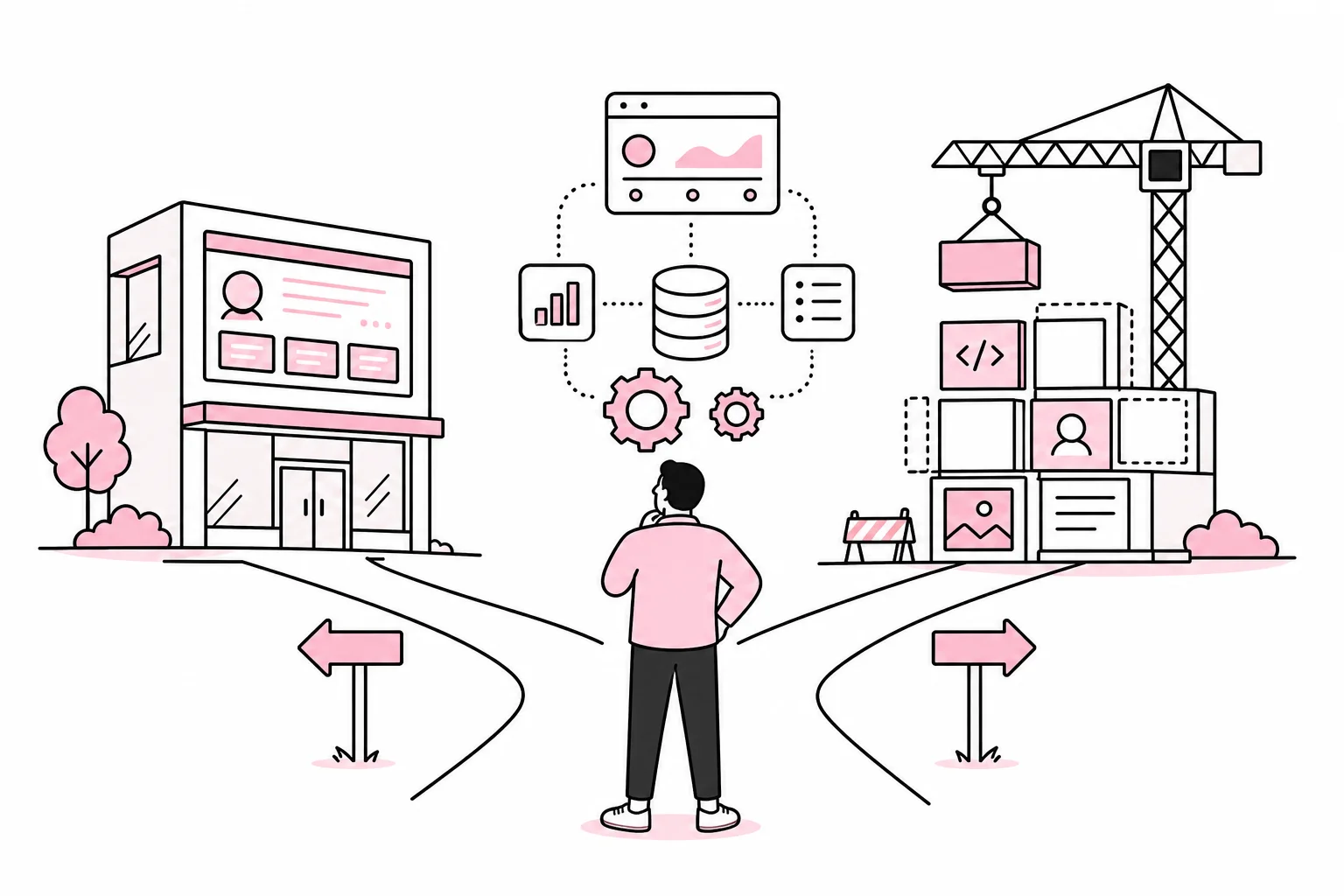
The short version: Buy when the need largely follows a standardized workflow. Build when the customer portal must support specialized services, complex integrations or features that give the company a competitive advantage. Choose a combination when you can use standard components for login and operations, but need custom user interfaces and workflows.
Start with the task, not the technology
A customer portal is not one specific type of system. It can be a document archive, an ordering tool, a self-service solution, a support center or a workspace where the customer and supplier collaborate. Before you assess vendors or development, you therefore need to describe the specific user journey.
First, choose one task that both the customer and the company would benefit from simplifying. This could be retrieving the latest invoice, submitting a service request or approving a quote. Then describe the journey from when the customer identifies the need until the case has been fully processed.
- Who uses the solution? Private customers, business customers, resellers or several roles within the same customer organization?
- What should the user be able to do? Read, download, order, approve, pay or update information?
- What data is needed? Customer information, orders, agreements, cases, products or documents?
- Where is the data currently stored? CRM, financial system, line-of-business system, document repository or local spreadsheets?
- What happens after the action? Should another system be updated, or does an employee need to process the case manually?
This mapping reveals whether you actually need a portal, or just a better function on the website. A form with clear status tracking may be enough. There is no prize for introducing an entirely new system when three well-planned fields and an integration solve the problem.
When should you buy, build or combine?
Buy when the workflow is standard
A ready-made portal platform is a good fit when the needs resemble those many other businesses already have: secure document sharing, support cases, simple orders, user administration and standard reports. The advantages are a shorter path to launch, established operations and less responsibility for technical maintenance.
Still, investigate what «configurable» means in practice. Some solutions let you change workflows and data models. Others let you choose between three shades of blue and upload your logo. Both may appear in the sales presentation as flexibility, a word with impressive load-bearing capacity.
Ask the vendor to demonstrate your actual user journey with realistic data. A general product tour says little about how the solution handles your customer structure, permissions and systems.
Build when the portal is part of the service
In-house development is relevant when the customer portal must support workflows that are unique to the business, or when the user experience is an important part of the product. This applies especially when the solution must bring together data from several line-of-business systems, handle advanced roles or follow a workflow that standard products cannot cover without extensive customization.
Building it yourself does not necessarily mean programming everything from scratch. Login, payments, notifications and document storage can often be handled by established services. Custom development should focus on what is genuinely unique. Hand-coding every core function is rarely a sign of technical courage; sometimes it is simply an expensive way to discover why standards exist.
Choose a hybrid when the need lies between the extremes
Many companies are best served by a hybrid model: a custom user interface connected to existing systems and standardized services. For example, you can use an established identity solution for login, while the portal displays data from the CRM and line-of-business system through APIs.
Be cautious with solutions that promise a complete customer portal through a collection of add-ons. Five plugins can work together perfectly. Fifteen plugins all managing users, email and access look more like a committee meeting where everyone has been given their own light switch.
Consider more than the purchase price
A ready-made solution may have a low setup cost but become expensive as the number of users, data volume or integrations grows. A custom-developed solution requires a larger initial investment but can provide better control over features and further development. Compare the costs over several years, not just the price up to launch.

- Setup: Configuration, design, migration, integrations and training.
- Ongoing costs: Licenses, operations, monitoring, support and technical maintenance.
- Changes: What will new workflows, roles, languages or integrations cost?
- Internal work: How much time do employees spend on manual checks and duplicate data entry?
- Decommissioning: Can the data be exported in a usable format if you change solutions?
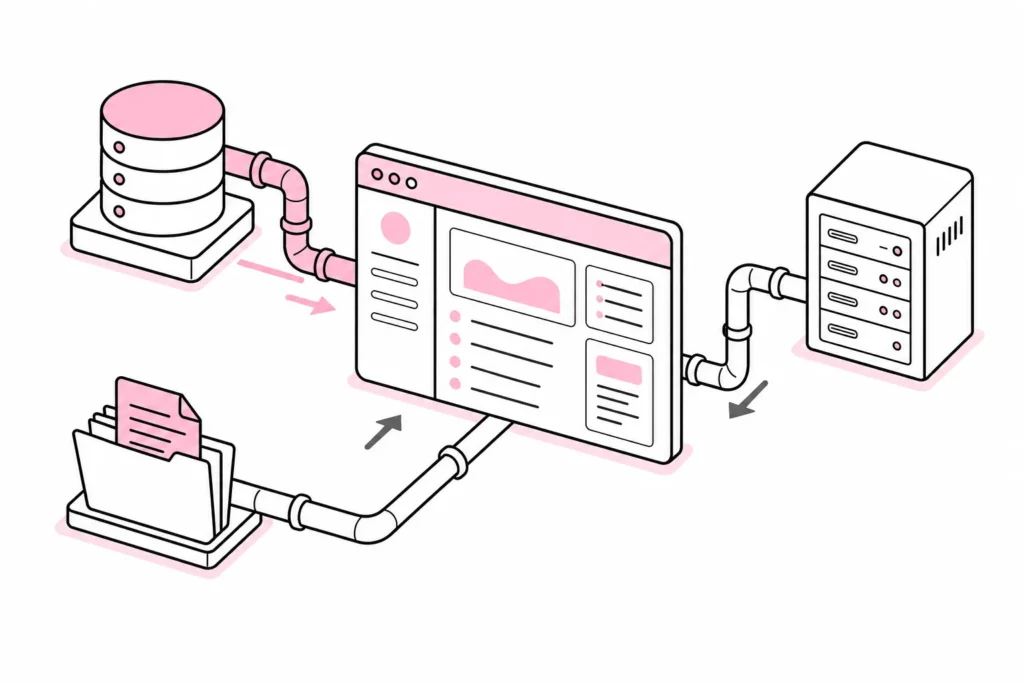
The integrations deserve particularly careful consideration. A portal without reliable connections to the source systems is like a reception desk where every message is copied out by hand and carried to the right department. It looks orderly at the front, but behind the door, much of the work goes into copying and troubleshooting.
Clarify which system is the authoritative source for each type of data. Customer information should not have three different versions of the truth depending on whether someone opens the CRM system, the financial system or the portal. Also decide whether data should be retrieved in real time, synchronized periodically or stored in the portal.
How to put this choice into practice
Create a short requirements list in which each requirement is marked as necessary, desirable or for later. Prioritize requirements that describe a task or outcome rather than how the solution should be implemented. “The customer should be able to see the current order status” is better than “the portal must have a status page with six tabs.”
- Choose one prioritized user journey. Do not start with the entire customer lifecycle.
- Map systems and data. Record the source, owner, update frequency and access requirements.
- Define security requirements. Describe roles, authentication, logging, deletion and the handling of personal data.
- Consider accessibility. The portal must be usable with a keyboard, assistive technologies and different screen sizes.
- Ask for a realistic demonstration or prototype. Test using your own scenarios, not just the supplier’s best-looking example.
- Calculate the total cost. Include internal hours, integrations, further development and decommissioning.
- Test with actual users. Observe whether they understand the language, navigation and status messages without verbal guidance.
A scoped pilot reduces risk. Choose one customer group and one task, but build the pilot so that you can genuinely learn from it. A prototype that only shows attractive screens tests the design. A pilot connected to relevant data and work processes tests the solution.
Before signing an agreement, you should also clarify data ownership, export capabilities, response times for errors, security updates and what happens upon termination. “Enterprise-ready” is not an answer to any of these questions, even though the expression often gets its own box with a gradient background.
The right choice is therefore not about whether purchasing is always cheapest or in-house development is always the most flexible. Choose the model that creates the least unnecessary complexity around the specific task. A good customer portal moves work from email and manual routines into a secure, understandable process. If it only gives customers another password and employees another dashboard, you have digitized the detour.