
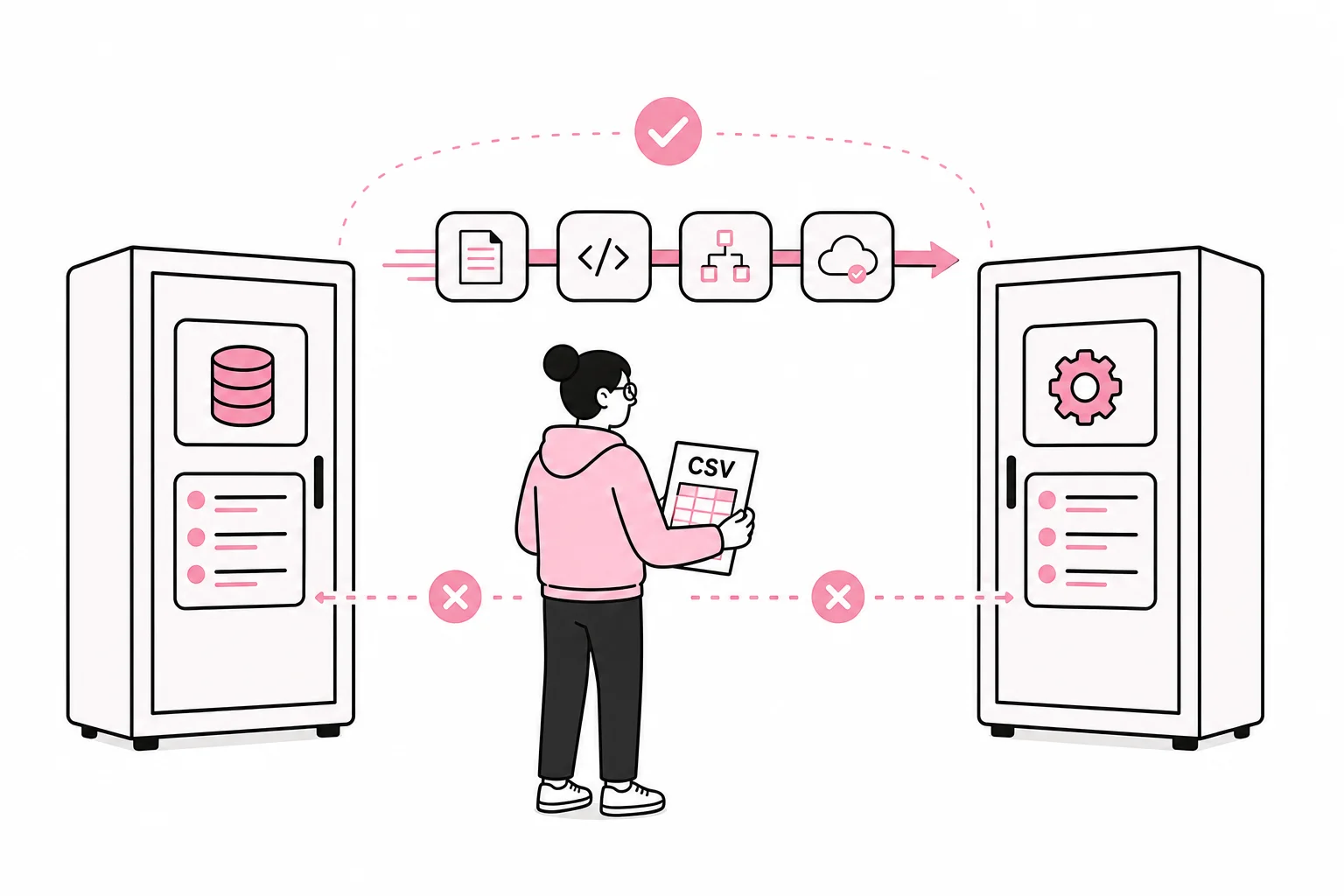
Two systems contain information that should be connected. Some people export a file, adjust the columns and import it elsewhere. The question is when this routine should be replaced by a system integration.
The answer is not always “as soon as possible”. A manual export can be both affordable and robust when the data volume is small, changes are infrequent and someone is going to review the contents anyway. After all, the CSV file is technology’s answer to a universal adapter: not particularly elegant, but surprisingly suitable if you hold it the right way round.
An integration becomes relevant when manual handling causes delays, duplicate work or errors that affect customers, finances and operations. The goal should not be to automate as much as possible. The goal is to choose a solution that fits the process, data quality and consequences when something goes wrong.
Start with the workflow, not the technology
Before you discuss APIs, webhooks or integration platforms, you need to describe the current workflow. Which system creates the information? Who checks it? Where does it go next, and what happens if the transfer does not take place or contains errors?
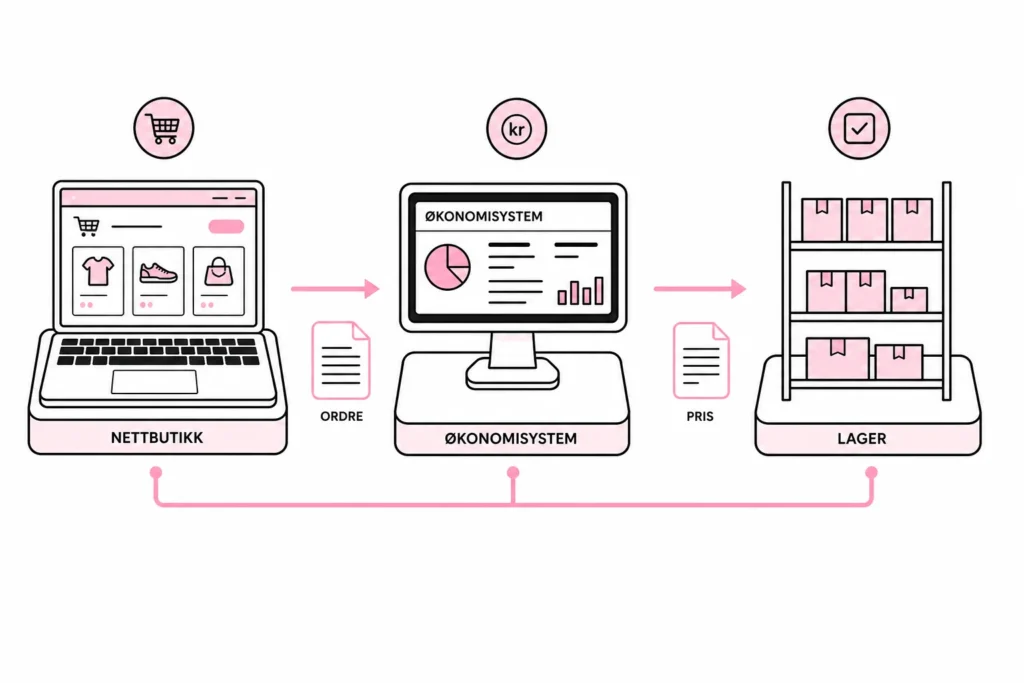
Take an online store where orders are transferred to an accounting system, for example. It is not enough to say that “the order should be synchronised”. You need to clarify which order statuses should be transferred, how discounts and shipping are handled, what happens in the event of a refund, and which system owns customer and product data. If both systems get to decide at the same time, you have essentially organised a digital game of musical chairs with customer data as the prize.
Describe one specific flow from start to finish. Note manual actions, waiting times, checkpoints and common deviations. This provides a better basis for decision-making than a list of features the supplier thinks you might find useful one day.
Clarify who owns the data
Each data field should have one system designated as the authoritative source. Product pricing might be managed in an ERP system, for example, while publication text and images are managed in the online store. The integration should respect this division; otherwise, an automatic synchronisation may overwrite correct information with outdated values.
Also clarify whether data should flow in one direction or both. Two-way synchronisation sounds efficient, but creates more conflicts and makes troubleshooting more difficult. Choose one-way flow when it meets your needs. It is less glamorous, but also less likely to rewrite the price list at 2:13 a.m.
Five signs that manual export is no longer enough
An integration can be justified when several of the points below apply. A single irritation is rarely enough; a recurring operational problem is something else.
- The transfer happens frequently: Files are exported and imported daily or several times a day, and the work takes a noticeable amount of time.
- Errors have real consequences: Incorrect pricing, inventory status, invoicing data or customer information leads to extra work or poor customer experiences.
- Data must be updated quickly: It is not acceptable to wait for an employee to be available to carry out the transfer.
- The data volume is difficult to control manually: Large numbers of rows, variants or dependencies make it easy for errors to go unnoticed.
- The process depends on specific individuals: Only one or two people know which filters, column names and import options actually work.
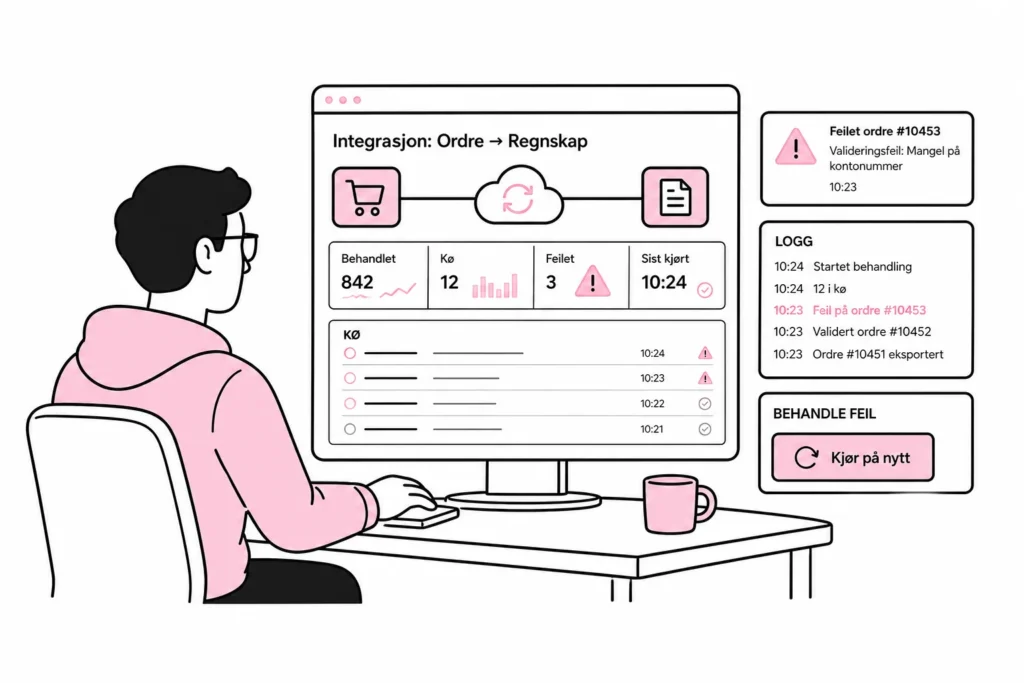
Think of manual export as moving goods between two warehouses with a wheelbarrow. For a few boxes once a month, it is an excellent solution. With a continuous flow of goods, you need a conveyor belt – but then you also need to know where the belt stops when a box gets stuck. Integration is therefore just as much about monitoring and exceptions as it is about the data flow itself.
Choose the right level of automation
“Integration” can mean anything from a scheduled file transfer to real-time communication between several systems. The right level depends primarily on how quickly data needs to be moved, how much control you need, and what the systems in question actually support.
Scheduled file transfer
One system exports a structured file that is processed and imported automatically at set times. This may be sufficient for product catalogues, reporting data and other information that does not need to be updated immediately. The solution is often easier to understand and operate than a real-time integration.
Direct API integration
An API allows systems to read or write data according to defined rules. This is suitable when transfers need to happen frequently, or when each object should be processed individually. Before development begins, you need to investigate which data the API provides access to, how authentication works, and whether there are limits on the number of requests, filtering or pagination.
The integration must also tolerate the same message being processed more than once without creating duplicates. It should handle temporary errors with controlled retries and store enough information for errors to be traced. A button labelled “synchronise everything” is not an operations strategy, even if it often uses remarkably confident typography.
Event-driven integration
With webhooks or similar mechanisms, one system sends a notification when something happens, such as when an order is created. The recipient can then process the change quickly without constantly polling for new data. This model requires notifications to be validated, logged and reprocessed if the recipient is unavailable.
Integration platform
An integration platform can connect several systems and provide ready-made components, workflows and monitoring. This can reduce development needs, but does not eliminate the need for a data model, error handling and ownership. “Magical no-code connection” often means the configuration has simply been moved behind a purple gradient. Therefore, assess licensing costs, vendor lock-in, skills requirements and the ability to extract your own data and workflows.
How to define a safe first project
Start with one workflow that offers clear value and manageable risk. Do not begin with a two-way, all-in-one synchronisation of customers, products, inventory, orders and finance. It quickly becomes five projects in the same coat.
Define which fields should be transferred, which validation rules apply, and how each exception should be handled. Also decide what should happen if the receiving system is down. Should the data be queued, should someone be notified, or should the process stop? Automation without an exception plan simply makes errors faster and more punctual.
Security and privacy must be part of the design from the start. The integration should only have access to the data and operations it needs. Access rights must be revocable, secrets must be stored securely, and personal data should not be copied to more systems than necessary. Logging must provide a basis for troubleshooting without spreading sensitive information to places where it does not belong.
Test with realistic examples, including empty fields, invalid values, duplicates, interrupted transfers and changes that arrive out of order. Also test recovery: Can a failed order be processed again without the customer or accounts department receiving two copies?
A practical decision checklist
- Is the current time spent and error rate documented?
- Is the system responsible for each data field clearly defined?
- Is the requirement for update frequency real, or is it simply described as “real time” because it looks good in a meeting?
- Do both systems have stable, suitable interfaces?
- Are there designated people responsible for operations, alerts and error correction?
- Can the solution be tested and introduced for one clearly defined workflow first?
- Has the cost over several years been assessed, including licences, maintenance and changes?
If a simple, controlled file export meets the need with low risk, you should keep it. If the transfer is frequent, time-critical and prone to errors, you should automate it with clear ownership and monitoring. The best integration is not the one that connects the greatest possible number of systems. It is the one that removes a specific operational problem without creating a new, highly modern operational problem alongside it.