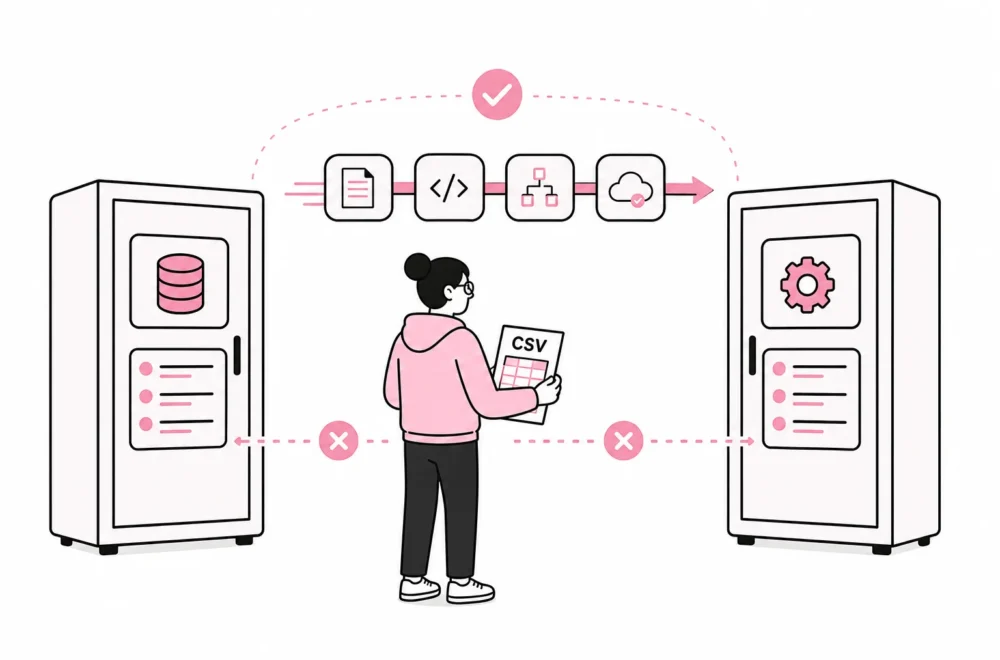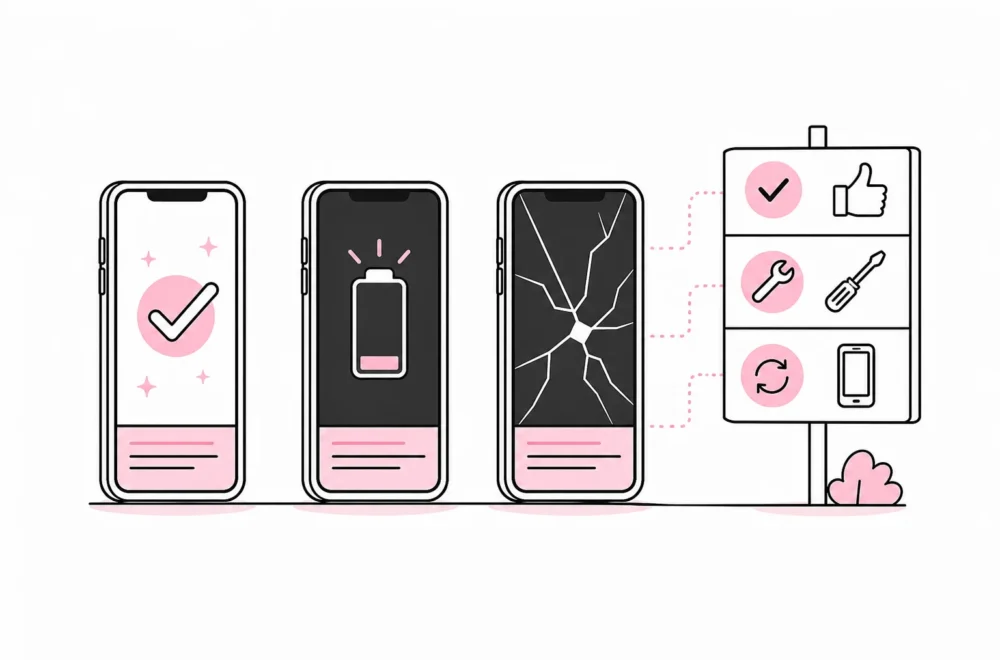

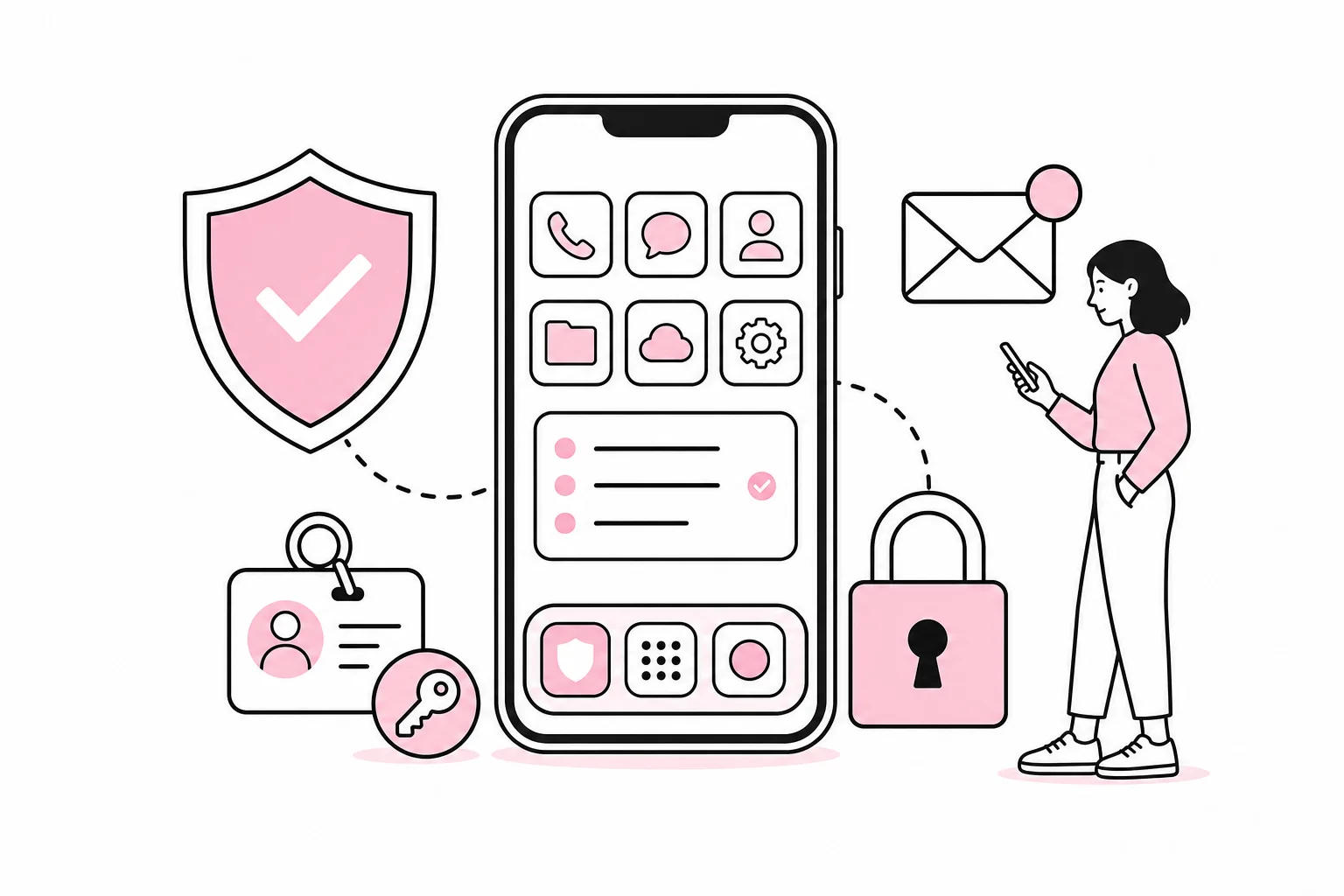
The work phone has become the company’s keyring: email, customer data, logins, two-factor codes, and internal conversations are all gathered in one small device. It just has a better camera than the keyring and a remarkably poor ability to stay put.
The question is therefore not whether mobile phones should be secured, but how you do it without preventing employees from working. Overly strict measures often lead to workarounds, personal apps, and creative exceptions. Measures that are too weak turn a lost phone into a far more serious problem than necessary.
A good solution combines technical minimum requirements, clear ownership, and a short procedure for incidents. The goal is not to have as many security features as possible. The goal is for the phone to protect data automatically, while employees can still make calls, answer email, and approve logins without having to apply for an exemption in triplicate.
Start with a security baseline for all work phones
The company should define a few requirements that apply to all phones with access to the organization’s systems. The requirements must be measurable. Statements such as “the phone must be used safely” are well-intentioned, but about as actionable as a sign reading “be careful.”
- Screen lock: Require automatic locking after a short period and a passcode that is not easy to guess. Six digits may be a practical minimum under normal risk conditions, while phones with access to particularly sensitive information should use a longer code or an alphanumeric password.
- Biometrics: Face or fingerprint recognition makes secure login less cumbersome. The underlying passcode is still important because it serves as a fallback and is required during certain security events.
- Encryption: Verify that stored data is encrypted when the phone is locked. Modern phones usually have built-in mechanisms for this, but the company should verify that the feature is actually enabled.
- Automatic updates: Operating systems and apps should be updated automatically wherever possible. Devices that no longer receive necessary security updates should lose access to company data or be phased out.
- Remote locking and wiping: The company must be able to lock or wipe a work phone that has been lost, stolen, or not returned.
- Backups: Work data should be stored in approved, managed services rather than only locally on the phone. That way, remote wiping does not become a choice between security and the only copy of the customer’s notes.
Settings and terminology vary between mobile platforms and management solutions. Requirements should therefore describe the desired outcome, not just a particular menu option that may be renamed in the next update.
Use mobile device management where the risk justifies it
For organizations with several work phones, a mobile device management solution, often called MDM or UEM, provides better control. It can enforce screen locks, check update status, distribute work apps, configure accounts, and remove company data.
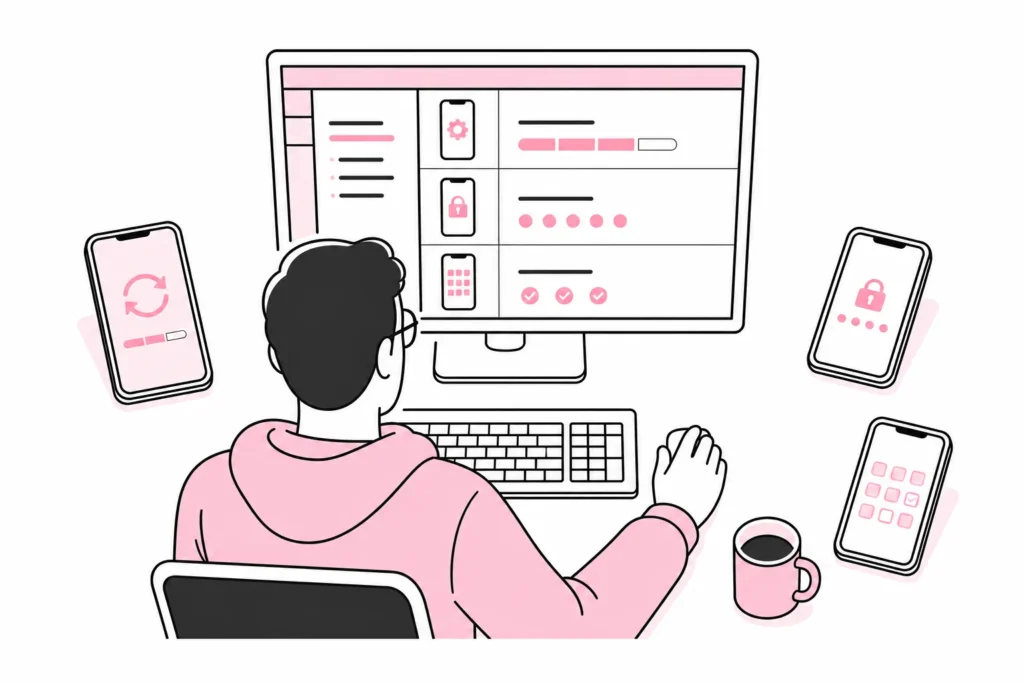
Choose features based on actual needs. A dashboard called “Autonomous Zero Trust Mobility Fabric” is not necessarily better than one that clearly shows which phones are missing updates. The tech industry has long been good at giving simple switches names worthy of minor space programs.
Mobile device management should primarily be used to establish a stable baseline configuration:
- Register the phone before it is granted access to email and internal systems.
- Automatically install necessary work apps and accounts.
- Block devices that have been tampered with or do not meet update requirements.
- Separate company data from personal content where the platform supports this.
- Test locking, removal of work data, and full wiping on a controlled test device.
- Document who can perform these actions and log when they are used.
Avoid stacking multiple security apps on top of one another without clarifying responsibility. Three apps that all monitor networks, files, and logins can be the security equivalent of putting four bicycle locks on a shopping cart: impressive effort, limited progress. One well-considered management model is generally better than many overlapping “layers of protection” that no one fully understands.
Control apps, permissions, and logins
The biggest weaknesses are not always caused by the phone itself. Apps can access contacts, photos, the microphone, location, and local storage. The company should therefore know which apps are used for work, who has approved them, and what data they can process.
Create a simple approval process for work apps. Assess the need for the app, the vendor’s data processing, necessary permissions, management capabilities, and how data can be retrieved or deleted. A flashlight app that requests access to contacts and the microphone behaves a little like a receptionist asking for full access to the payroll system. There may be an explanation, but it should be exceptionally good.
Review app permissions regularly as well. Camera and microphone access may be necessary in meeting apps, while continuous access to location often requires a more specific justification. Remove old apps, accounts, and certificates when a project ends or an employee changes roles.
Protect the accounts, not just the device
A locked phone is of little help if the attacker has already gained access to the email account. Use two-factor authentication or passkeys for important services, and avoid making text messages the only additional control where better alternatives exist. The company should also be able to revoke active logins if the phone goes missing.
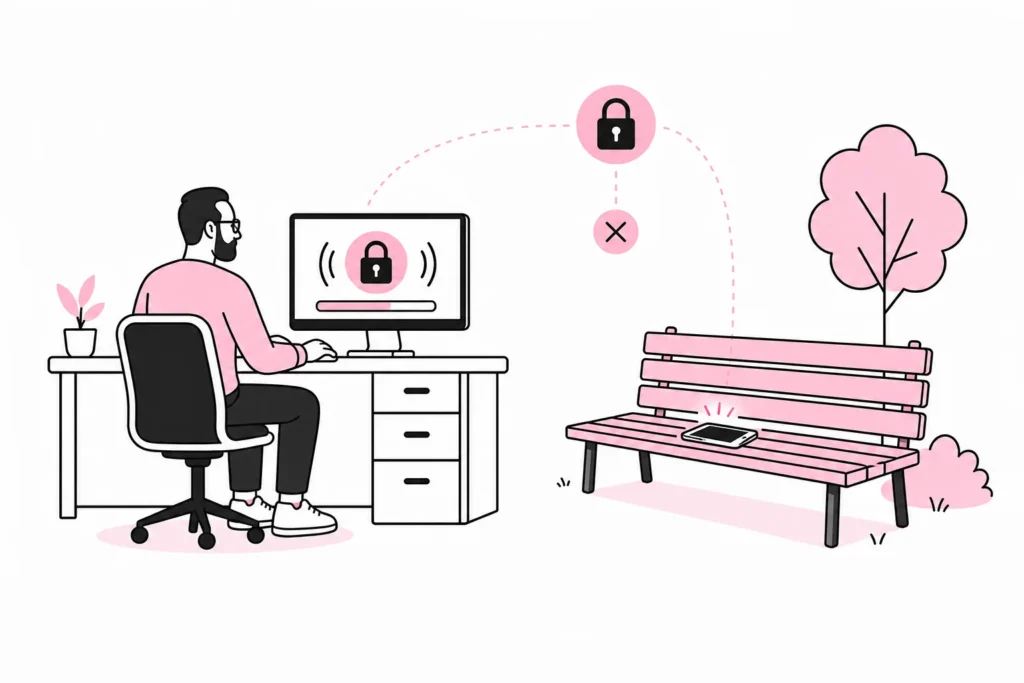
Employees should learn to be especially alert to messages that create urgency, request a login, or demand payment. On a small screen, sender details and web addresses are harder to verify. Training should show concrete examples and provide a simple reporting channel, rather than ending in an annual slide show with a padlock on the title page.
Have a short plan for a lost or stolen phone
When a phone goes missing, time matters. Employees must know who to contact, including outside normal working hours if the phone provides access to critical systems. The process should be simple enough that it is actually followed.
- Report immediately: Record who owns the phone, when it went missing, and which systems it had access to.
- Lock the device: Use the management solution or the platform’s feature to mark and block the phone.
- Revoke access: Sign out of active sessions, remove authorizations, and consider temporarily blocking affected accounts.
- Suspend the mobile subscription: Contact the person responsible for the subscription if there is a risk of misuse of the SIM or eSIM.
- Consider wiping: Delete work data or the entire device when the situation warrants it. Clarify in advance who has the authority to make the decision.
- Document the incident: Assess what data may have been accessible, and follow the organization’s procedures for security incidents and any legally required assessments.
Test the plan at least once with a spare device. It will often reveal that the remote-wipe account belongs to a former employee, that the serial number is missing, or that the emergency procedure is stored in a folder on the phone that just went missing. Documentation occasionally has an almost artistic sense of placement.
Make security easy to follow
Conclude with a short mobile policy explaining what the company requires, what it can manage, which data it can delete, and what the employee should do if the phone is lost or misuse is suspected. Be specific. “Good digital hygiene” says less than “install updates automatically and report the loss of the phone immediately.”
An appropriate level of security therefore consists of up-to-date software, a strong screen lock, encryption, control over apps and access, managed backups, and a tested incident response plan. Combine this with mobile device management when the number of devices, types of data, or level of risk makes manual follow-up unrealistic.
The best solution is not the one with the most features. It is the one that still works when someone loses their phone at an airport, changes roles, or clicks a convincing message. Security should be part of the setup, not an obstacle the employee has to climb over every morning.