
When should a business replace its mobile phones? The short answer is: before they become a security risk or a work tool that wastes time, but not automatically when the calendar passes a specific date. Age is a useful signal, not a diagnosis.
Many businesses lack a clear replacement plan. The result is often a mix of well-functioning phones, tired batteries and a drawer full of devices no one quite dares to throw away. That drawer is less a storage area than an archaeological dig through cracked glass, old PIN codes and charging cables from previous civilisations.
A good plan should combine security support, battery condition, physical condition, actual performance and the cost of continued use. That way, phones can be kept as long as they do the job, without the finance department having to choose between unnecessary purchases and a salesperson running out of power in the middle of a customer call.
Do not determine lifespan based on age alone
A fixed replacement cycle can make budgeting easier, but it should not be the only criterion. Two phones of the same age can be in very different condition. One may have sat on a desk and been charged carefully. The other may have travelled to construction sites, airports and meetings where the edge of the table was apparently optional.
Use age as a point at which to review the device. When a phone approaches the business’s planned assessment date, check whether it is still secure, stable and fit for purpose. If it works well, its lifespan can be extended. If it has several clear weaknesses, it should be repaired or replaced.
It is also important to distinguish between different roles. A phone used for calls, messages and two-factor authentication has different requirements from a device used for photography, field registration, video meetings or demanding business apps. A single rule may look tidy on paper, but paper does not, as we know, have to wait for the camera app to open.
Assess the phone against five specific criteria
1. Does the device still receive security updates?
This is the most important criterion. A work phone often handles email, documents, customer data, login codes and access to internal systems. If the manufacturer no longer provides relevant security updates, the phone should normally be phased out of business use.
Support periods vary between manufacturers, models and markets. They may also change. Therefore, check the current information for the specific model when making the assessment, rather than basing the decision on what someone remembers from the procurement meeting four years ago.

Device management can help you monitor the operating system, update status and compliance with security requirements. But a management platform cannot make an unsupported phone secure through sheer force of will. “Holistic device synergy” is still not a security update, even if it fits on three PowerPoint slides.
2. Does the battery last through a normal working day?
The battery is often the first part users notice is deteriorating. Capacity gradually declines through use, charging cycles, heat and age. Think of it as a fuel tank that gets slightly smaller every month: the engine still works, but the distance between fill-ups becomes shorter.
Assess actual usage rather than just a percentage in the settings. Does the phone need to be charged several times during the working day? Does it switch off unexpectedly? Does it become unusually hot? Does this affect availability or the use of essential apps? If the rest of the device works well, replacing the battery may make more sense than buying a new phone.
Phones showing signs of a swollen or damaged battery must be taken out of use and handled according to the business’s procedures for safe storage and disposal. This is not the time to press the back cover into place and hope the issue resolves itself through good employee engagement.
3. Is the performance good enough for the work tasks?
A phone does not need to be the fastest on the market. It needs to be fast enough for the tasks it is actually used for. Look for persistent problems such as slow start-up, apps closing unexpectedly, insufficient storage or delays in essential work processes.
First, check whether the problem can be solved without replacement. Remove unnecessary apps and local content, install available updates and check whether a particular app is causing the problem. Some vendors are happy to recommend yet another “optimisation app” to clean things up. It is roughly like hiring an extra archivist to explain why the archive is full.
If the phone still consumes noticeably more working time than comparable devices, calculate the cost of the delays. Small waits become real costs when repeated many times by employees who rely on their phones throughout the day.
4. Can the damage be repaired properly?
A cracked screen, faulty charging port, weak battery or damaged camera does not necessarily mean the entire phone must be replaced. Request a repair assessment and compare the cost with the expected remaining lifespan.
Repair is most appropriate when the phone still receives security updates, otherwise functions satisfactorily and can be used long enough to justify the cost. If several components are weak at the same time, a repair can turn into a series of small invoices with the same dramatic arc as a television drama.
Also check how the repair affects the warranty, moisture resistance and the business’s requirements for operational reliability. Use a reputable repair provider and ensure that data is handled according to internal security procedures.
5. What does it cost to keep the phone?
The purchase price is only one part of the calculation. Include repairs, accessories, support time, downtime and lost working time. An old phone may be inexpensive in the accounts, but costly to use if it continually requires troubleshooting or backup equipment.
At the same time, avoid treating every scratch as a reason to invest. Cosmetic wear has little significance if the screen is readable, the device is secure and all work tasks can be completed. The goal is not to run a mobile phone exhibition. The goal is reliable work tools.
Use a simple decision model
A practical assessment can result in one of three outcomes: keep, repair or replace. Record the assessment in the equipment register, so the decision can be explained later and does not have to be reinvented for every phone.
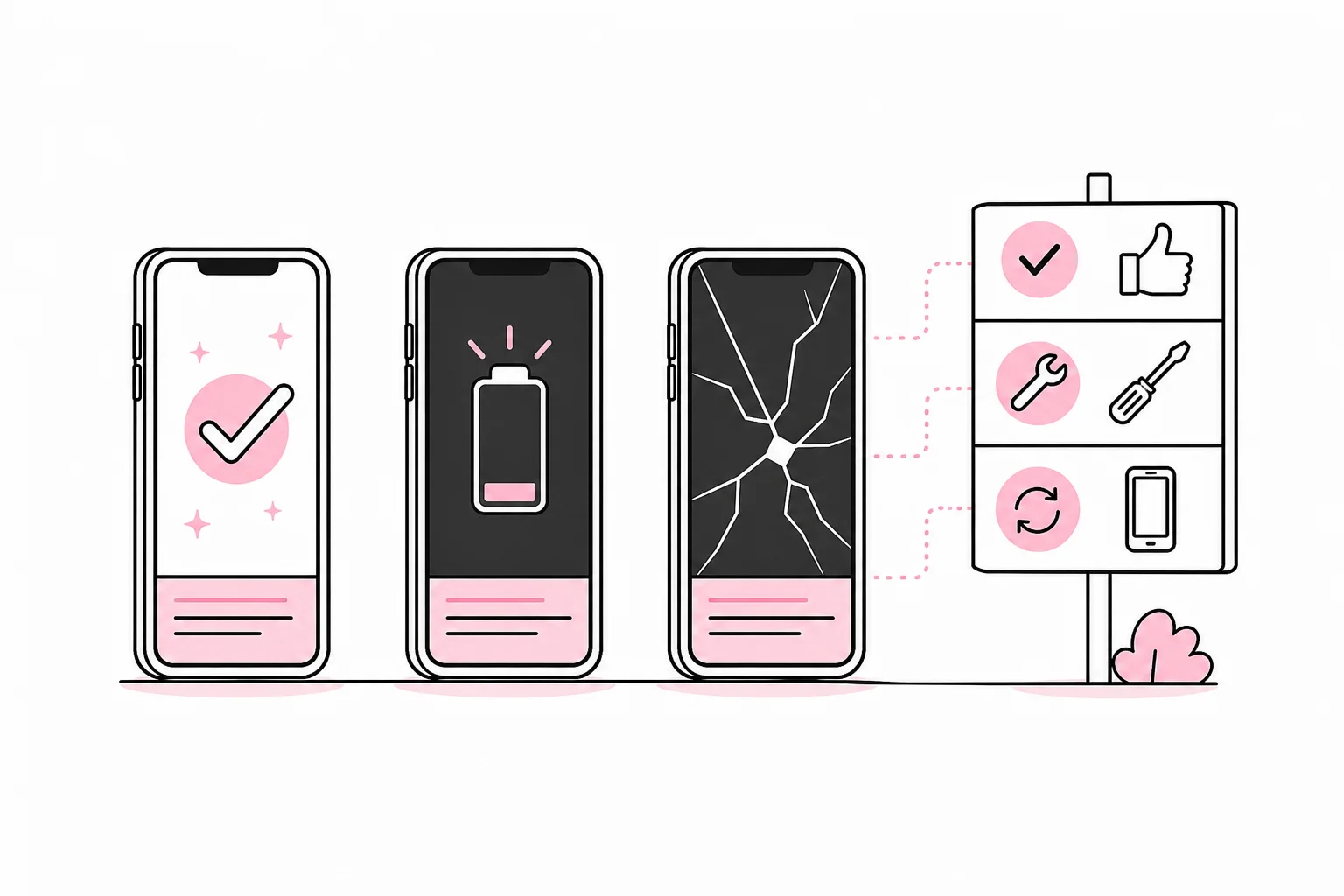
- Keep: The phone receives security updates, lasts through the working day and handles essential apps without significant problems.
- Repair: The phone is still supported and functional, but has one specific fault, such as the battery, screen or charging port.
- Replace: Security support has ended, the device is unstable, several components are failing or repair is not economically viable.
For each device, you should at least record the model, serial number, user or department, purchase date, update status, physical condition and next review date. If you use centralised device management, parts of the overview can be collected automatically. Even so, this does not replace clear responsibility. Software can report that a phone is out of date; it can rarely persuade the budget owner to order a new one.
Include the assessment in a regular routine, for example as part of the annual budgeting process and when an employee changes roles or leaves the business. Phones with critical faults should of course be dealt with immediately, rather than waiting for the next ceremonial meeting of the mobile phone committee.
Also plan what happens after replacement
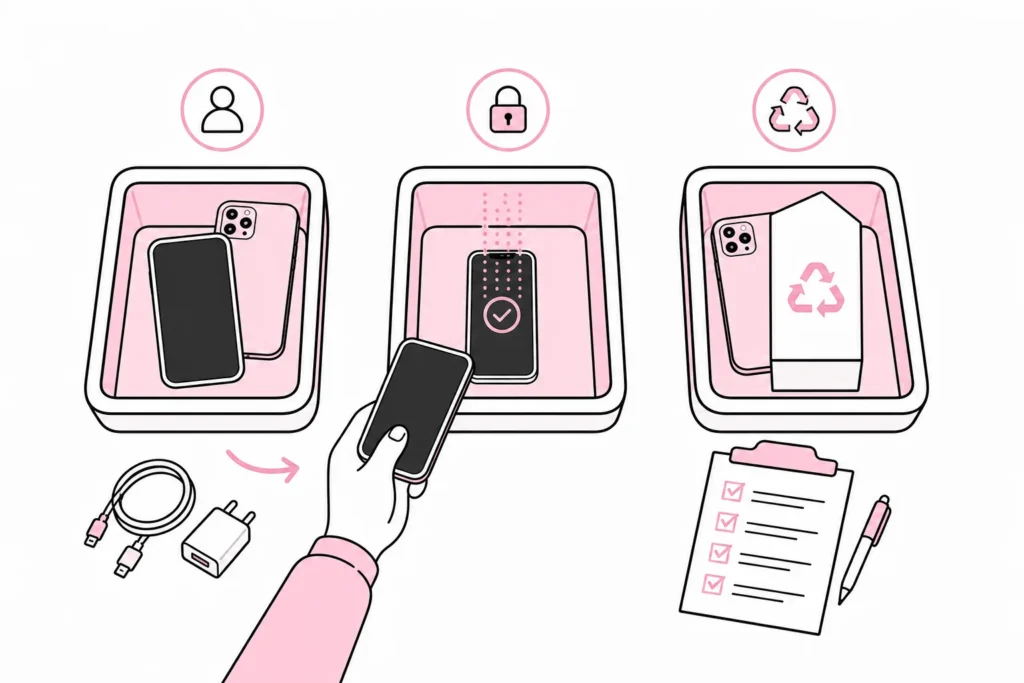
A phone removed from active use is not necessarily waste. It can be used as a backup device, reassigned to a role with lower requirements, sold or sent for reuse. Before this happens, check that the device is still secure and suitable for its new use.
The business’s data must be removed in a controlled manner. Ensure that necessary data has been transferred, remove the device from management solutions and user accounts, perform an approved wipe and document who handled it. A random tap on “reset” is a feature, not a complete decommissioning process.
Accessories should also be collected. Chargers, cases and other equipment can often be reused if they are compatible and in good condition. Defective devices and batteries must be handed in through appropriate take-back schemes, rather than remaining permanently in a cupboard because no one has been given the title of “director of old phones”.
The best replacement plan is therefore not a rule that all phones must be replaced after a certain number of years. It is a repeatable assessment with clear safety requirements, practical thresholds and documented accountability. This allows the organisation to get more life out of good phones, while phasing out problematic devices before they create unnecessary risk and frustration.