
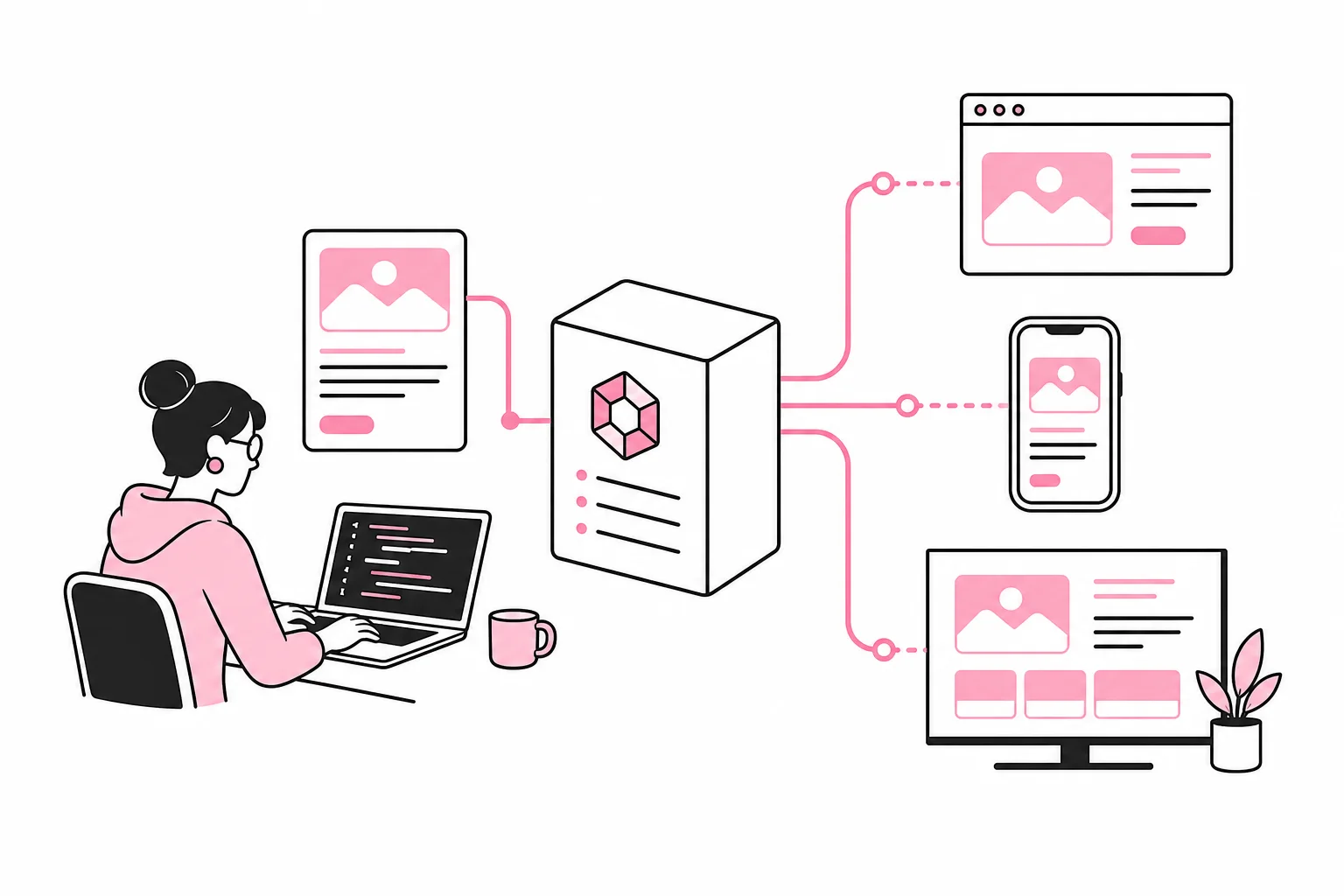
A headless CMS separates content from a website’s presentation layer. Editors work in one system, while developers retrieve the content through an API and determine how it is displayed on websites, in apps or across other digital platforms. The name sounds as though someone has forgotten an essential body part, but the point is really that the system does not have a fixed “front end.”
This can provide significant freedom. It can also make a simple business website more expensive to build, operate and further develop. The question is therefore not whether a headless CMS is modern, but whether the business has needs that justify the architecture. If the actual requirement is three page templates and a contact form, headless can quickly become a shopping list delivered by forklift.
What is the difference between a headless and a traditional CMS?
In a traditional CMS, content management and presentation are closely integrated. The system typically handles editing, page templates, navigation, publishing and display. Editors can create a page, choose a template and get a reasonable idea of what the result will look like.
In a headless solution, content is stored as structured data. A field might contain a product name, standfirst, price, image and availability, for example. The website retrieves this data through an API and builds the presentation separately. The same information can be used simultaneously in a mobile app, on an information screen or in a customer portal.
An intermediate option is a decoupled CMS. Here, the system can still deliver a standard website, but also makes content available through APIs. This can be a sensible compromise when a business wants to reuse certain data without rebuilding its entire publishing solution.
The difference is reflected in the division of responsibilities
With headless, the development team must build more of what normally comes with the CMS: page rendering, navigation, previews, search, forms, metadata, redirects and integrations. The advantage is control. The downside is that control also requires budget, documentation and someone to respond when it stops working on Friday afternoon.
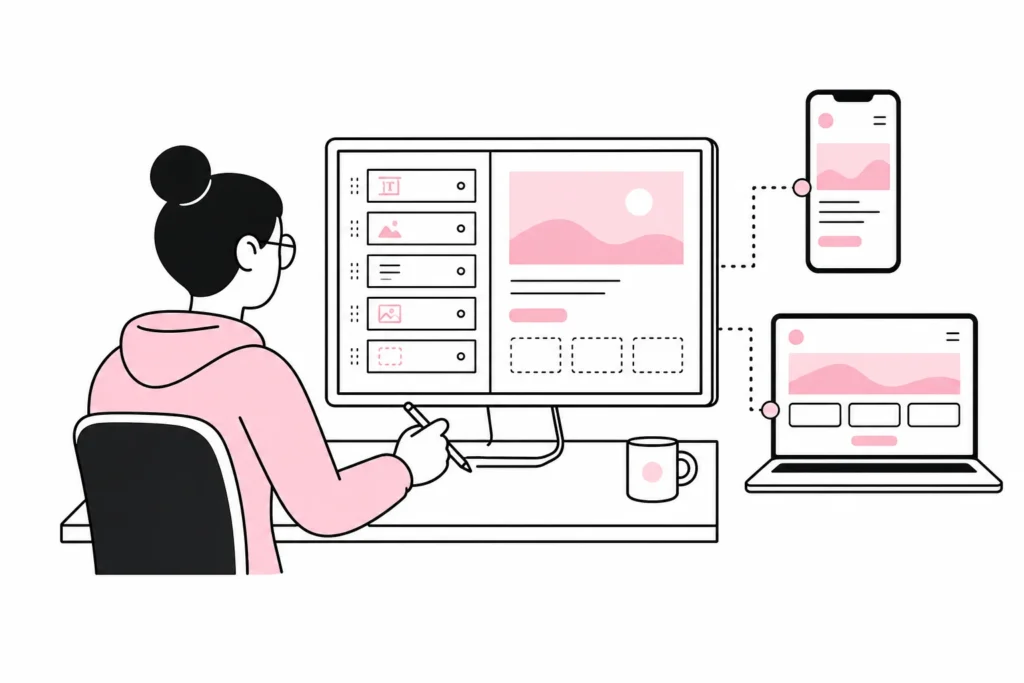
A headless CMS is a good fit when content needs to do more than one job
The clearest benefit comes when the same content actually needs to be used across multiple channels. A product description might be displayed on the website, in an app, in a logged-in portal and on screens in a store, for example. In that case, it is useful to maintain the information in one place rather than copy it between systems.
Headless can also be a good fit when the website has a custom-built interface, extensive personalisation or complex integrations. Developers can choose the technology for the presentation layer without being tied to the CMS’s theme engine. This makes it easier to build fast, interactive services—provided the team knows how to manage the architecture and everything around it.
Consider headless particularly when several of these points apply:
- Content will be published across multiple genuine channels, not just on one website.
- The business has structured content data such as products, locations, events or services.
- The website requires a bespoke user interface or functions more like an application than a brochure.
- The organisation has developers or a long-term technical partner who can manage the solution.
- There are clear requirements for integration with other business systems.
- Several websites or brands will use the same content model.
The word “omnichannel” often appears in this discussion. Ask for a concrete list of the channels. If the list consists of the website today and perhaps a smart fridge later, the business case is still a little vague.
When is a traditional CMS the best choice?
For many business websites, a traditional CMS remains the most efficient option. This is particularly true when the main task is publishing pages, articles, landing pages, forms and campaign content on a single website. Editors generally get better previews and greater freedom to build pages without involving developers.
A traditional CMS does not automatically mean outdated technology or poor performance. A well-built solution with sensible caching, optimised images and limited use of third-party code can be both fast and easy to maintain. Problems often arise when every small need is solved with yet another extension. The plugin drawer then serves the same purpose as the kitchen drawer with batteries, tape and an unidentified key: Everything is there for a reason, but no one dares to tidy it up.
As a rule, choose a traditional CMS when:
- The website is clearly the most important publishing channel.
- The marketing department needs to be able to create and edit pages itself.
- The needs are covered by established page templates and components.
- The project has a limited development and operations budget.
- The organisation does not have the capacity to manage multiple separate technical layers.
- Rapid publishing is more important than complete technical freedom.
The editor experience must be tested
Headless projects are often assessed from the developers’ perspective. Editors, however, encounter the result every working day. So ask to test previews, image handling, linking, scheduled publishing, translations and content reuse before choosing the system.
Structured content is useful, but overly rigid models can turn an ordinary campaign page into a small form marathon. Overly loose models, on the other hand, produce inconsistent content. A good content model is like a kitchen cupboard with labelled shelves: It provides order without requiring an architect’s approval to put in a cup.
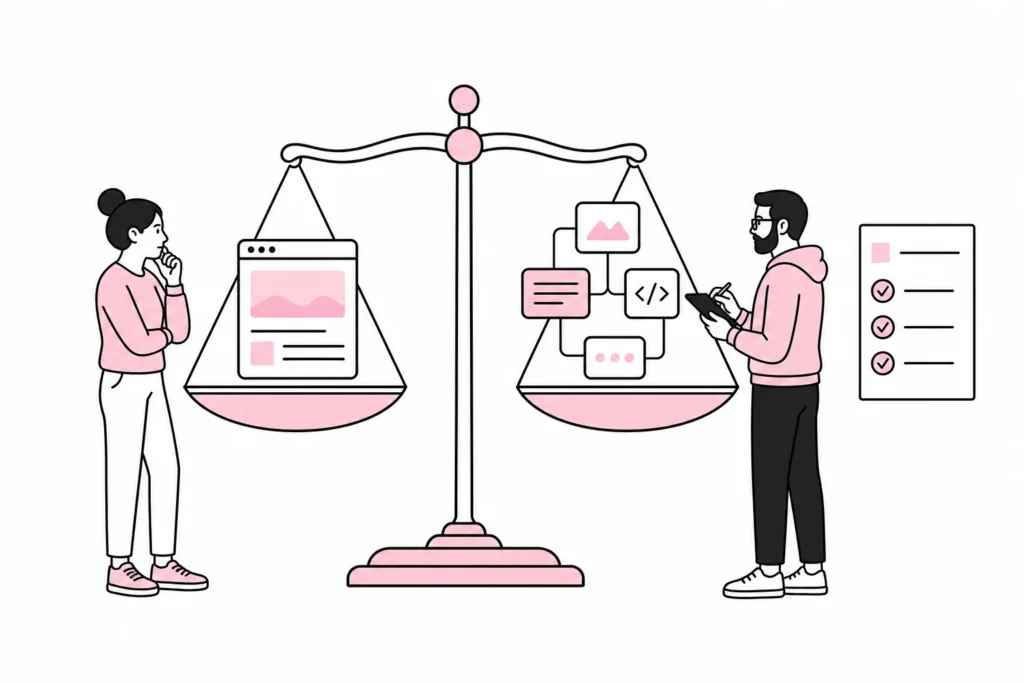
Calculate the cost of the entire solution, not just the CMS licence
The price of the CMS itself rarely tells the whole story. A headless solution needs a separate presentation layer and often dedicated services for search, forms, image processing, authentication, analytics and previews. Monitoring, hosting, security updates and further development must also be included.
Before making a decision, the business should map the following costs and responsibilities:
- Development: Who builds and maintains the presentation layer?
- Operations: Who monitors APIs, build processes, caching and external services?
- Editorial work: How long does it take to create, preview and edit content?
- Integrations: What happens if a connected system changes its interface or data model?
- Search and forms: Which features need to be purchased or developed separately?
- Expertise: Can other vendors take over the solution without an archaeological excavation?
Consider creating a simple prototype with one typical content type and one challenging page. Test development, publishing and changes. Architecture diagrams have a peculiar ability to make six boxes and eleven arrows look cheap. A working prototype is less artistic, but considerably more informative.
Also ask the vendor to describe how the website handles metadata, structured data, redirects, sitemaps and social media sharing. A headless CMS does not prevent effective SEO, but these capabilities must be built into the presentation layer. The same applies to accessibility and performance: The architecture creates possibilities, but it does not do the work out of sheer courtesy.
A practical decision rule
Choose a headless CMS when reusing structured content, supporting multiple channels or building a custom interface are central business needs. Choose a traditional or decoupled CMS when the organization primarily needs an efficient, editor-friendly website.
Do not choose an architecture based on what looks most future-proof in a presentation. Choose the simplest solution that meets known needs, can handle realistic growth and can be managed by the organization. A technical solution is only truly future-proof when someone actually has the time and money to maintain it in the future.