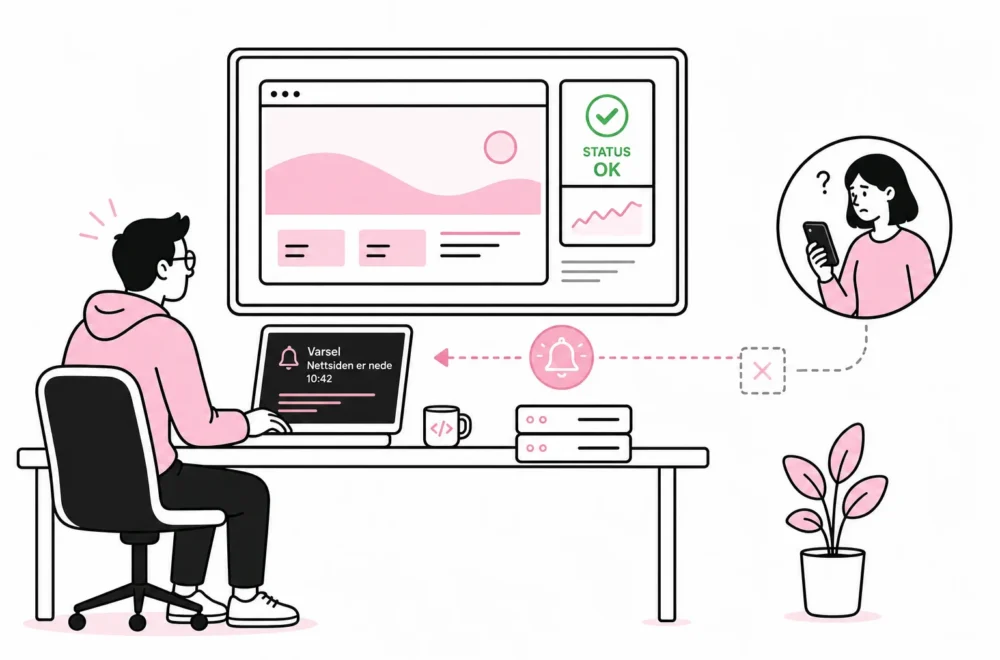

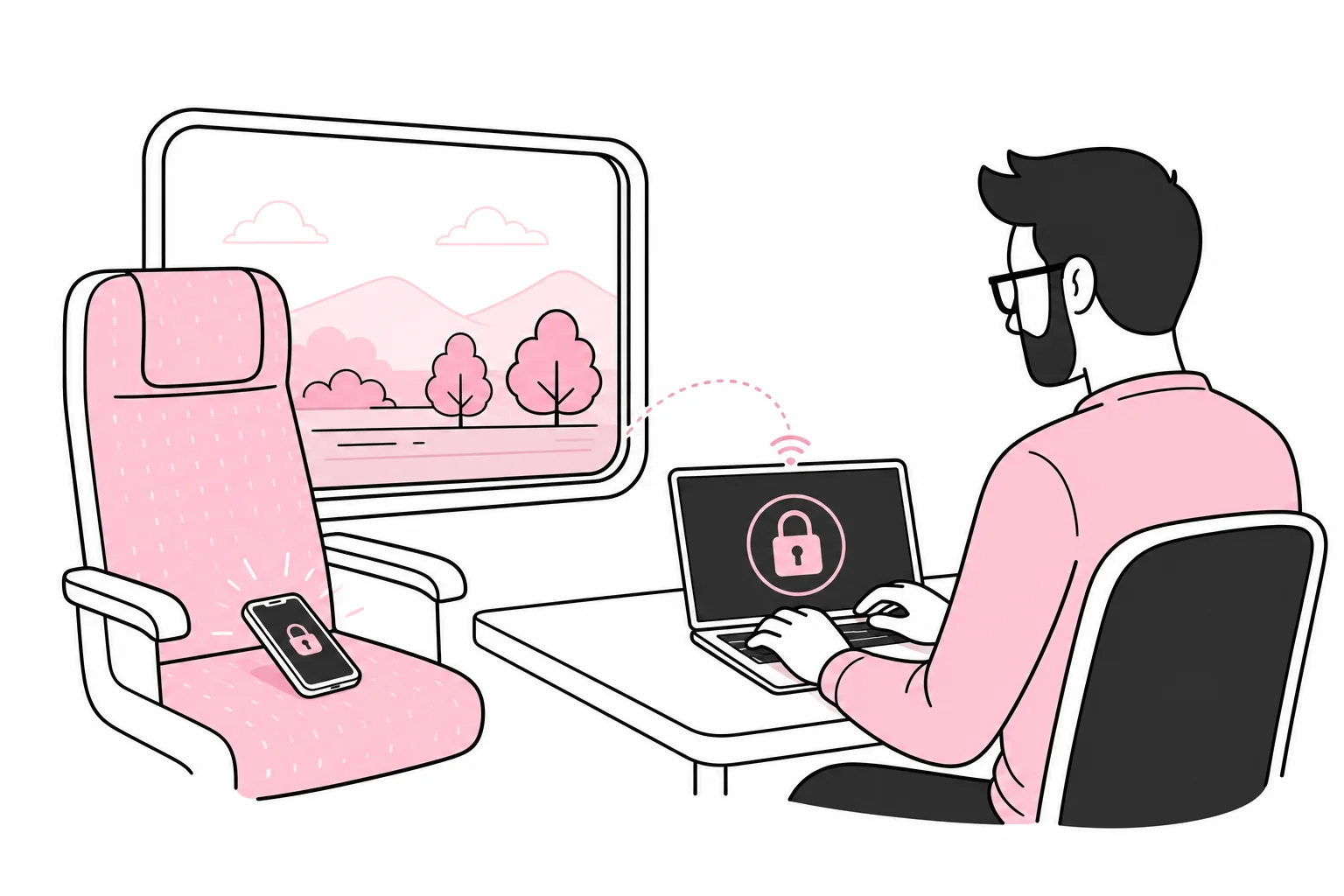
A work phone is forgotten on a train, left in a taxi or stolen from a bag. The question is then not only where the phone is, but what it provides access to: email, documents, customer data, cloud storage, authentication apps and internal conversations.
It makes sense to look for it, but the search should happen in parallel with securing the device. Otherwise, the hunt for a missing phone can quickly turn into an archaeological excavation of meeting rooms, jacket pockets and sofa cushions. In the meantime, the company can significantly reduce the risk with a few appropriate measures.
What should you do in the first 30 minutes?
Start by recording the time and obtaining a brief description of the incident. When was the phone last seen? Was it locked? Where did it happen? Does it contain local files or photos? Is it likely to have been forgotten, or was it probably stolen?
- Try to locate the phone. Use the company’s device management system or the built-in device-finding feature, if configured. Do not send employees to retrieve a phone from an unfamiliar or unsafe location.
- Lock the device remotely. You may want to display a neutral message with contact information. Avoid disclosing employees’ full names, email addresses or other details that provide an unauthorised person with more information.
- Notify the person responsible for IT or the provider managing the device. They must check the last connection, management status and which security measures are actually available.
- Block the SIM or eSIM if necessary. This prevents use of the subscription, but does not automatically protect the data already stored on the phone.
- Revoke active sessions. Sign the phone out of email, cloud storage, collaboration tools and other central services. Change passwords when necessary, particularly if the screen code may be known or reused.
- Consider remote wiping. If the phone contains sensitive data and is not expected to be returned quickly, wiping it may be appropriate. The decision should follow a defined policy, not the gut feeling of whoever happened to answer the phone.
If targeted theft or another security incident is suspected, the person responsible for IT or security should assess whether information needs to be preserved before wiping. A remote wipe can protect data, but it can also remove traces that might be relevant to an investigation. The order of steps therefore depends on the risk.
How well is the data actually protected?
A lost phone is not automatically the same as a data breach. The risk depends, among other things, on the screen lock, encryption, management, installed apps and which accounts are still signed in. A managed phone with a strong screen code and restricted access is like a lost key fob that can be deactivated. An unlocked phone with all accounts open is more like a master key with an address label.
Screen lock and encryption
The phone should require a sufficiently strong code and lock itself automatically after a short period. Biometrics provide convenient unlocking, but should be combined with a proper code. Encryption protects stored data when the device is locked, provided the phone is correctly configured and up to date.
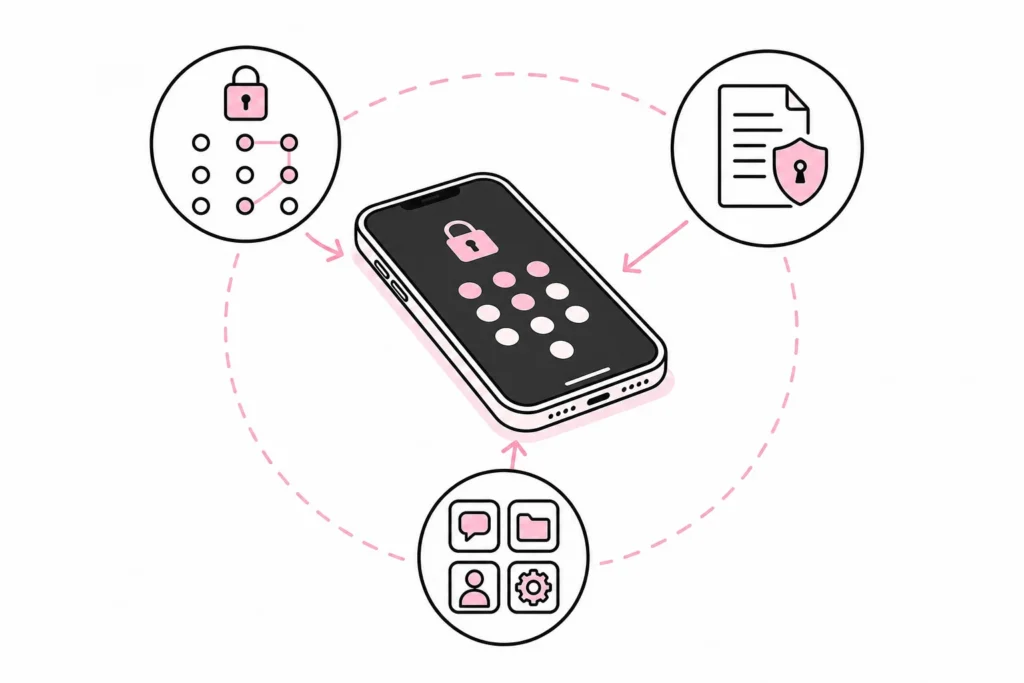
A four-digit code that is also used for the access card, suitcase and family tablet is admittedly easy to remember. Unfortunately, the owner is not the only one who appreciates that quality.
Device management
With mobile device management, often called MDM, the company can enforce screen locks, monitor security status, distribute work apps and lock or wipe devices. The exact capabilities vary by platform, ownership model and configuration.
The crucial point is that the phone must have been registered before it went missing. A “magic security package” cannot remotely control a device it was never given the ability to manage. It is rather like buying a garage door opener after the car is gone, for a garage you do not own.
Accounts and multi-factor authentication
Many work phones are used both to sign in and to approve sign-ins. If the authentication app, email and SMS codes are all on the same device, the accounts must be secured in a coordinated way. Revoke active sessions, remove the phone as a trusted device and establish a controlled method for signing in again.
Do not reset everything indiscriminately. The employee may need alternative recovery methods to get back to work. The company should have backup codes or a managed procedure that does not depend on the phone that has just gone missing.
Does the incident need to be treated as a personal data breach?
If the phone contains personal data, the organisation must assess whether the information may have been compromised. It is not enough to establish that the phone is missing. The assessment should document what data was accessible, how it was protected and which measures were implemented.
- Was the device locked and encrypted?
- Could the data be read without signing in again?
- Were customer lists, health information, personnel data or other sensitive information stored locally?
- Were work apps protected by separate sign-in or a managed container?
- Was the device locked or wiped, and has completion of the measure been confirmed?
- Are there signs of unauthorised sign-in or other activity?
If the incident poses a risk to the rights and freedoms of the individuals affected, the organisation may be required to report it to the supervisory authority without undue delay and, where possible, within 72 hours. In cases of high risk, it may also be necessary to inform those affected. A data protection officer or other qualified resource should be involved early when the assessment is not clear-cut.
The process should be clear, but not ceremonial. An incident plan requiring seven approvals, three committees and a presentation titled “mobility journey” is, in practice, an elaborate way of waiting.
How to prepare your company before the phone goes missing
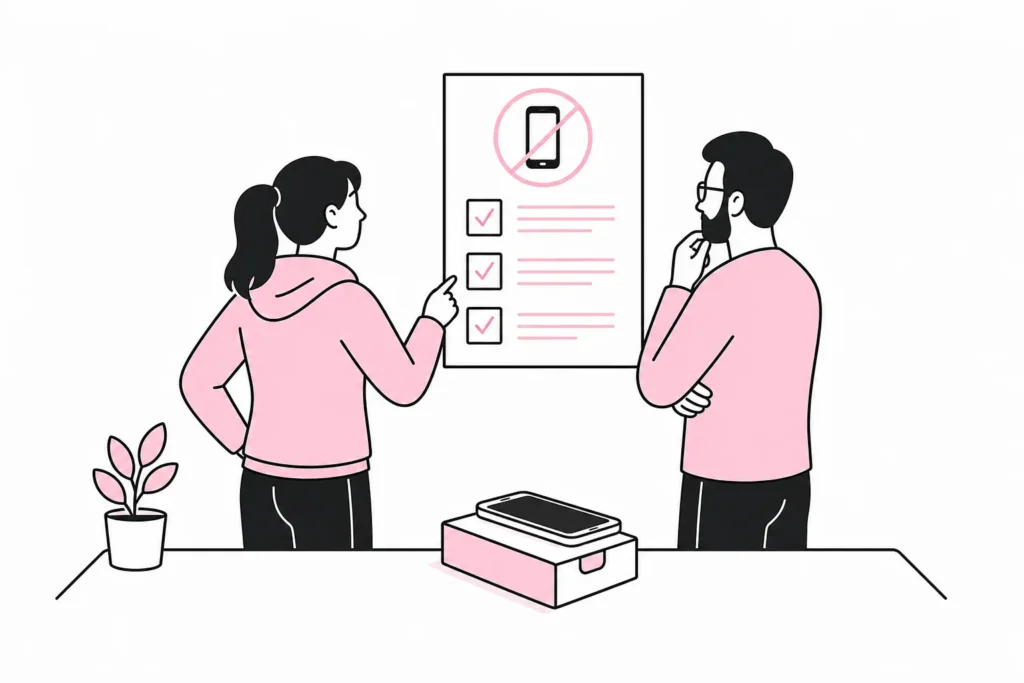
The best response starts before the incident. The company does not need an extensive contingency framework, but it must know who does what and have the technical permissions to do it.
- Maintain an up-to-date device register. Record the model, serial number, phone number, owner, management status, and issue date.
- Register work phones in device management. Regularly check that the devices are still reporting in and meeting security requirements.
- Require a screen lock and automatic locking. Block simple passcodes where supported by the platform and solution.
- Separate work data from personal data. Use managed work apps or a separate work profile where appropriate for the platform and ownership model.
- Limit local storage. Documents should normally be stored in the organization's controlled storage solution, not in arbitrary download folders.
- Clarify remote wiping in writing. Employees must know what the company can delete, especially when personal phones are used for work.
- Create an alternative sign-in route. Make sure losing the phone does not also eliminate all options for secure account recovery.
- Define one notification channel. Employees should know whom to contact, including outside normal working hours if the organization's risk level warrants it.
Be especially clear when using personal phones
When a personal phone is used for work, the organization must distinguish between managing the entire phone and managing work data. Fully wiping a personal device can affect photos, messages, and other personal data. A managed work profile or app-based protection can make it possible to remove company data without treating the rest of the phone as company property.
The agreements should explain what data IT can see, which security requirements apply, and what happens if the phone is lost. “We’ll sort it out if something happens” is not a policy. It is an optimistic sentence with poor response time.
Create a plan that fits on one page
A practical plan should specify the point of contact, the necessary information, the sequence of actions, and who can authorize remote wiping. It should also describe how the incident is documented, when the privacy officer is involved, and how a replacement phone is securely set up.
Test the plan with a simple exercise: An employee reports that the phone is missing, and IT follows the procedure without carrying out the final wipe. This quickly reveals whether the register is up to date, whether administrator access works, and whether the carrier's phone number is in a document called «Endelig_ny_rutine_v4» that no one can find.
The goal is not to guarantee that no work phone will ever go missing. The goal is for the incident to be handled quickly, predictably, and with proper documentation. With the right setup, a missing phone can be a manageable operational incident, not the start of several days of account lockouts, guesswork, and meeting invitations.