

Who can access the company’s accounts if the marketing manager leaves, the agency is replaced or the person with the two-factor code is on holiday? If the answer is “we think it’s Trine,” you don’t have an access model. You have hope with a profile picture.
Company social media accounts may contain customer conversations, advertising accounts, payment information, publishing history and access to several connected services. Yet they are often created in a hurry by an employee, using a personal email address and phone number. It works until it doesn’t. An account registered to a former employee is much like a master key under the flowerpot: practical, but only until someone starts asking questions.
The goal is not to make publishing cumbersome. The goal is for the company to control its assets while employees and partners receive exactly the access they need. Here is a practical model that can withstand holidays, job changes and an overly enthusiastic cleanup of the user list.
Start by finding out what the company actually owns
First, create a complete overview of all official accounts and connected resources. This applies not only to the profile page customers see. Advertising accounts, catalogs, tracking setups, inboxes, publishing tools and integrations may have their own owners and roles.
Platforms occasionally change the names of menus, administration centers and account types. Therefore, check the current structure directly on each platform. When an administration area changes its name for the third time, access has not become more secure. It has merely put on a new blazer.
Record at least the following for each channel:
- Account name and platform: Include regional accounts, old profiles and accounts that no longer publish actively.
- Primary owner: Which business account or administrative entity controls the resource?
- Administrators: Who has the highest level of access, and why?
- Recovery information: Which email address and phone number are used for login and recovery?
- Connected resources: Note advertising accounts, payment methods, apps, publishing tools and integrations.
- External parties: Which agencies, freelancers or system providers have access?
- Internal responsibility: Who approves new users and follows up when someone leaves?
Use an email address controlled by the company for notifications and recovery where the platform allows it. A shared address may be suitable as a point of contact, but the login itself should still be personal and traceable. Avoid having critical codes sent to a single personal mobile phone that leaves with its owner.
Give people roles, not shared passwords
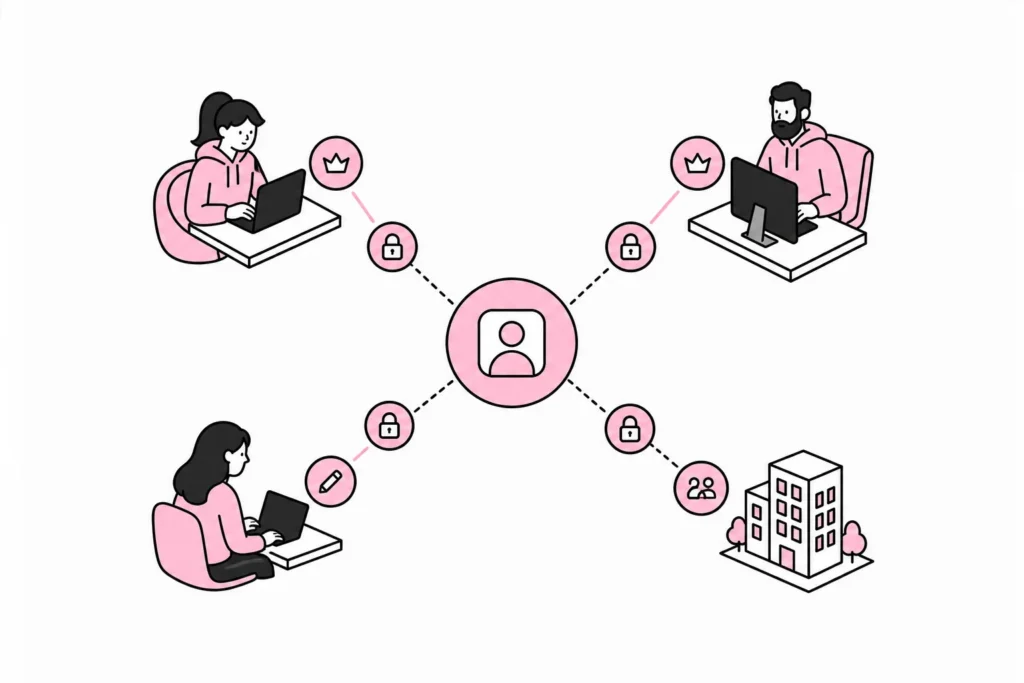
Most major platforms offer some form of role-based access. The names vary, but the principle is the same: One person can publish, another can manage ads, while a small number of administrators can change ownership and users.
Use personal users where possible. This allows access to be removed for one person without disrupting the rest of the team’s workday. It also provides better traceability than a shared password in the document “SoMe_final_new2.” The filename certainly suggests an established process, just not a particularly good one.
A sensible division of roles
- At least two internal administrators: The company should not depend on a single person. Both must understand the responsibility and use strong login security.
- As few administrators as possible: Publishing normally does not require the right to remove other owners or change payment information.
- Personal editor roles: Employees who create and publish content should have access to do so without full control of the account.
- Partner or agency access: External partners should receive limited access through the platform’s business features, not borrow an internal user’s login.
- Time-limited access: Project staff and temporary workers should have an agreed end date that is actually followed up.
At the same time, be careful not to create an approval process larger than the content it is meant to protect. Four approvers for a post about Easter opening hours is not robust governance. It is a queue with a company logo. Distinguish between high-risk content, such as campaigns, legal claims and crisis communications, and ordinary editorial content.
Secure each individual login
Everyone with access should use unique passwords and multifactor authentication. Where the platform supports an authenticator app, security key or passkey, this can reduce reliance on text messages. The available methods must be checked on the relevant platform.
Backup codes should be stored securely, for example in the company’s approved password vault with limited access. They should not be kept as a screenshot in a random messaging channel. A “magic” all-in-one social media tool may make publishing easier, but it does not replace ownership on the platform itself. A dashboard with lots of gauges is still just a dashboard.
Make access termination a standard procedure
When an employee or supplier leaves, access should be removed as part of a defined offboarding process. This should happen at the agreed time and be coordinated with the person responsible for HR, IT and the channel owners. Do not wait three months until someone notices an old name in the administrator list.
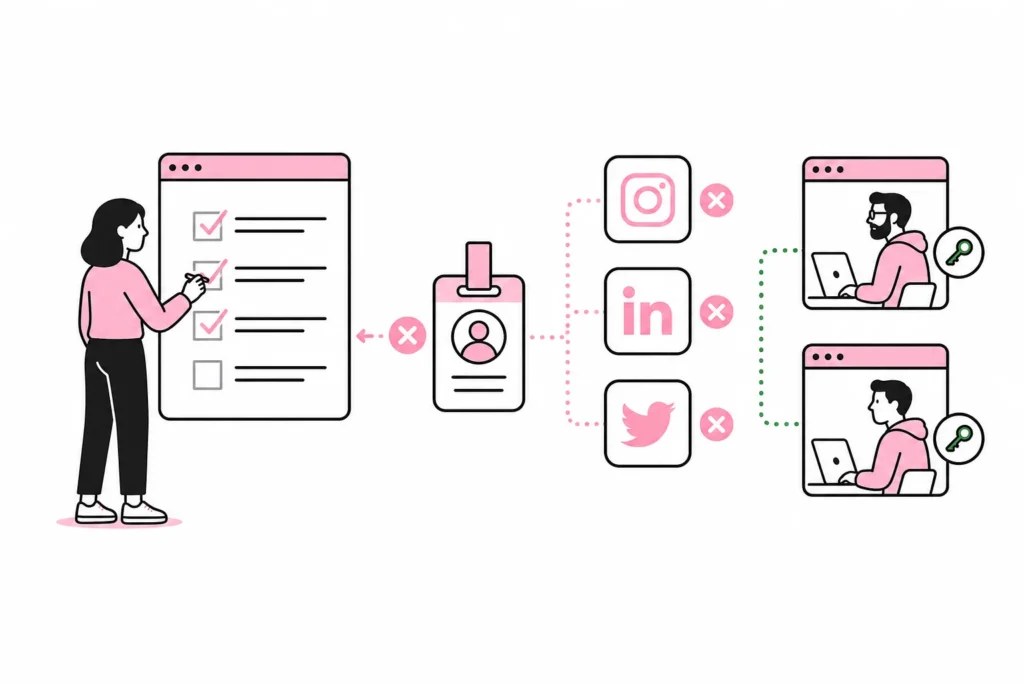
Use this order:
- Transfer responsibility before the last working day. Document ongoing campaigns, scheduled posts, customer communications and any matters requiring follow-up.
- Verify that the company has functioning administrators. Test that at least two internal people can log in and manage users before the old access is removed.
- Remove the person’s roles. Review profiles, ad accounts, inboxes, publishing tools and other connected resources.
- Revoke active sessions and integrations. Remove approvals for apps, API access and tools the person should no longer use.
- Change shared secrets. If passwords or backup codes have been shared, they must be replaced. The goal should be to stop sharing them, not just give the spreadsheet a new year.
- Check payments and advertising. Check payment methods, campaigns, budgets and who can create new ads.
- Log that the task has been completed. Record the date, person responsible and which access was removed.
Do not delete or change the former employee’s personal profile. Remove the person’s access to the company through the platform’s role and administration functions. If the account structure is unclear, first ensure that the business retains control, then clean it up methodically.
Test recovery before you need it
An access plan is not complete simply because it is stored in a folder. Carry out a simple check a couple of times a year and whenever there are major changes to the team, agency or systems. Confirm that the administrators still work with the channels, that the contact information is correct, and that the backup codes can be found by authorized people.
Also create a brief contingency procedure for situations where the company is locked out. It should specify who leads the response, who can document the company’s ownership, how advertising and payments are followed up, and where incidents are recorded. Use the platform’s official recovery functions and preserve relevant documentation. Avoid creating a new “official” account in a panic before assessing the consequences; two nearly identical profiles rarely make things clearer for customers.
The most important thing is to treat social media as business-critical systems, not as a pile of apps on the marketing department’s phone. Map ownership, use personal roles, secure logins and remove access systematically. That way, employees and agencies can be replaced without the company’s digital front door going home with them.