
An AI chatbot can provide quick answers, ease the pressure on customer service and help visitors move forward. It can also become a polite obstacle that covers half the mobile screen and asks whether it can help before the user has had time to read the headline. The technology is rarely the only problem. What matters is whether the business has a clearly defined task, a reliable knowledge base and a plan for what happens when the chatbot does not know.
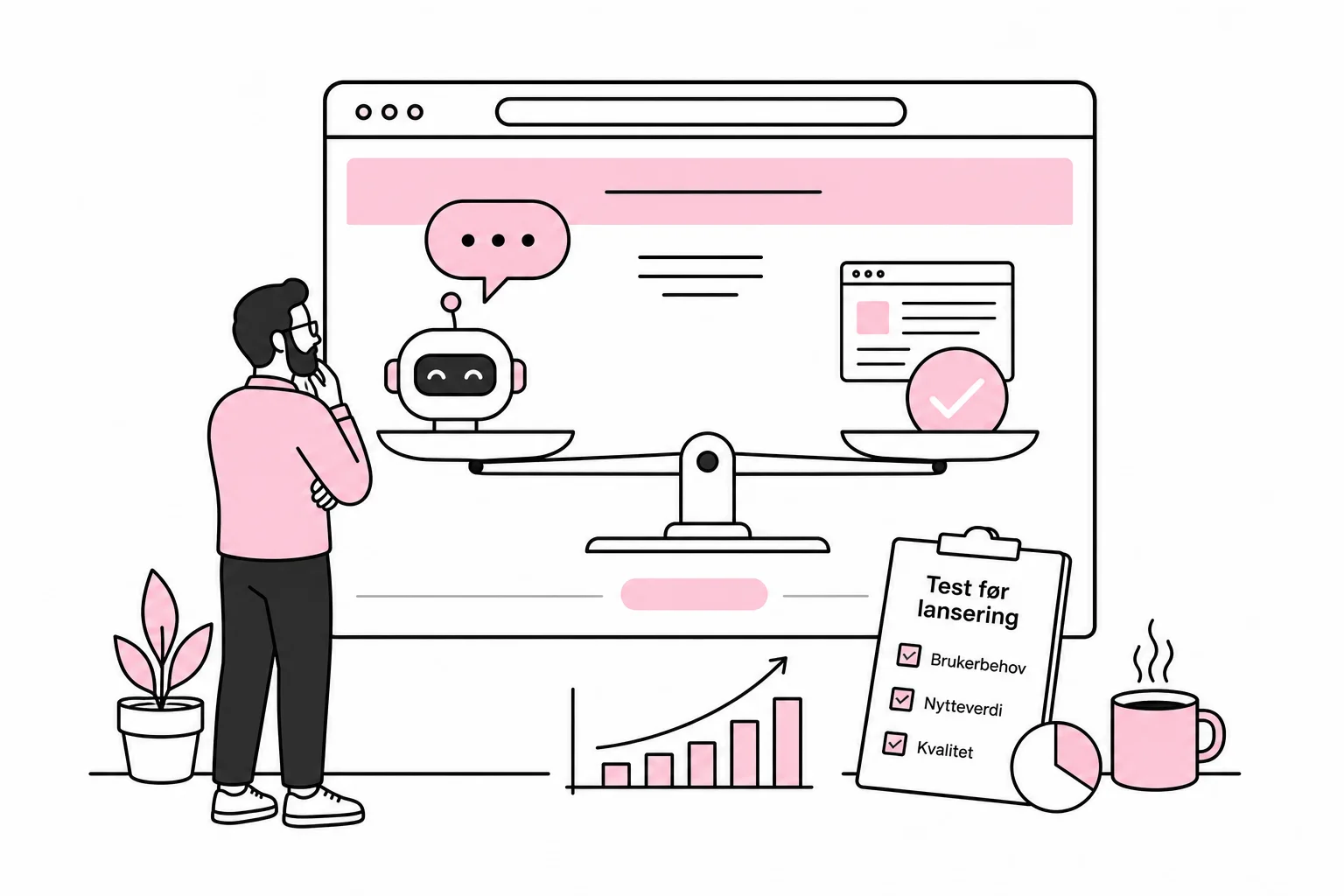
The specific question is therefore not whether the business can put an AI chatbot on its website. It almost certainly can. The question is whether the chatbot solves a specific user task better than good content, a standard search field, a form or clear navigation. The answer should come from a controlled pilot, not from the enthusiasm of a vendor demo.
Start with the task, not the robot
An AI chatbot is best suited to situations where users ask many variations of questions that can be answered from a defined knowledge base. Typical examples include questions about products, delivery, documentation, opening hours, memberships or how to complete a familiar process. It is less suitable when the user needs a binding price, an individual professional assessment or a decision requiring access to several systems.
Choose one specific task for the first pilot. An online store could, for example, start with questions about delivery and returns, while a software provider could limit the solution to helping users set up one service. The wording should be precise: The chatbot will help existing customers find the correct procedure for activating a specific feature. The goal should not be to revolutionize the customer journey with intelligent synergy. That is the kind of sentence that tends to produce more presentations than solved customer problems.
Before choosing a chatbot, you should check whether the problem is actually caused by the website. If many people ask where to find their invoice, the solution may be a clear button on the customer page. Building a language model around a missing button is roughly like hiring a guide because the sign has fallen down.
Signs that the task may be a good fit
- The same questions are asked frequently, but phrased in many different ways.
- The answers already exist in quality-assured, up-to-date content.
- It is possible to define which topics the chatbot should handle.
- Incorrect answers can be detected and handled without serious consequences.
- The user can be passed on to a person or a clear alternative channel.
Signs that you should choose something simpler
- The user only needs to find one specific page or feature.
- The answers depend on personal circumstances that the chatbot does not have secure access to.
- The content is outdated, contradictory or scattered across random documents.
- The business lacks the capacity to review conversations and improve the solution.
- An incorrect answer could result in financial loss, breaches of agreement or unsafe advice.
Build a knowledge base the chatbot can actually use
Many solutions use a method in which relevant excerpts are retrieved from the company’s own content before the language model generates the answer. This is often referred to as RAG, short for retrieval-augmented generation. The method can reduce the risk of fabricated answers, but it does not make poor content accurate. It is like giving a new employee a binder of marked procedures: useful, provided the binder does not contain three different return deadlines and a price list from the previous decade.
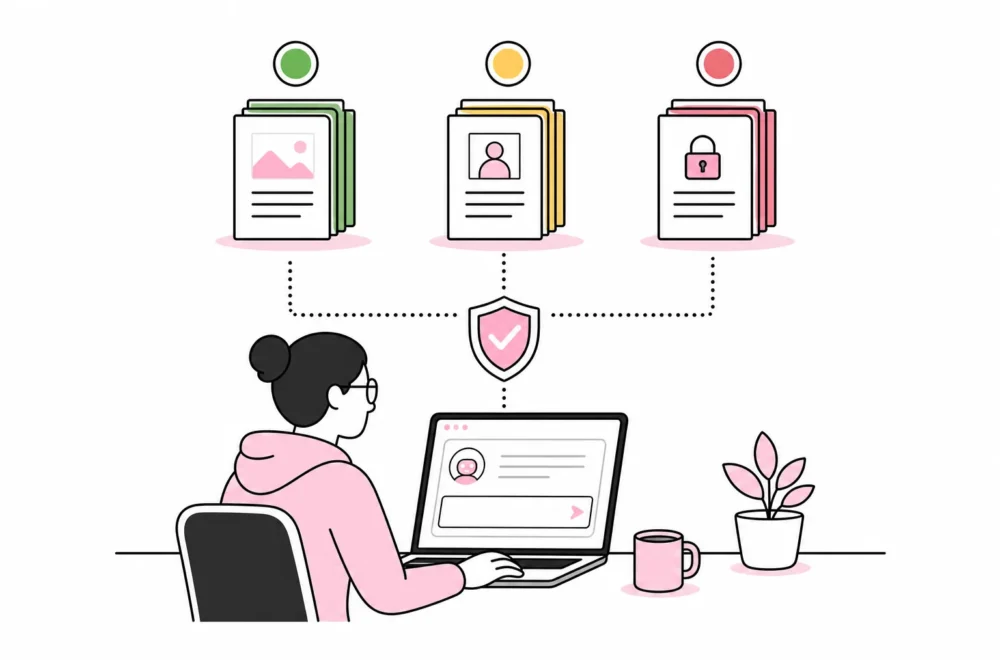
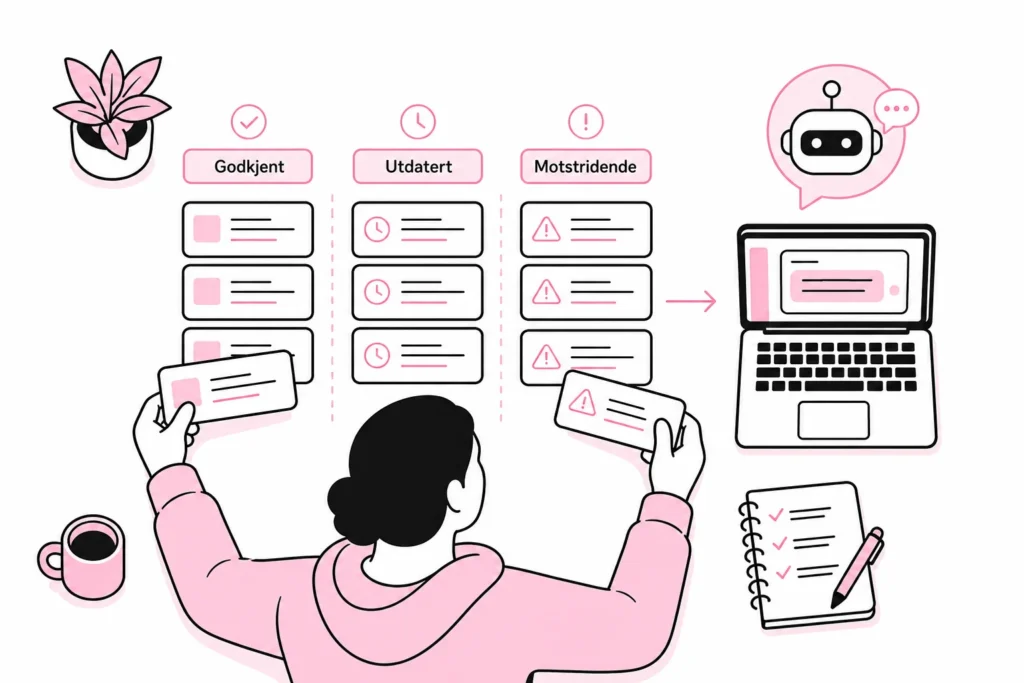
The knowledge base should therefore be treated as an editorial product. Remove duplicates, resolve conflicting information and appoint a content owner. Each topic should have a clear owner, a date for its last review and rules for when the content should be reassessed. The chatbot should only retrieve information from approved sources, not indiscriminately read the entire website and hope that old campaign pages have developed judgment.
The content must also be written so that individual sections can be understood without the rest of the page. A heading called «This does not always apply» is not very useful if the exception is only explained four paragraphs earlier. Use clear terms, complete sentences and explicit conditions. This improves the chatbot, the site search and the experience for ordinary readers alike.
Be skeptical of add-ons that promise to make the entire website intelligent with one click. A magical AI add-on that reads everything, understands everything and maintains itself belongs in the same toolbox as the button labeled «optimize everything». Both work best in screenshots.
Set boundaries for answers, data and further assistance
A safe pilot needs rules for what the chatbot can answer, how it expresses uncertainty and when it should stop. It should not guess when the knowledge base lacks a clear answer. A good refusal can be more useful than a fluent but incorrect answer. Language models can present uncertain information with impressive confidence; incorrect answers often arrive in a freshly pressed shirt.
Also define how the user can move forward. The chatbot can offer a relevant contact form, phone number, order page or transfer to customer service. The handoff should preserve the necessary context where this is appropriate and agreed, so the user does not have to repeat the entire conversation. At the same time, you must decide what information should be logged, how long it should be stored, who has access and how personal or confidential information is handled. This must be assessed together with the people responsible for privacy, security and any applicable industry requirements.
Make it clear that the user is speaking with an AI-based service. Briefly explain what it can help with and what information the user should not enter. Do not hide the limitations behind a human name and profile picture. A good user experience does not require a language model to pretend it has weekend plans.
Minimum requirements before opening the pilot
- Define the topics the chatbot will answer questions about.
- Approve and clean up the knowledge base.
- Create test cases with common, unclear and challenging formulations.
- Define the answers the chatbot should always refuse or pass on.
- Establish procedures for logging, access, storage and deletion.
- Give the user a visible way to get human help.
- Appoint someone to follow up on errors and content changes.
Measure tasks solved, not the number of conversations
A chatbot is not successful simply because many people open it. High conversation volume may just as easily mean that the website is confusing or that the chatbot window is difficult to close. The pilot should measure whether users solve the task correctly and with less effort than before.
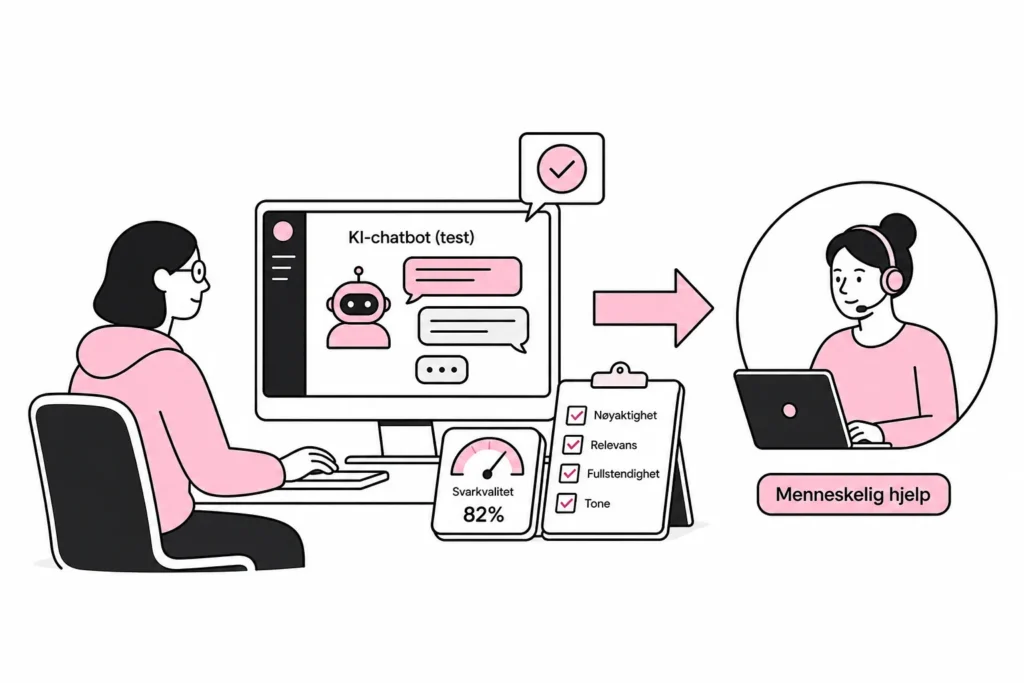
Choose a few metrics in advance. Record the proportion of test questions that receive correct and relevant answers, how often the chatbot has to pass the user on, which questions lack coverage and whether the number of simple inquiries to customer service changes. For tasks with a clear endpoint, you can also measure whether the user completes the action—for example, finds the right guide or reaches the correct form.
Quality control should include a manual review of a representative sample of conversations. Automated assessments can help with sorting, but should not alone determine whether the answers are professionally correct. Pay particular attention to answers that seem plausible but mix up terms, omit important caveats or answer a different question than the one the user asked.
Run the pilot on a limited scale, preferably on selected pages or for a defined user group. Compare the results with the current solution. If an updated help page solves the task more quickly and cost-effectively, that is a good result—even if the chatbot has to be retired before it earns a place in the strategy presentation.
Make the decision after the pilot
After the pilot, you should choose between three outcomes: further develop the chatbot, retain it for a narrow use case or replace it with a simpler solution. Consider response quality, the user's time spent, the impact on customer service, operating costs and the need for ongoing editorial work. Also include the costs of model usage, integrations, monitoring, testing and internal follow-up. The licence is rarely the whole bill.
The best AI chatbot is not the one that can talk about everything. It is the one that solves a clear task, uses controlled information, knows its limitations and directs the user elsewhere when it should. That sounds less futuristic than a digital employee that never sleeps, but at least it is possible to operate.