
Passwords are still the gateway to many of a business’s systems, even though they are forgotten, reused and entered in the wrong place. The result is often stricter password rules, more support requests and combinations like “Summer2026!” with just enough decoration to satisfy the form. It is security’s equivalent of putting a moustache on a passport photo.
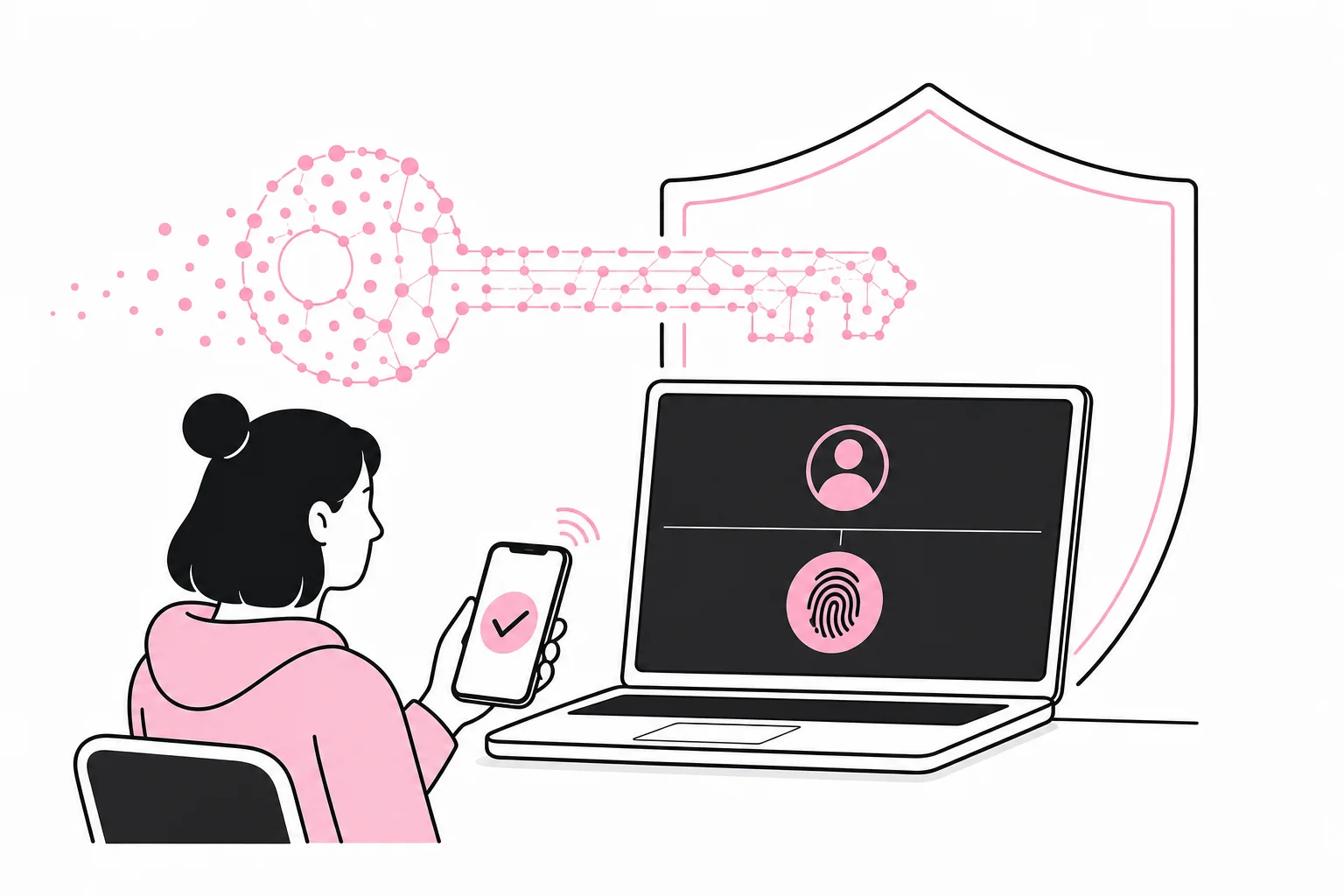
Passkeys, often referred to as passkeys, offer a different way to log in. The user confirms the login with a registered device, normally using a fingerprint, facial recognition, a PIN or a physical security key. But should your business introduce them now? The answer is yes if the most important systems support them, you have control over the devices and you plan recovery before rollout. If not, start with a limited pilot rather than declaring the password dead in a strategy document.
What is a passkey, and why is it harder to trick out of you?
A passkey is based on a cryptographic key pair. The private key is stored on the user’s device or in an approved synchronisation service. The service the user logs in to stores the corresponding public key. During login, the device proves that it has the correct private key without sending it to the service.
A useful comparison is that the service has a lock, while the user’s device has the only key that fits. The website does not need a copy of the key to verify it. With passwords, on the other hand, the service stores information used to verify the same secret the user enters. This makes passwords more vulnerable to theft, reuse and convincing fake login pages.
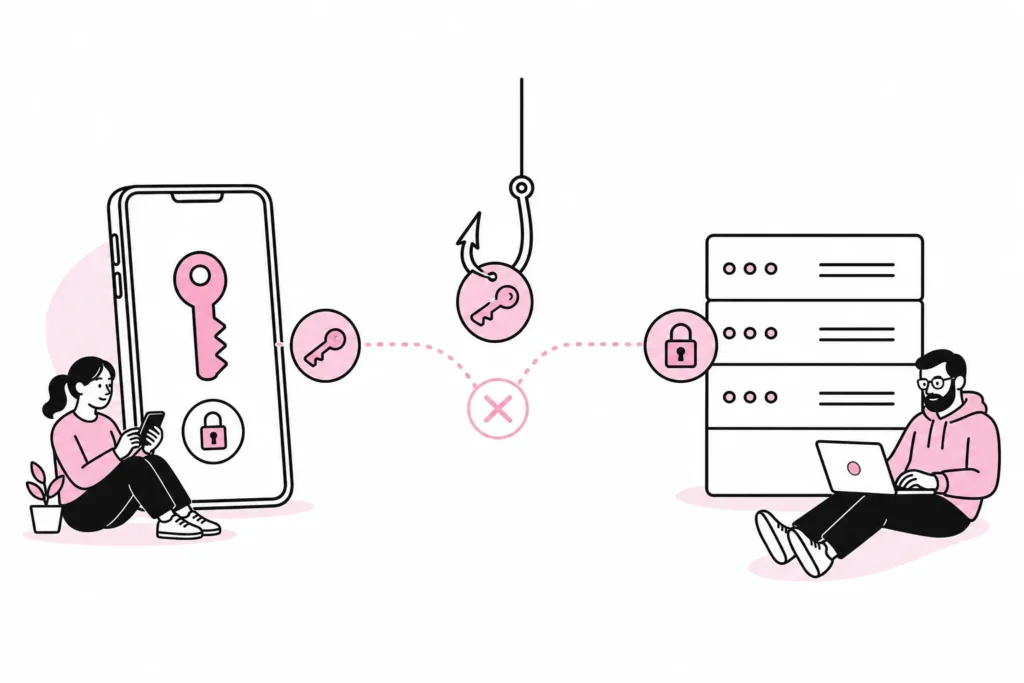
Passkeys are tied to the correct service. A fake website therefore cannot simply ask the user to enter the passkey and forward it, as it can with a password. This provides strong protection against common phishing. It does not mean that all forms of fraud or account takeover disappear. Attackers can still attempt to misuse active sessions, compromised devices, poor recovery procedures or social engineering of support staff.
Passkeys are not a magical layer of security sprinkled over the login page by a plugin with a rocket icon, either. The solution must fit together with the identity platform, device management and the procedures for employees who join, change roles or leave.
When is your business ready for passkeys?
Start with the systems, not with the technology as an idea. Map which services employees actually log in to, how identities are managed and whether the systems support passkeys directly or through the company’s central login. Prioritise email, administrative tools, cloud storage and other services where a compromised account could provide extensive access.
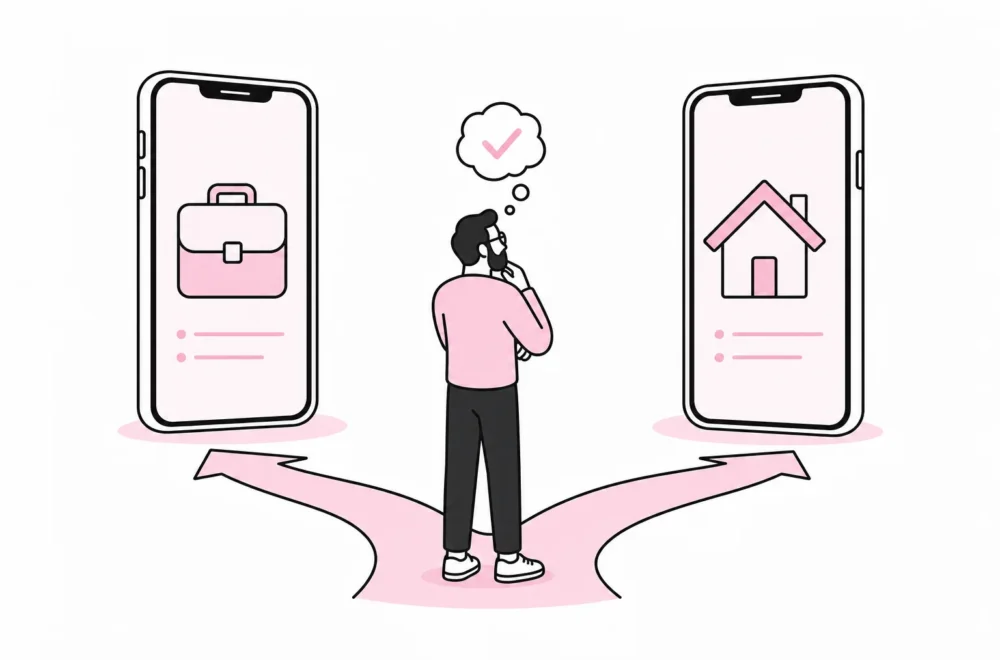
Next, you need to choose how the passkeys will be stored. Synced passkeys can be practical because they are available on several of the user’s devices. Device-bound passkeys or physical security keys can provide tighter control, but require more administration. The right choice depends, among other things, on the value of the information, the company’s device fleet and whether employees use private devices for work.
You are well positioned if:
- The most important services support passkeys or central login with strong authentication.
- Work devices are registered, up to date and can be blocked or wiped when necessary.
- You know who owns the process for identities and access.
- Employees have an alternative, controlled login method if the device is lost.
- Support can securely identify the user without bypassing the entire security model.
Delay full rollout if:
- Employees share accounts or use shared logins across roles.
- It is unclear which private devices have access to company data.
- Critical business systems only support passwords and cannot be connected to central login.
- Recovery consists of “someone in IT” sorting it out.
- Management expects one new login method to automatically fix old access problems.
That will not happen. A passkey can protect an account better, but it cannot explain why a former project manager is still an administrator three years after the project ended. Cryptography has its limits.
How to run a safe pilot
A pilot should be small enough for errors to be handled, but realistic enough for you to learn something. Choose employees with different roles, devices and working patterns. If you include only the technical department, you are mainly testing how quickly the technical department can understand yet another login dialogue.
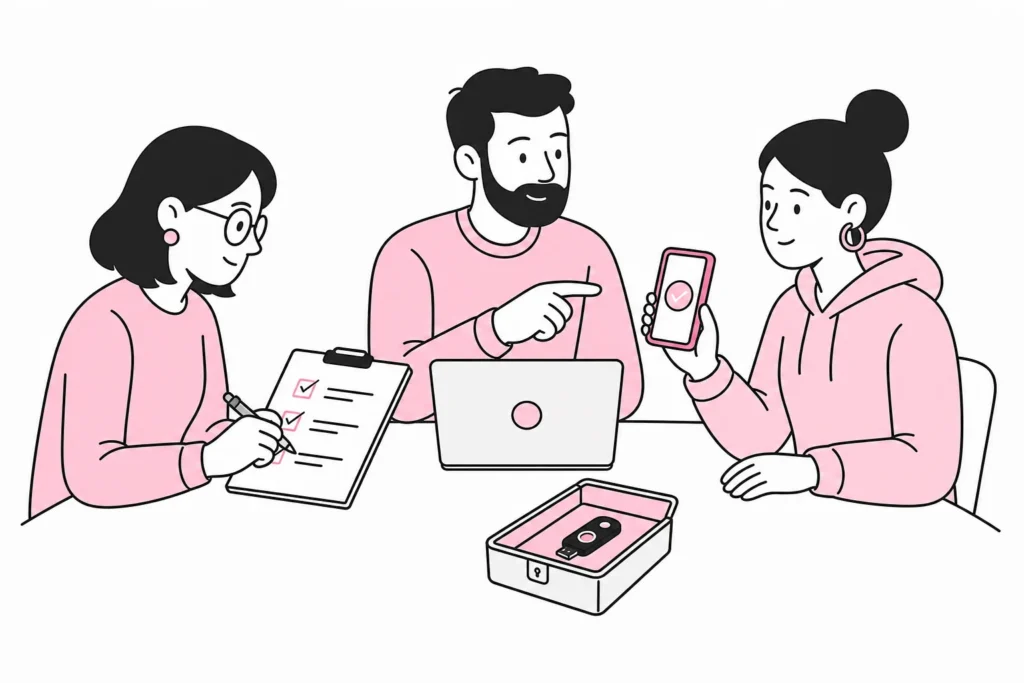
- Choose one specific service. It is often a good idea to start with a central service that already has mature support for passkeys, but avoid making the entire organisation dependent on the pilot’s first week.
- Define approved devices. Decide whether passkeys may be stored on private phones, only on managed work devices or on physical security keys.
- Keep a controlled fallback method. During the pilot, you should have a strong alternative login method. Avoid falling back to security questions or other methods that are easier to bypass.
- Test loss and replacement of devices. Simulate a phone being lost, a PC being replaced and an employee losing access to their usual device.
- Test offboarding. Ensure that access, registered devices, active sessions and any physical keys are handled together.
- Measure practical problems. Record where users get stuck, which requests support receives and whether any workflows still require passwords.
Do not assess the pilot solely by whether participants managed to log in. Also assess time spent, the number of support requests, recovery and whether the solution works across the devices employees actually use. A green status meeting can hide a lot, especially when “no issues were reported” really means that the incident form required eleven mandatory fields.
Recovery is the real security test
The most common planning mistake is to focus all attention on the normal login. The difficult part comes when the user loses their phone, breaks their PC or needs access while travelling. A secure main entrance is of little use if recovery is an unlocked side door with a sign saying “call support”.
Establish clear rules for how identity is verified during recovery. The method should reflect the account’s access level. For a standard user account, a combination of manager approval, a check in the HR system and an established alternative factor may be sufficient. For administrators and other privileged accounts, the verification should be stricter, and it may be sensible to require multiple independent approvals.
The company should also decide how many passkeys a user may register, how unknown registrations are detected, and who can remove or add authentication methods. Administrators should have separate accounts for administrative tasks and secure backup methods stored under controlled conditions. A physical security key in a labelled drawer is practical, but only if the drawer is not the company’s unofficial identity platform.
Minimum requirements before broad rollout
- Document which systems and user groups are to be covered.
- Clarify whether passkeys can be synchronised, and to which devices or accounts.
- Establish secure registration of the first passkey.
- Create a verified procedure for lost, replaced and blocked devices.
- Ensure at least one controlled backup method for critical roles.
- Test that access can be removed quickly when an employee leaves.
- Inform employees with concrete screenshots and concise action descriptions, not a webinar about the “identity journey”.
Passkeys should therefore be introduced as part of the company’s identity management, not as an isolated login project. For many organisations, a pilot is a sensible next step, particularly for critical services and high-risk roles. The benefits come when the technology is combined with managed devices, well-organised access controls and recovery processes that have actually been tested. That way, you reduce dependence on passwords without replacing one familiar problem with three creative new ones.