

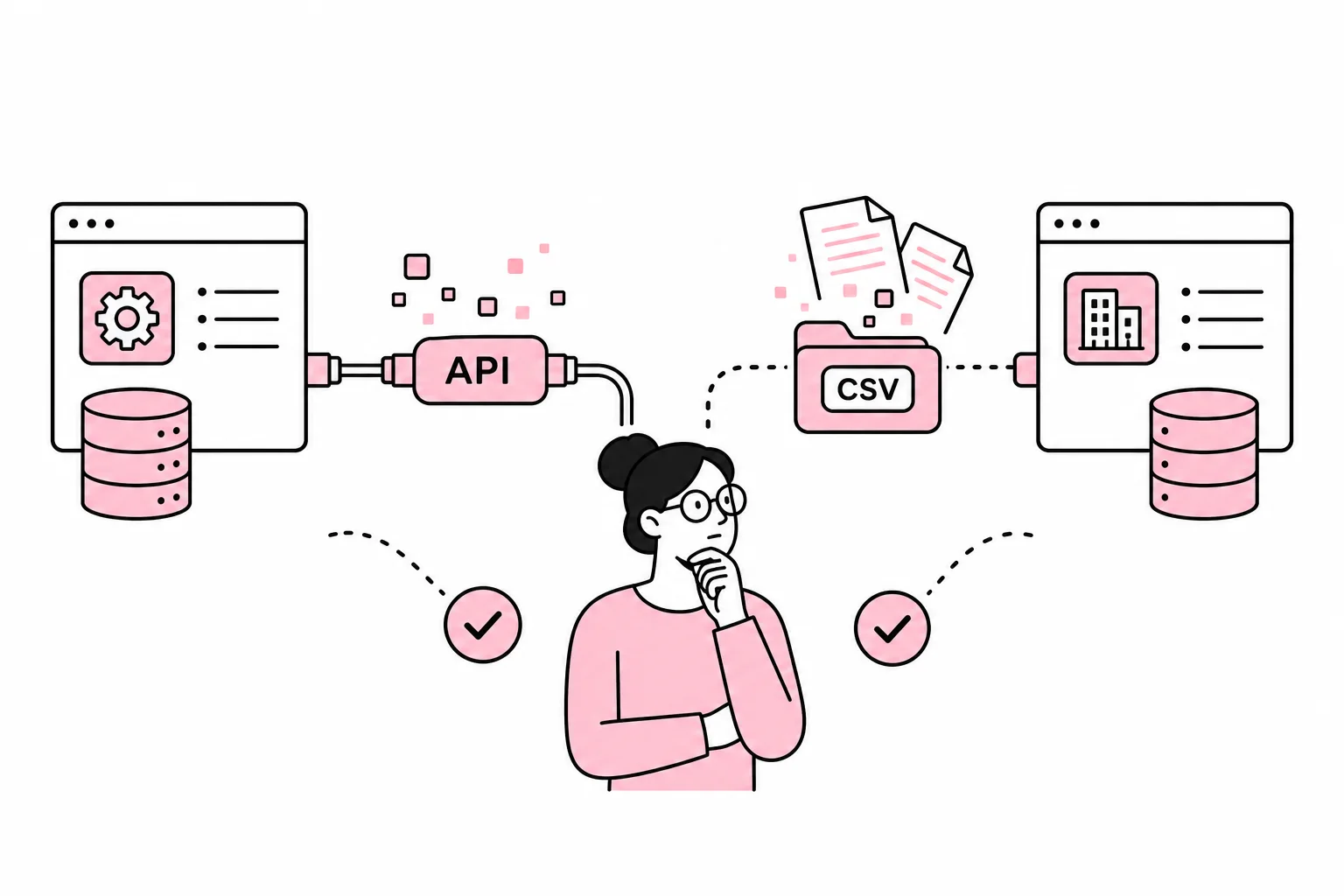
The business needs to move data between two systems. Perhaps products need to move from the ERP system to the online store, leads from the website to the CRM system or orders back to the accounting system. The question comes quickly: Do we need an API, or is file import enough?
The short answer is that an API is best when data needs to flow frequently, quickly and in a controlled manner. File import is often the right choice when transfers happen infrequently, the data volume is manageable and someone can check the result. The CSV file has survived several technological revolutions for a reason. It is about as glamorous as a paper clip, but it still solves a surprising number of real-world problems.
The wrong choice can still be costly. An unnecessarily advanced integration brings development, monitoring and maintenance you do not need. A solution that is too simple can lead to outdated prices, duplicates, manual corrections and uncertainty about which system is actually correct.
What is the practical difference?
A file import moves a defined dataset at a specific point in time. One system might export a CSV or XML file, and another system reads it in. The transfer can be manual or automated according to a schedule.
An API allows systems to request or send specific data through defined endpoints. Data can be transferred when an event occurs, at fixed intervals or when a user performs an action. A webhook is a common variant in which one system notifies another that something has happened, such as an order being created.
The difference can be compared to an ongoing phone call and a sealed envelope. The API allows the systems to exchange specific messages along the way. File import delivers a complete package at an agreed time. The envelope is not old-fashioned if the recipient only needs the update once a day.
File import is often suitable when
- data needs to be updated daily, weekly or as needed
- the dataset is small or moderate and has a stable structure
- the transfer mainly goes one way
- delays do not significantly affect customers or work processes
- a responsible person can check discrepancies
- the systems have good export and import functionality
An API is often suitable when
- data needs to be up to date within seconds or minutes
- information needs to flow in both directions
- many events need to be processed throughout the day
- the user expects a response while performing an action
- manual checks are not practically possible
- errors need to be detected, logged and handled automatically
Assess the need before the technology
Start with the business process, not the vendor's integration brochure. The fact that a system has an API does not mean that the API supports the data, actions or capacity you need. The word «seamless» is also often used for solutions with quite a few visible seams.
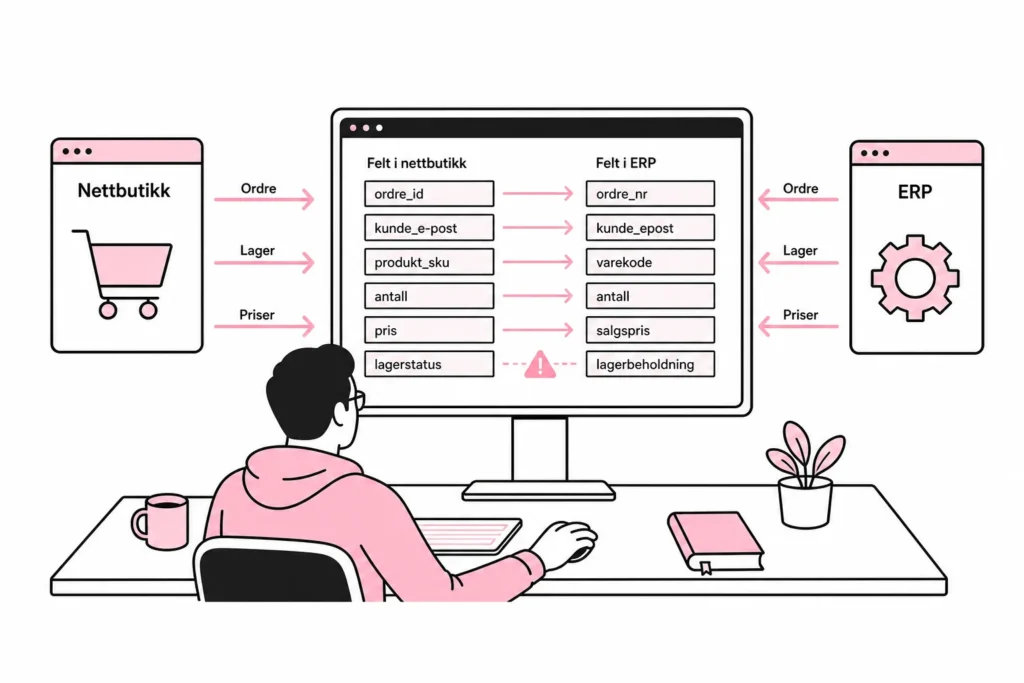
First describe what actually needs to happen. «The online store must be integrated with the ERP» is too imprecise. A useful description might be: When a paid order is created, the customer, order lines, taxes and delivery information must be sent to the ERP system. If the transfer fails, it must be retried, and the person responsible for finance must be able to see the discrepancy.
Then consider these questions:
- How fresh does the data need to be? Stock levels may require frequent updates, while a monthly customer list probably does not need real-time updates.
- How much data needs to be moved? A few hundred rows once a week is different from thousands of changes throughout the day.
- Does the data move one way or both ways? Two-way synchronisation increases the need for rules concerning conflicts and ownership.
- What happens if the transfer stops? Distinguish between irritating delays and errors that stop sales, delivery or invoicing.
- Who will follow up? Automation without a responsible owner is just an error that has received a calendar invitation.
If the vendor offers a ready-made plugin or connection, you still need to investigate what it actually does. A plugin that promises automatic synchronisation of «everything» may turn out to support four standard fields and an optimistic setting called Advanced Mode. Ask for a concrete overview of objects, fields, directions, intervals and error handling.
The technical requirements that are often forgotten
An integration is not finished when data can be sent once in a test. It is finished when it handles repetitions, interruptions, invalid values and changes in the systems without anyone having to guess what happened.
Clarify which system is the source of truth
For each data type, one system must be the authoritative source. The ERP system may own prices and inventory, while the CRM system owns sales status and contact follow-up. If both systems are allowed to overwrite the same field without clear rules, conflicts arise. Two-way synchronisation sounds balanced, but can resemble two people editing the same spreadsheet without speaking to each other.
Plan for duplicates and retries
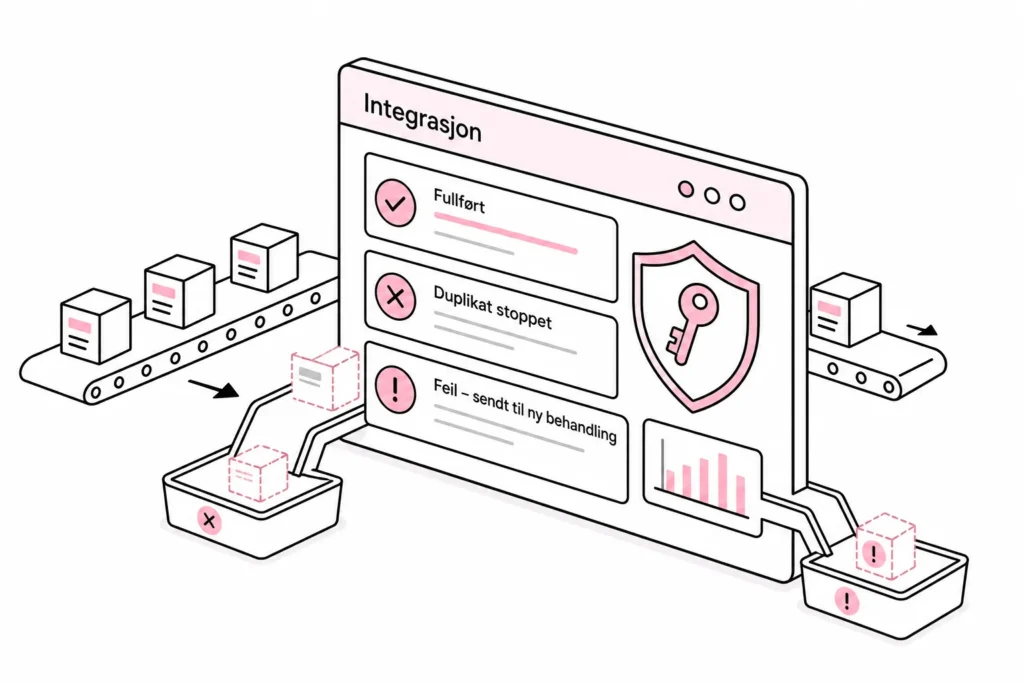
A request may be processed even if the sender does not receive a response. The integration should therefore be able to repeat a transfer without creating the same order or customer again. This is often called idempotency. Use stable identifiers, and define how existing records should be recognised.
Make errors visible
The integration should log the time, action, relevant identifier, result and an understandable error message. It must be possible to find failed transfers and run them again. A green icon on a dashboard is nice, but it is not the same as all orders actually arriving.
Limit access and data
The integration should only have access to the data and actions it needs. Keys and other authentication details must be stored securely, be replaceable and not be visible in code or export files. Personal data should not be copied to multiple systems without a defined need, purpose and deletion plan.
The providers’ current limitations must be verified before development begins. Investigate, among other things, the authentication method, capacity limits, available fields, costs, change notifications and whether a test environment is available. These are factors that can change and should therefore be confirmed directly in the project in question.
A simple decision model
Choose file import if the transfer can tolerate delays, has a simple direction and can be monitored with reasonable effort. Consider automating the file flow with a schedule if the format is stable. This provides much of the benefit without building a full integration.
Choose an API if up-to-date data is critical, events should trigger actions or the volume makes manual follow-up unrealistic. You can optionally combine a webhook for notifications with API calls to retrieve complete data. That way, you avoid asking the system every minute whether anything has happened.
A hybrid may be best when requirements vary. Orders can be sent continuously through an API, while the product catalogue is updated with a nightly file. There is no prize for using the same transport method for absolutely everything. Technical consistency is fine; technical stubbornness is mostly a billable hobby.
Before you decide, run a small trial with realistic data and error scenarios. Test missing fields, duplicates, invalid values, timeouts and an unavailable receiving system. Also check how the solution resumes work after an interruption. A demonstration with three perfect test customers says little about the Tuesday when the product number suddenly contains a space.
The right solution is the simplest one that meets the requirements for timeliness, data quality, security and operations. Sometimes that is a well-designed API. Other times, it is a controlled file import with clear responsibility and good exception reporting. The goal is not to have the most modern integration in the meeting minutes, but for the right data to get through and for someone to notice when it does not.