
Can artificial intelligence write your website copy? Yes, but the question is a little too simplistic. A language model can produce a polished first draft in seconds. It does not necessarily know what the company actually delivers, which reservations apply, or why customers choose you over a competitor. It writes with impressive confidence, much like a new employee who found a blazer on the way into the meeting.
The useful approach is therefore not to choose between people and AI. It is to create a workflow in which AI handles suitable subtasks, while people retain responsibility for facts, judgements and publication. This enables faster production without filling the website with slick wording that could belong to an accounting firm, a consultancy or an industrial hose manufacturer.
This method is particularly suitable for service pages, product copy, professional articles, customer stories and frequently asked questions. It assumes that you have access to someone who knows the service, the customer and the publishing objective. AI can help you formulate that knowledge. It cannot replace knowledge you never gave it.
Start with an editorial brief, not a vague instruction
An instruction such as “write a professional text about IT security” usually produces text that is grammatically correct but editorially untethered. The model lacks a target audience, purpose, scope and documentation. The result is often generic because the task was generic.
Instead, prepare a brief editorial assignment before opening the AI tool. It should be understandable to both a colleague and a language model. You do not need a prompt library with colour codes, maturity levels and the name “Content Intelligence Framework”. An ordinary text document works surprisingly well.
- Goal: What should the reader understand or do after reading the text?
- Target audience: What is the reader’s role, and how much do they already know?
- Page format: Is this a service page, article, product page or help text?
- Main point: What specific question should the text answer?
- Factual basis: Which approved facts can be used?
- Scope: What should the text not claim or cover?
- Action: What is a natural next step for the reader?
Then provide the model with relevant source material, such as existing product information, notes from a subject-matter expert and agreed terminology. Do not paste personal data, confidential information or customer data unless the company has assessed the processing, the tool and the applicable agreements. Features and terms vary between services and may change, so this must be checked in the solution you actually use.

Use AI for subtasks it is suited to
It is tempting to ask for a complete article and consider the job finished when the headings appear. Better results often come when the task is divided into smaller steps. Think of AI as a very fast writing assistant, not an automaton that receives three keywords and delivers finished subject-matter responsibility.
- Sort the material: Ask the model to group notes by topic, question or target audience.
- Create an outline: Ask for a logical order based on the reader’s information needs.
- Identify ambiguities: Ask the model to flag claims that lack explanation or supporting material.
- Write a first draft: Create one paragraph or one section at a time.
- Create alternatives: Ask for several headings, standfirsts or calls to action.
- Simplify: Use AI to shorten cumbersome sentences without changing their meaning.
This breakdown makes it easier to identify where errors and assumptions enter. It also reduces the risk of the model building on its own fabricated detail. An error in the first paragraph can otherwise become the foundation for the rest of the text, like assembling a kitchen from a floor plan the model “remembered” seeing.
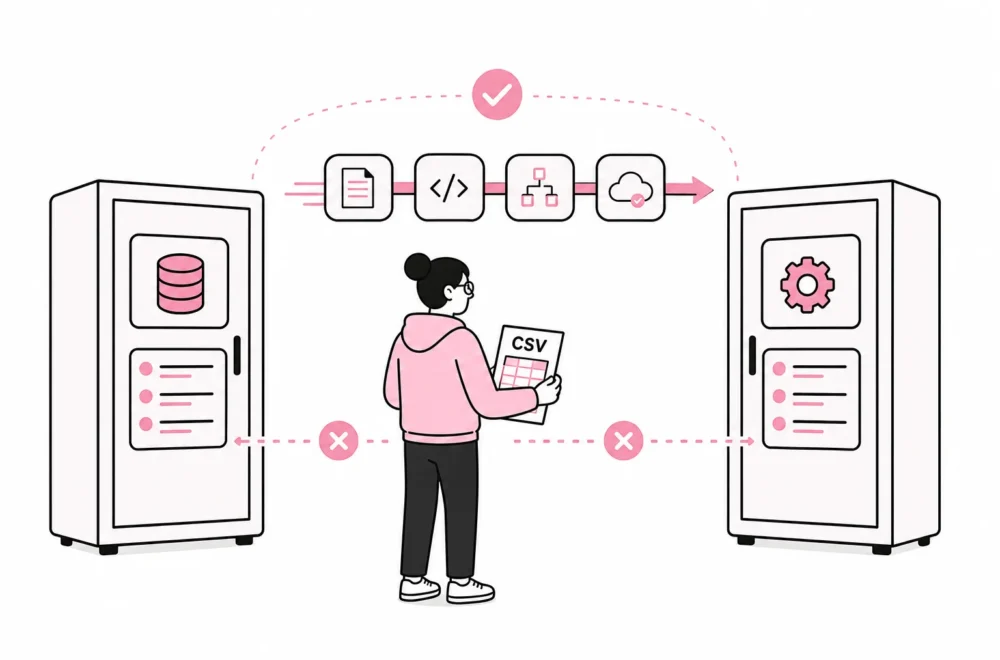
Be cautious with automation that sends AI-generated text straight into the publishing system. An additional integration or plugin may save a few copy-and-paste operations, but it can also remove the checkpoint where someone notices an incorrect price, the wrong target audience or a service the company does not offer. The industry has a particular talent for solving five minutes of editing with a subscription, three API keys and a new dashboard.
Check facts, meaning and language separately
Quality assurance becomes more precise when you divide it into three checks. A single instruction to “review the text” makes it easy to fix commas while overlooking that the content promises something the company cannot deliver.
1. Fact-checking
A subject-matter expert must verify names, prices, product features, technical descriptions, deadlines, terms and other verifiable information. Compare the text with approved source material. If a claim cannot be confirmed, it should be removed, rewritten or investigated before publication.
Pay particular attention to precise figures, categorical wording and comparisons with competitors. Language models can present uncertain information as established fact. A well-written paragraph is not documentation; it is merely a paragraph that has buttoned its shirt all the way to the top.
2. Meaning check
Ask whether the text actually answers the reader’s question. Are the recommendations reasonable? Are important reservations missing? Is it clear who the solution is suitable for, and who it is not suitable for? Here, someone with subject-matter or customer insight must assess the whole.
Also make sure that the examples are real or clearly hypothetical. Do not let the model invent customer stories, quotes or results to make the text more vivid. Fabricated credibility has a fairly limited shelf life.

3. Language and brand review
Finally, an editor reviews the language, tone and readability. Remove repetition, unnecessary introductions and claims without value. Pay particular attention to words such as “seamless”, “tailored”, “future-oriented” and “innovative”. They often appear in clusters when the model is given too little concrete information.
Replace general promises with explanations. “We deliver tailored solutions” says little. “We adapt the publishing workflow to the roles of editor, subject-matter lead and administrator” describes what the adaptation actually involves. Concrete language is not just better style; it makes the text easier to verify.
Create a simple publishing gate
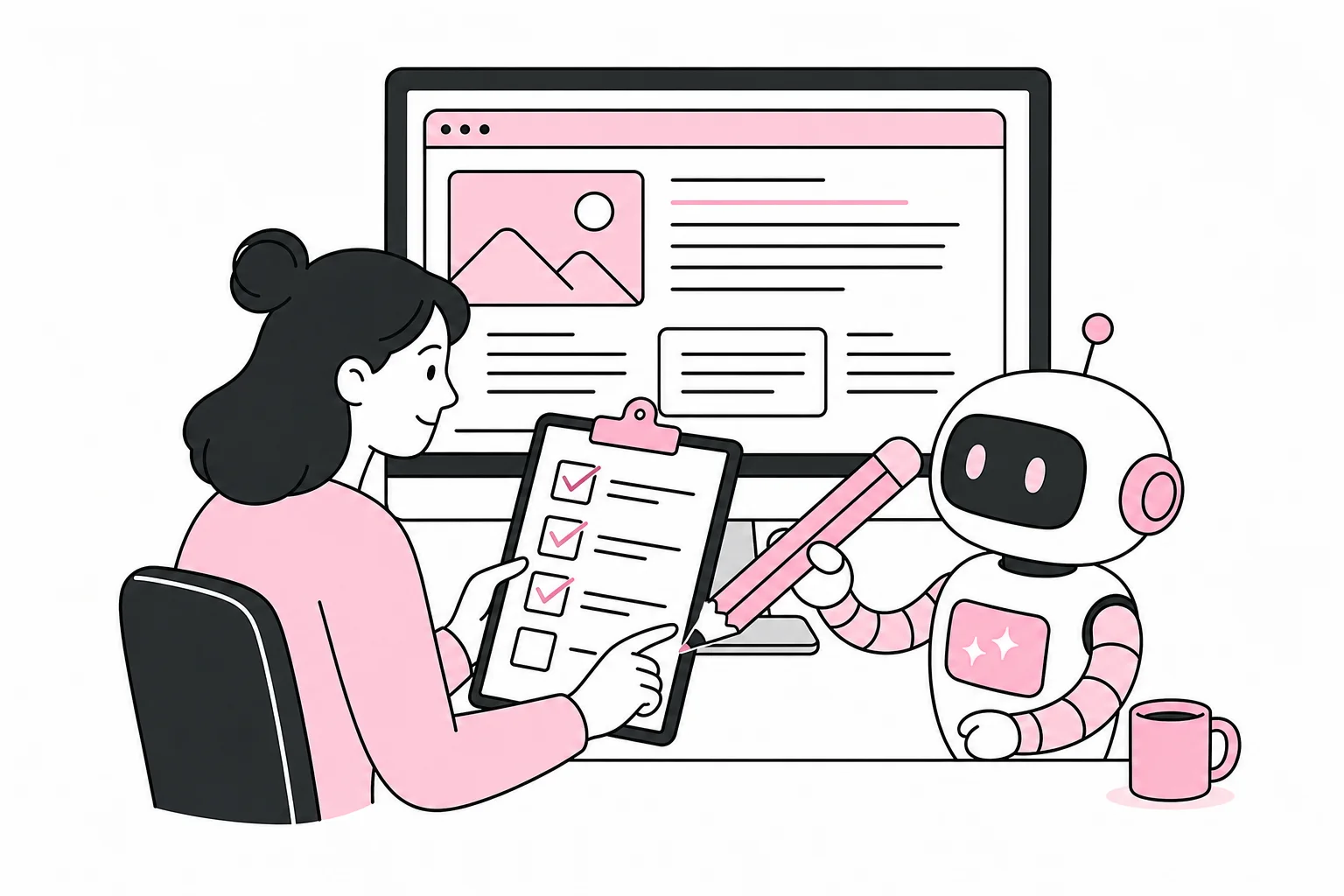
The company should have a clear checkpoint between the AI tool and the public website. It does not need to become an approval process involving nine meetings and a flowchart that requires separate training. For most website content, named roles and a short checklist are sufficient.
- Requester: Defines the objective, target audience and desired action.
- Subject matter expert: Approves facts, assessments and necessary qualifications.
- Editor: Checks structure, language, tone and consistency with the rest of the website.
- Publisher: Checks links, metadata, formatting and display before publication.
In small companies, the same person may have several roles. The point is not how many people are involved, but that responsibility is visible. The text should be stored so you know what source material was used, who approved the content and when the information was last reviewed. For pages with prices, rules or services that change frequently, you should also agree on a date for a new review.
After publication, you should measure whether the text is doing its job. Look for relevant actions, customer questions, internal feedback and search terms that show what visitors are trying to find. If customer service repeatedly has to explain the same point, it is often the website copy that needs work. Generating four new articles is rarely the most precise remedy, even if the AI tool is standing by with its stethoscope.
AI is useful when it reduces empty editing work, creates better drafts and helps professionals structure their knowledge. The benefits disappear when speed becomes more important than responsibility. The best workflow is therefore quite down-to-earth: good source material going in, small and controllable tasks along the way, and a competent person at the publishing button.