
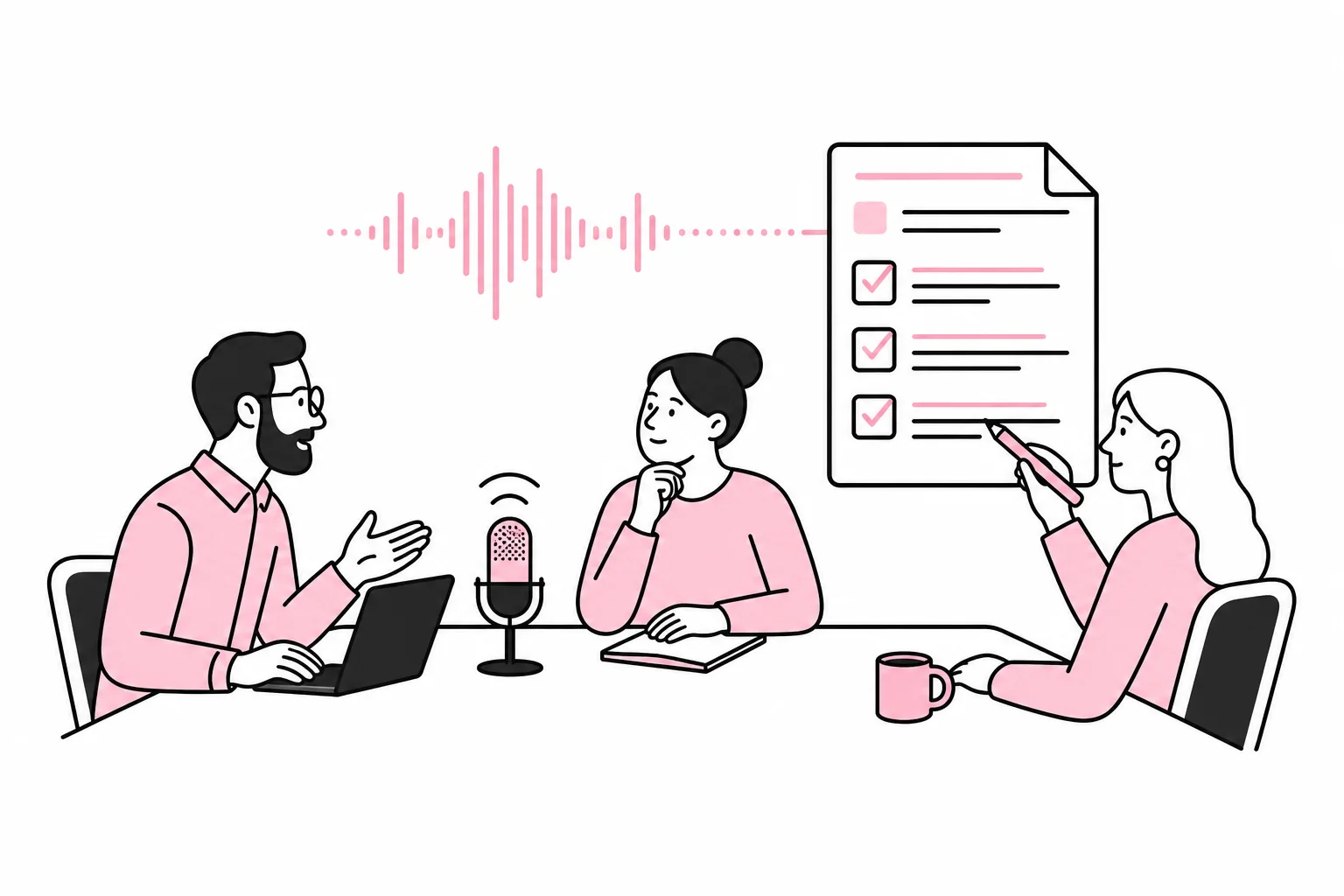
AI tools can record a meeting, turn speech into text and deliver a summary before the participants have found the elevator. That is useful. At the same time, the tool may misinterpret an unclear sentence and assign a task no one approved to the wrong person. Efficient, but with a certain element of improvisation.
The specific question is therefore not whether AI can write meeting minutes. It can. The question is whether the company can establish a workflow in which the minutes are accurate, understandable and handled responsibly.
The promised meeting magic usually consists of three familiar disciplines in a new blazer: audio recording, transcription and summarisation. The benefit comes not from the magic, but from less follow-up work, clearer decisions and fewer tasks disappearing between one meeting and the next.
Understand what the AI tool actually does
A typical tool performs several separate operations. First, audio or video is recorded. Speech recognition is then used to create a transcript. Finally, a language model uses the transcript to formulate summaries, decisions and tasks.
These steps have different sources of error. Speech recognition can mix up participants, misunderstand technical terms or lose track when several people speak at once. The summary may omit an important reservation, make a discussion sound more conclusive than it was or present an assumption as a decision.
A transcript and meeting minutes are therefore not the same thing. The transcript is the raw material. The minutes are a map drawn from that material. If a turn is missing from the map, it is of little help that the lines are neat.
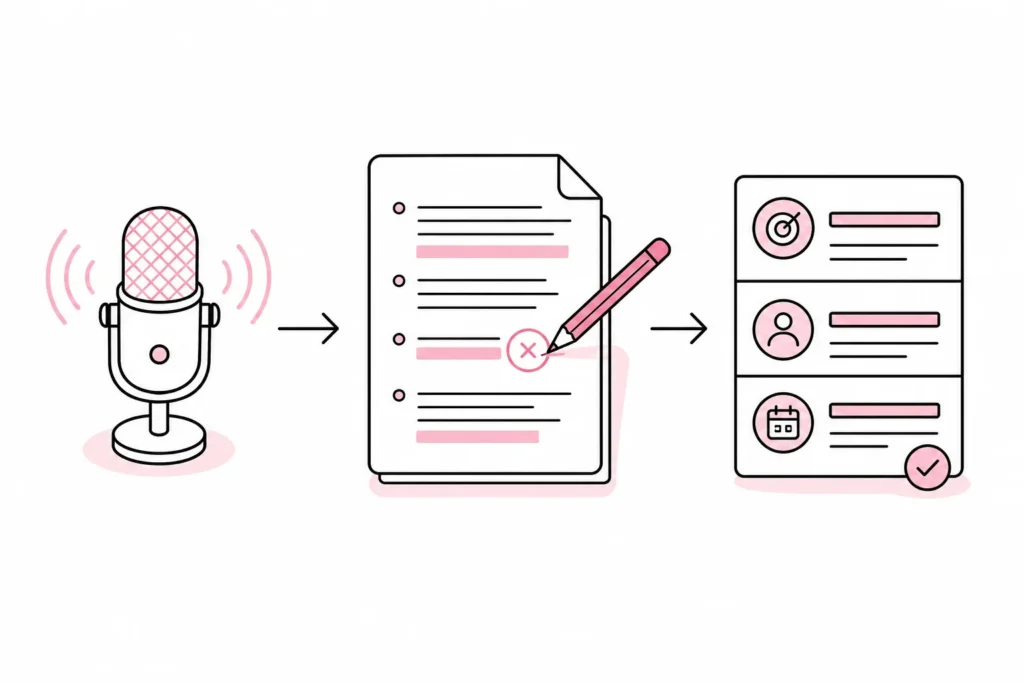
Also clarify what you actually need. A verbatim transcript is often unnecessary. For many internal status meetings, the following is enough:
- decisions made
- tasks with an assigned person
- agreed deadlines
- open questions that need to be followed up
- brief context for those who did not attend
The clearer the desired outcome, the easier both the instructions to the AI tool and the subsequent human review become.
Clarify recording, data and responsibilities before the first meeting
An AI-generated set of minutes does not begin with a good instruction to the language model. It begins with control over the recording. Audio, transcripts and minutes may contain personal data, trade secrets, customer data and other information the company should not circulate without a plan.
Clarify the legal basis the organisation relies on, how participants are informed, where data is processed, how long recordings and transcripts are stored, and who has access. Do not assume that a quick “is this okay?” at the start of the meeting resolves every issue. Consent is not automatically the right legal basis in an employment relationship either.
The vendor assessment should cover, among other things:
- whether the content is used to train the vendor’s models
- where data is stored and processed
- whether the organisation can control retention periods and deletion
- which administrators and users have access
- whether events, sharing and downloads can be tracked
- whether the necessary agreements and security mechanisms are in place
Be particularly cautious with personnel matters, health information, legal assessments, security incidents and meetings containing extensive customer information. If you cannot explain where the recording ends up and when it is deleted, “do not record” is a surprisingly robust feature.
Also decide who owns the process. A meeting chair or designated note-taker should be responsible for starting the recording, reviewing the result and approving its distribution. An automated meeting bot that appears everywhere is a little like an uninvited consultant: It takes thorough notes, but does not necessarily understand the purpose of the meeting.
Use a consistent workflow for quality assurance
The AI draft should be treated as a draft, not as finished minutes. A simple, repeatable process is better than five integrations moving the same text between six systems. The latter is essentially a small orchestra hired to ring a single bell.
- Choose a minutes template before the meeting. Define fixed fields for purpose, decisions, tasks, responsible persons, deadlines and open questions.
- Inform the participants. Tell them that the meeting will be recorded, what the recording will be used for, who will have access and how objections will be handled.
- Mark decisions verbally. The meeting chair can say “the decision is” or “the task is assigned to”. This helps both people and speech recognition.
- Create the AI draft in the agreed format. Ask the tool to clearly distinguish between decisions, suggestions and questions. It should not fill in missing assignees or deadlines.
- Check against the transcript or recording. Pay particular attention to names, figures, dates, technical terms, reservations and who actually took on a task.
- Approve before sharing. One named person must be responsible for the final text. Do not let the tool automatically send the minutes to all participants.
- Delete the raw material according to plan. If audio recordings and the full transcript are no longer needed, they should be deleted in accordance with the organisation’s established procedures.
A useful instruction can ask the AI tool to use short bullet points, not guess, flag ambiguities and quote the relevant wording when a decision is unclear. The instruction should also state that discussion must not be presented as a resolution.
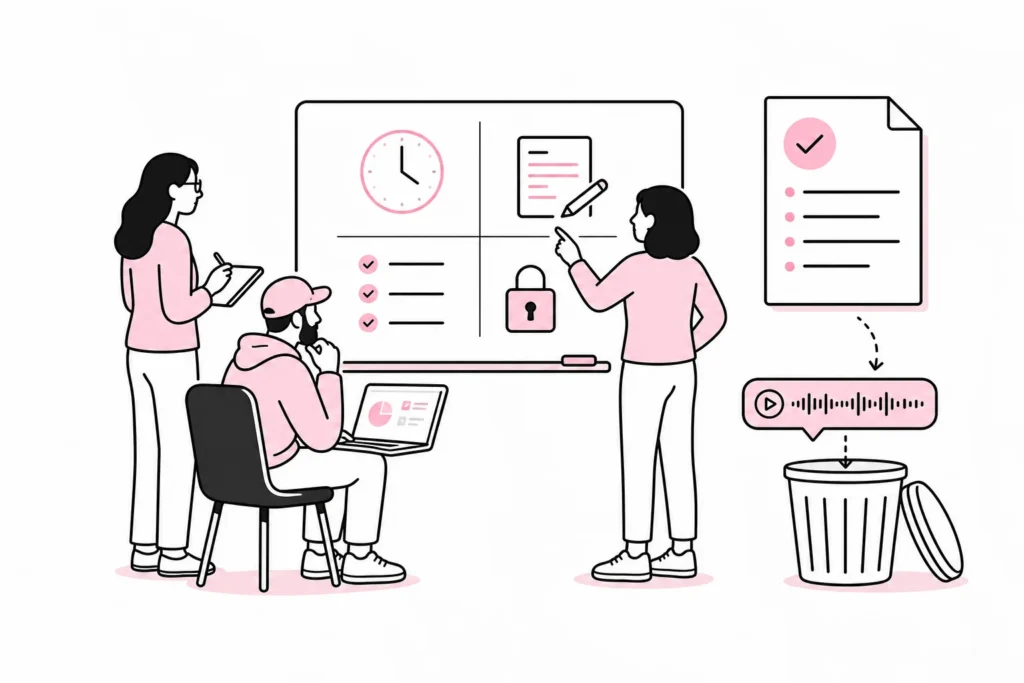
A human must check this
- Were all decisions actually made in the meeting?
- Are proposals and resolutions kept separate?
- Does each task have the correct person responsible and deadline?
- Have material reservations been retained?
- Does the minutes contain more sensitive information than the recipients need?
- Is the tone neutral and suitable for internal documentation?
The review does not need to become another administrative marathon. For ordinary status meetings, a brief review may be sufficient. A good process uses the risks associated with the meeting to determine the level of oversight. An approval workflow with 14 steps rarely makes the minutes safer; it primarily makes them historically interesting.
Test the value in a limited pilot
Start with a type of meeting that occurs frequently, has a clear structure and normally does not contain particularly sensitive information. Internal project meetings or regular operational meetings may be suitable. Avoid starting with an employee meeting simply because the calendar happens to be free.
Run the pilot across several meetings and use the same template, tool and review procedure. Assess the results using specific criteria:
- How much time is spent on review compared with writing the minutes manually?
- How many decisions, names, deadlines and responsible persons need to be corrected?
- Are tasks followed up more consistently?
- Do participants feel that the information and recording practices are clear?
- Do access controls and deletion work as decided?
If the review takes as long as writing the minutes, the solution is either poorly configured or being used for the wrong type of meeting. This does not necessarily mean that the tool is useless. Perhaps you only need the decision and task list, not a literary summary of every contribution.
After the pilot, you should make an explicit decision: Which meetings may use AI-generated minutes, which should be assessed on a case-by-case basis, and which should never be recorded? Also document who is responsible, which template is used and how long the raw material is retained.
AI for meeting minutes works best as a fast assistant with clear boundaries. It can shorten the follow-up work and improve task tracking, but it should not be given the roles of secretary, archivist, data protection officer and witness to the truth all at once. Even software starts to feel a little broad in the shoulders under such a job description.