
The company has published a thorough article, hosted a webinar or held a customer conversation full of useful insights. Then the link is shared once, before the content disappears into the archive alongside the 2021 Christmas greeting. That is an expensive way to do content marketing.
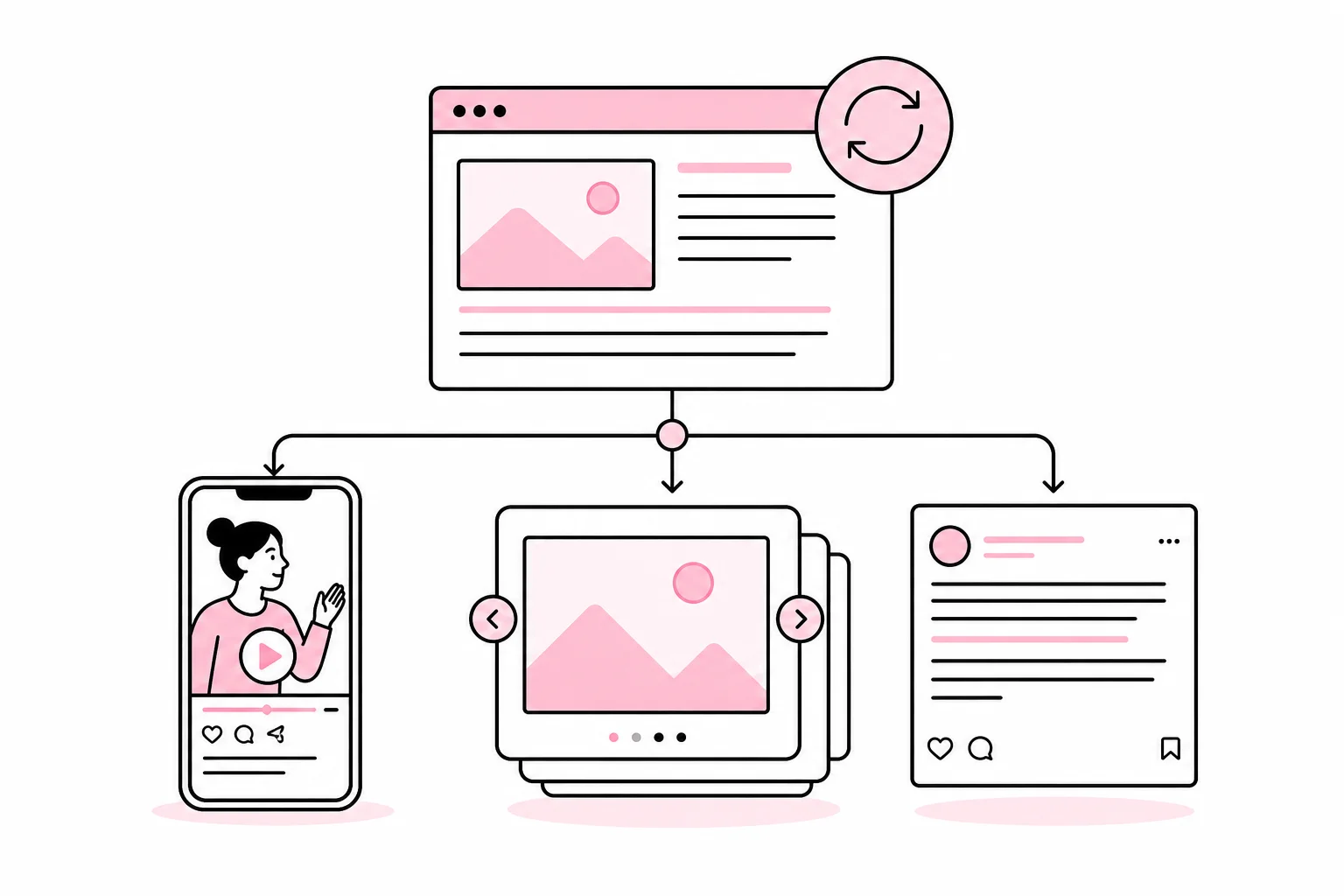
Good content can be used several times without followers experiencing it as repetition. But repurposing does not mean pasting the same text into three channels and changing the emoji. It is more like using the same ingredient in several dishes: Fish soup and fish cakes may have the same starting point, but no one expects them to be served in the same way.
The goal is to draw out several independent points from a strong piece of foundational content and adapt them to different needs, formats and situations. That way, the company gets more value from the expertise it already has, while making publishing easier to plan.
Start with foundational content that can be repurposed
The most effective starting point is a substantive piece of content. It could be an expert article, a guide, a webinar, a presentation, a survey, a customer event or an interview with a subject-matter expert. A post that merely says the company «is passionate about great customer experiences» is harder to develop further. Flames alone provide surprisingly little editorial material.
The foundational content should answer a real question, explain a work process or help the recipient make a decision. Before planning the posts, you should therefore identify the parts that can actually stand on their own.
- Main claim: What is the most important thing the recipient should understand?
- Practical advice: What specific actions can the reader take?
- Common mistakes: What often goes wrong, and why?
- Examples: Which situations make the professional point easier to understand?
- Questions and objections: What will customers or colleagues typically wonder about?
- Visual material: Is there a model, checklist, demonstration or process that can be shown?
For example, an article about website maintenance could produce one post about updates, one about backups, one about testing forms and one about who should be responsible. Each post solves a small problem for the reader. They are related, but not identical.
Create new angles, not just new formats
Turning an article into a carousel is a format change. Using the article’s content to answer a new question is an editorial angle. You need both, but the angle should come first.
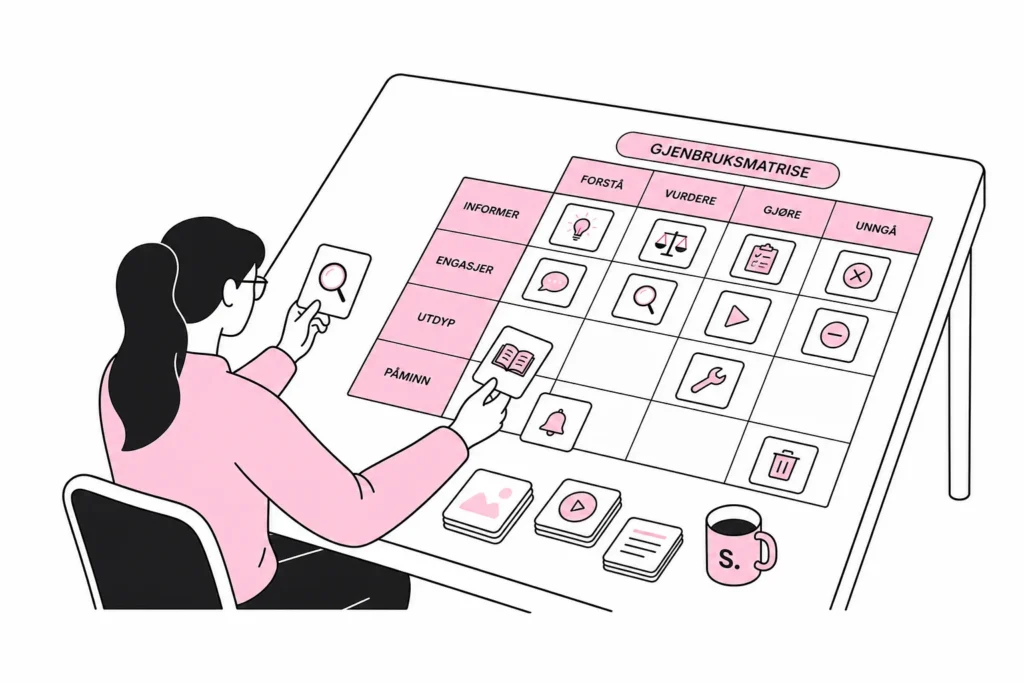
It is often useful to choose three to five angles from the same foundational content. One simple model is to distribute them according to what the recipient needs:
- Understand: Explain a concept or connection.
- Evaluate: Show the benefits, drawbacks or criteria involved in a decision.
- Do: Provide a brief process or checklist.
- Avoid: Describe a common mistake and how to prevent it.
- See: Show a concrete example, a demonstration or a before-and-after image.
If the foundational content is a webinar about recruitment, the «understand» post could explain why unclear requirements lead to weak applications. The «do» post could be a checklist for the job advertisement. The «avoid» post could address wording that scares away qualified candidates. A short video clip could show the speaker’s clearest example.
This is often where a tool appears promising to «atomize content with one click». The result is often one thought cut into twelve thin slices and sprinkled with rocket emojis. Automation can help with transcription, drafts and formatting, but someone still has to decide whether each post has standalone value.
Use a simple repurposing matrix
A small table in the planning tool or spreadsheet is usually enough. Record the foundational content, target audience, question, angle, format, channel, publication date and person responsible. Also add the status of subject-matter review and any required approval.
The matrix makes it easier to spot whether five planned posts are really saying the same thing. It also prevents the team from starting with a blank document every week, a working method that is remarkably popular despite never becoming more efficient.
Adapt the content to the channel and situation
The same professional point can work across several channels, but the packaging should reflect how the recipient uses the channel. Adaptation involves more than image dimensions. Length, pace, opening, visual structure and desired action all need to be considered.
- Short text posts: Use one clear observation, a concrete example and a question or piece of advice.
- Carousels: Break a process or checklist into steps that make sense individually.
- Short video: Show one demonstration or explain one specific point. Add captions.
- Long-form professional post: Use the space for reasoning, nuance and experiences that do not fit in a short update.
- Visual posts: Let the graphic explain something, rather than merely decorate a headline.
A text written for one channel should therefore not automatically be exported everywhere. A long-form argument can become a series of short posts, while a detailed checklist may be better suited to a carousel. A post with fifteen hashtags and a tacked-on “What do you think?” is not adapted to the channel for that reason. It has merely put on a hat.
Also consider where the recipient is in their needs. Someone who has just discovered a problem needs a simple explanation. Someone comparing suppliers needs criteria and limitations. An existing customer may benefit more from a practical guide. Repurposing works best when each post has a defined audience and purpose.
Build a workflow that preserves quality
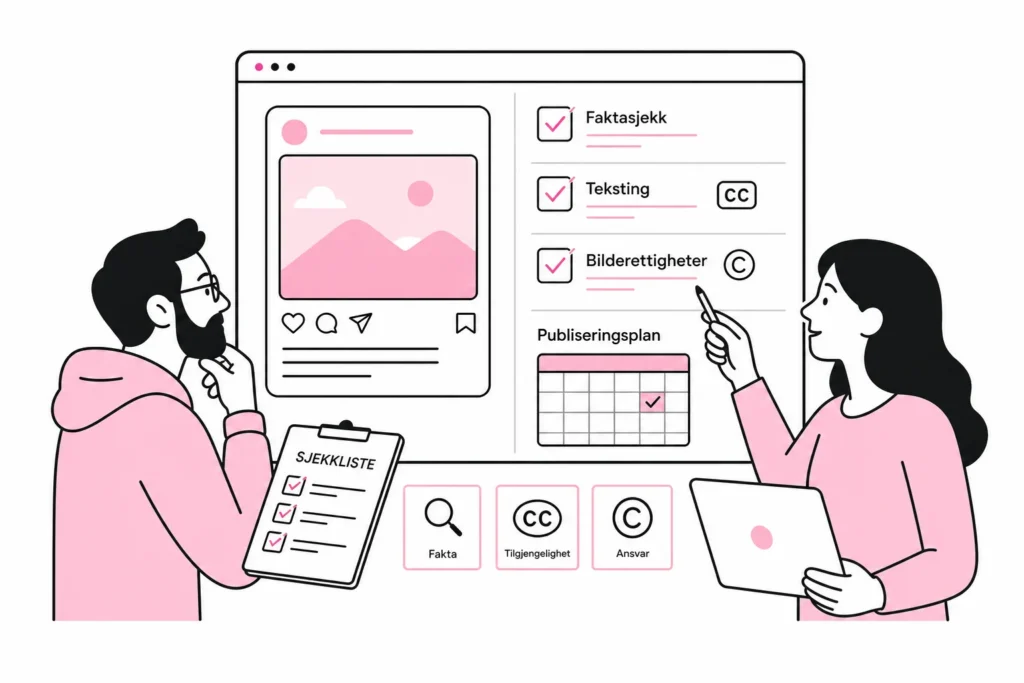
Repurposing is faster when responsibilities and checkpoints are clear. That does not mean every post needs an editorial board, a steering group and three meetings about the strategic alignment of the semicolon. It means someone owns the process, and that the right subject-matter expert checks what actually requires verification.
- Choose the core content: Prioritize content that is still accurate and relevant.
- Extract the key points: Create a list of questions, advice, mistakes and examples.
- Choose the audience and objective: Decide what each post should help the reader with.
- Adapt the format: Write and design the content for the relevant channel.
- Check the facts: Update outdated information, screenshots, prices and descriptions.
- Check permissions: Clarify the use of customer stories, images, quotes and recordings.
- Make the content accessible: Caption videos, use legible graphics and add alt text where the channel supports it.
- Plan the spacing: Spread related posts out so the feed does not feel repetitive.
Be particularly careful with content based on legal requirements, security, prices, product features or other factors that may change. Repurposing is not the same as having an unlimited shelf life. Check the content again before publishing, even when the original was correct when it was created.
How often can the same topic be used?
There is no universal limit. Consider how different the angle is, how long it has been since the previous publication, and how much the audiences overlap. An important professional point can be repeated more often than a straightforward campaign message, especially if it is presented with a new example or answers a different question.
Monitor reactions, clicks, saves, qualified inquiries and the comments you actually receive. The numbers should be interpreted in light of the content’s purpose. A post that gets few reactions but is saved and used by the right professional group may be far more useful than a post that earns applause from people who will never become customers.
The practical benefit comes when repurposing becomes a regular part of production. So plan derivative posts at the same time as the core content is created. That way, you avoid having to dig through the archive later and pretend that a four-year-old presentation has suddenly become a content strategy.
Good repurposing does not make communication more monotonous. It makes professional knowledge easier to find, understand and use. The difference lies in whether you copy the content—or rework it for a clear audience, with a new angle and a specific purpose.