
Passwords have a peculiar ability to multiply like browser tabs: No one quite remembers who opened them, but suddenly there are 47. The result is reuse, predictable variations and a steady stream of password reset requests.
Passkeys can eliminate much of this. Instead of entering a password, the employee uses a phone, computer or physical security key to verify their identity. The verification can be unlocked with a fingerprint, facial recognition or the device's PIN code.
That does not mean every company should disable passwords on Friday afternoon and hope Monday will sort out the rest. Before introducing passkeys, you need to know which systems support them, which devices employees use, and how you will handle lost phones and other surprises.
What is a passkey, and what does it solve?
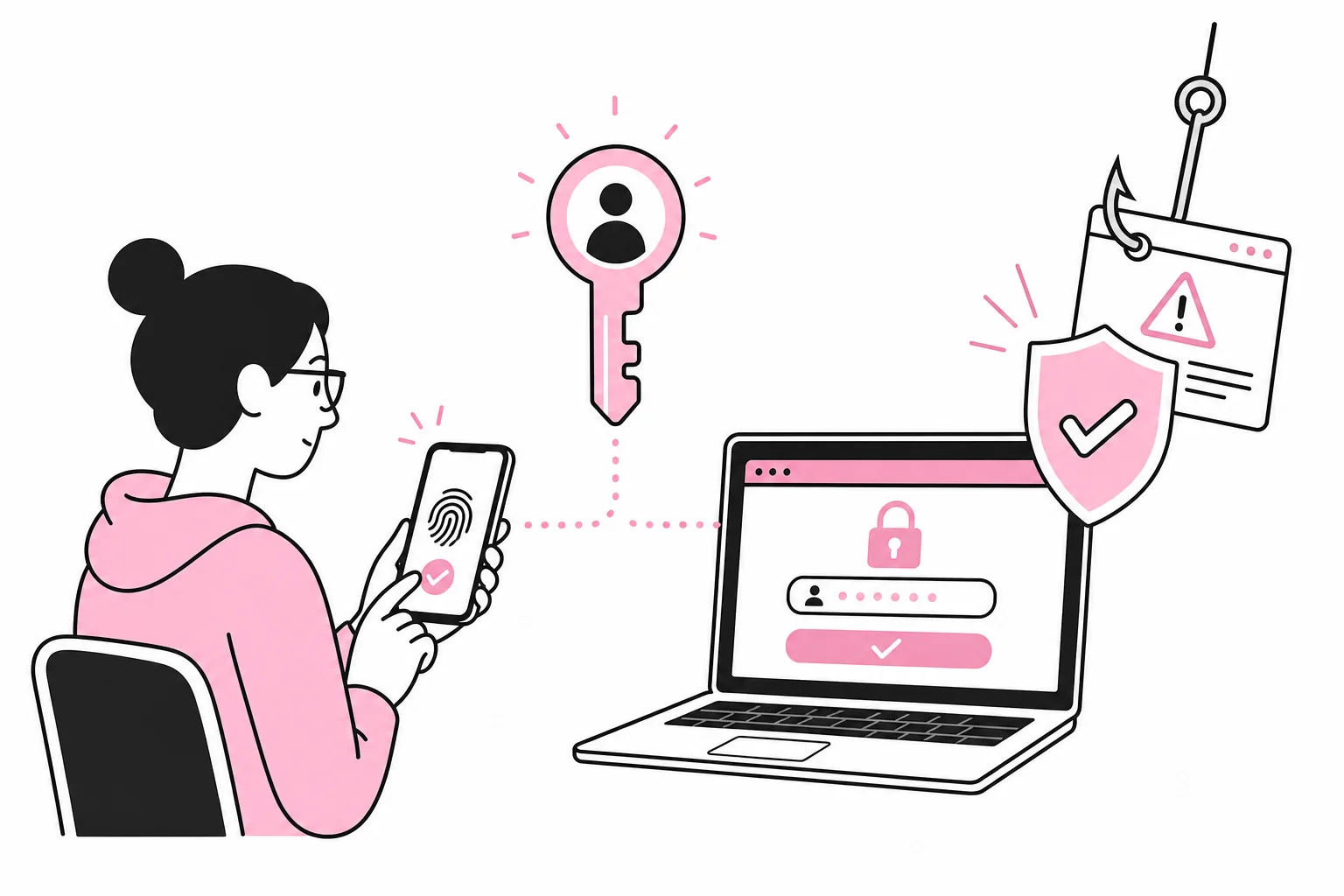
A passkey is based on a cryptographic key pair. The service stores the public part, while the private part is kept on the user's device or in an approved solution that can sync it across devices. When logging in, the device proves that it has the correct private key without sending the key itself to the service.
A useful comparison is that the website installs a specially made lock, while the key remains with the user. With passwords, the user effectively sends the same secret bank code every time. It can be copied, entered in the wrong place or end up in a database that later falls into the wrong hands.
Passkeys are tied to the correct service and therefore provide better protection against common phishing attempts. A fake login page cannot simply make a passkey authenticate to the wrong domain. Biometric data is normally used only to unlock the key locally on the device; the fingerprint is not sent to the website.
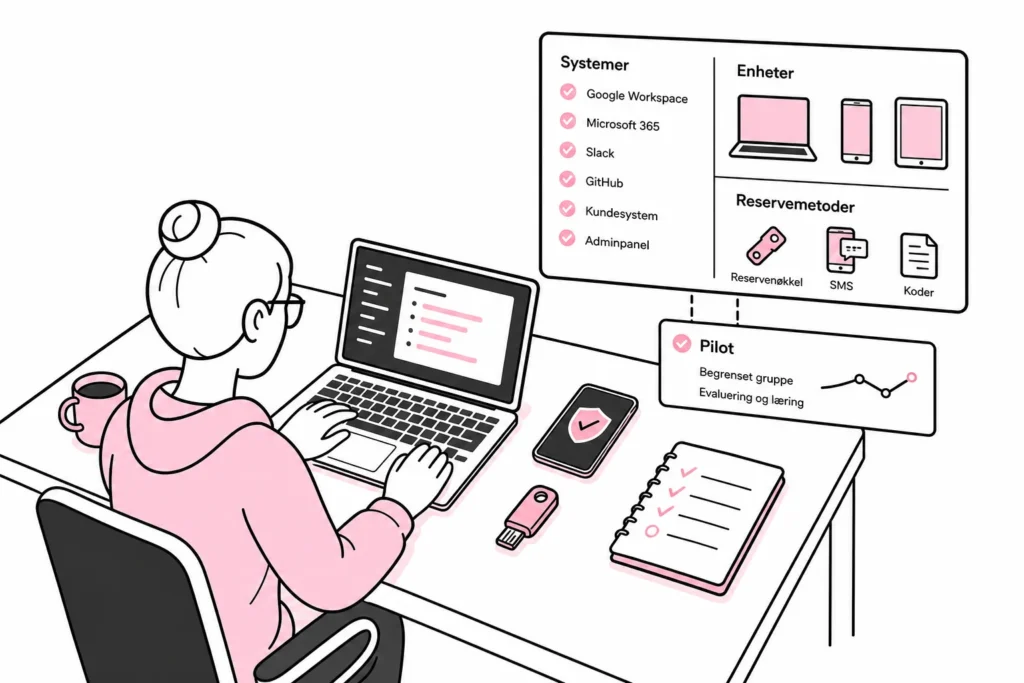
This solves several specific problems:
- Fewer passwords to remember: The user no longer has to create, store and enter yet another variation of the same password.
- Better protection against phishing: The passkey only works with the service it was registered for.
- Less strain on user support: Fewer forgotten passwords can mean fewer manual resets.
- Faster login: The user can often confirm the login directly on the device.
Passkeys do not, however, eliminate the need for access management, up-to-date devices and good procedures when employees leave. Authentication proves who the user is. It does not determine whether they should still have access to the financial system.
When are passkeys a good fit for the company?
Passkeys are particularly relevant when the company uses a central identity platform, managed devices and web-based services with documented support. This allows you to control the rollout, enforce security requirements and see which authentication methods are actually registered.
Start by mapping the logins that are used frequently or protect important data. Email, document storage, administrative tools and customer systems are typical candidates. Do not start with the most obscure specialist system that only works in one browser on the accountant's backup PC. That system probably already has enough personality.
Factors supporting a launch
- Most employees use devices managed by the company.
- The identity platform and the most important services support passkeys.
- The company has many password-related support cases or a high risk of phishing.
- There is a secure process for identity verification and recovery.
- IT can register multiple authentication methods for key personnel.
Factors requiring additional planning
- Employees share computers or user accounts.
- Many use personal phones without clear requirements for screen locks and updates.
- Important legacy systems support only usernames and passwords.
- External consultants and seasonal workers need short-term access.
- The company lacks a controlled process for lost or replaced devices.
Be sceptical of solutions that promise to make all old logins «passwordless» with a single plugin and a control panel full of futuristic switches. If the plan requires an add-on called something like «Identity HyperFlow Ultimate», it is worth checking whether you have really just bought another layer of passwords.
Also distinguish between synchronised and device-bound passkeys. Synchronised passkeys can make it easier to use multiple devices, but the company must understand where the keys are stored and which accounts control the synchronisation. Device-bound keys provide tighter control, but may require more registrations and administration. The right model depends on the level of risk, device management and how your organisation works.
How to conduct a controlled pilot
A pilot should test the entire lifecycle, not just the pleasant demonstration where a new phone unlocks an account in three seconds. The real test comes when the phone is left in a taxi and the user needs to access the payroll system before nine o'clock.
- Choose one limited service. Start with a service that supports passkeys well, is used regularly and can retain a controlled fallback login during the pilot.
- Choose a diverse test group. Include employees with different roles, devices and levels of technical experience. A pilot with only the IT department mainly demonstrates that the IT department can follow its own instructions.
- Register at least two methods. For key personnel, it may be sensible to have both a primary device and a physical security key or another approved backup.
- Test realistic scenarios. Switch phones, block a device, remove a user, try a new browser, and carry out recovery. Also test what happens without mobile coverage if the workflow may require it.
- Measure friction. Record support needs, time spent, failed sign-ins, and which explanations users need. The goal is not only stronger security, but a solution that is actually used correctly.
- Document before broad rollout. Create brief instructions for registration, daily use, getting a new device, and loss of access. Screenshots from the solution you actually use beat three pages about a “strategic authentication journey” by a wide margin.
Recovery is part of security
Secure sign-in can be undermined by a weak recovery process. If anyone can call and have the account reopened after providing a name and department, it does little good for the regular sign-in to use strong cryptography.
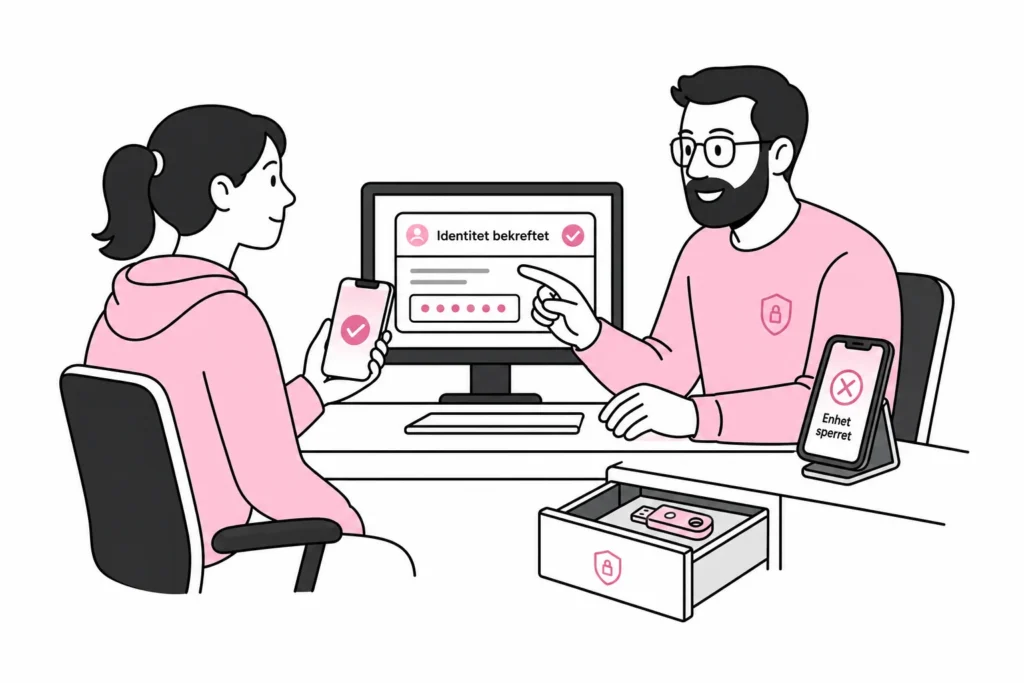
Decide in advance who can approve recovery, how identity will be verified, and how old passkeys will be removed. The process should be strict enough to prevent misuse, but simple enough to complete when an employee actually needs help. A procedure that requires three managers, two printouts, and someone who is on vacation is, in practice, a board game developed by internal controls.
Shared accounts should be eliminated wherever possible. Each user should have their own identity and the necessary permissions. If a service account must be retained, it needs separate, documented handling rather than having the passkey registered on the phone of whoever happened to be sitting closest.
Should you replace all passwords at once?
Usually not. A phased transition is safer. Start with systems that support passkeys well, and retain necessary backup methods while you test recovery and compatibility. You can then reduce or remove password-based sign-in where the solution, risk, and operational procedures allow it.
Be aware that a regular password that can always be used as a backup can still be a phishing target. The passkey improves the user experience, but the password remains as a side entrance with the key under the doormat. Backup sign-in must therefore be secured with clear rules, monitoring, and strong identity verification.
Before making the decision, you should be able to answer yes to these questions:
- Do we know which services and devices support passkeys?
- Can we manage and remove registered authentication methods?
- Do users have a secure backup if a device is lost?
- Has the recovery process been tested, not just described?
- Can we quickly revoke all access when an employee leaves?
- Do we have a plan for legacy systems that still require passwords?
Passkeys are not a magic switch, but they can provide both stronger sign-in and less friction when introduced in a controlled manner. Start with an assessment, conduct a realistic pilot, and treat recovery as a security function. That way, passwords can gradually be retired instead of sitting in a spreadsheet as the company’s least charming museum.