
How much mobile data does an employee really need? The short answer is: enough to work without interruptions, but not necessarily so much that the subscription could run a small streaming service. Needs vary greatly between an employee who mostly uses the office Wi-Fi and a consultant who shares their mobile connection with a PC several days a week.
The most practical solution is therefore not to choose the same data plan for everyone. Instead, divide employees into a few usage profiles, measure actual consumption and add a sensible margin. This makes mobile subscriptions easier to manage, while avoiding a situation where employees have to wage a slightly sad battle against their data limit on the way to a customer meeting.
Start with how people work, not the subscription table
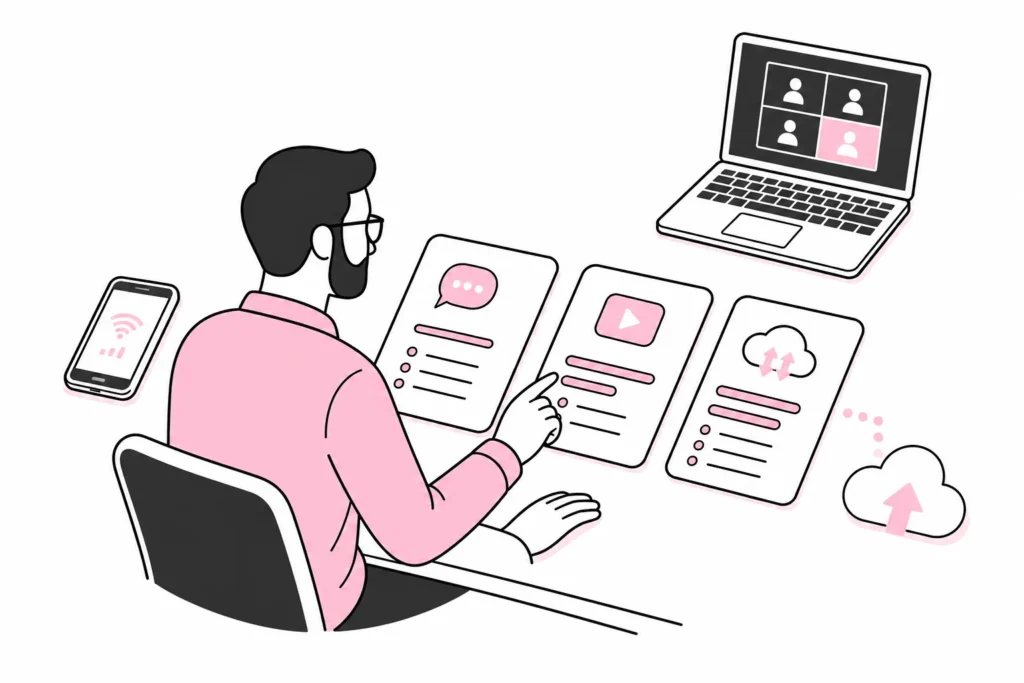
Data needs are determined primarily by where and how the phone is used. Email, messages, maps and ordinary web browsing generally use far less data than video meetings, streaming and tethering to a PC. Large file transfers, photo backups and automatic updates can also make a noticeable difference.
Do not start by comparing the operators’ largest data plans. Subscription tables have a particular talent for turning a simple question about gigabytes into a crossword puzzle written by lawyers. Instead, map out these factors:
- Workplace: Does the employee work mainly in the office, at home, at customer locations or while travelling?
- Tethering: Is the phone used as an internet connection for a PC or tablet?
- Video meetings: Does the employee often participate in meetings over the mobile network?
- Files and business systems: Are photos, videos, drawings or other large files uploaded?
- Travel: Is the subscription regularly used outside Norway, and which countries are involved?
- Private use: Does the company allow private use of the work phone and subscription?
Tethering in particular can quickly change data needs. When a PC is connected to the phone, synchronisation, software updates and cloud storage can start running in the background. The phone only registers that data is passing through the connection; it does not assess whether the transfer was business-critical or whether the PC suddenly felt like updating half the operating system.
Divide employees into practical usage profiles
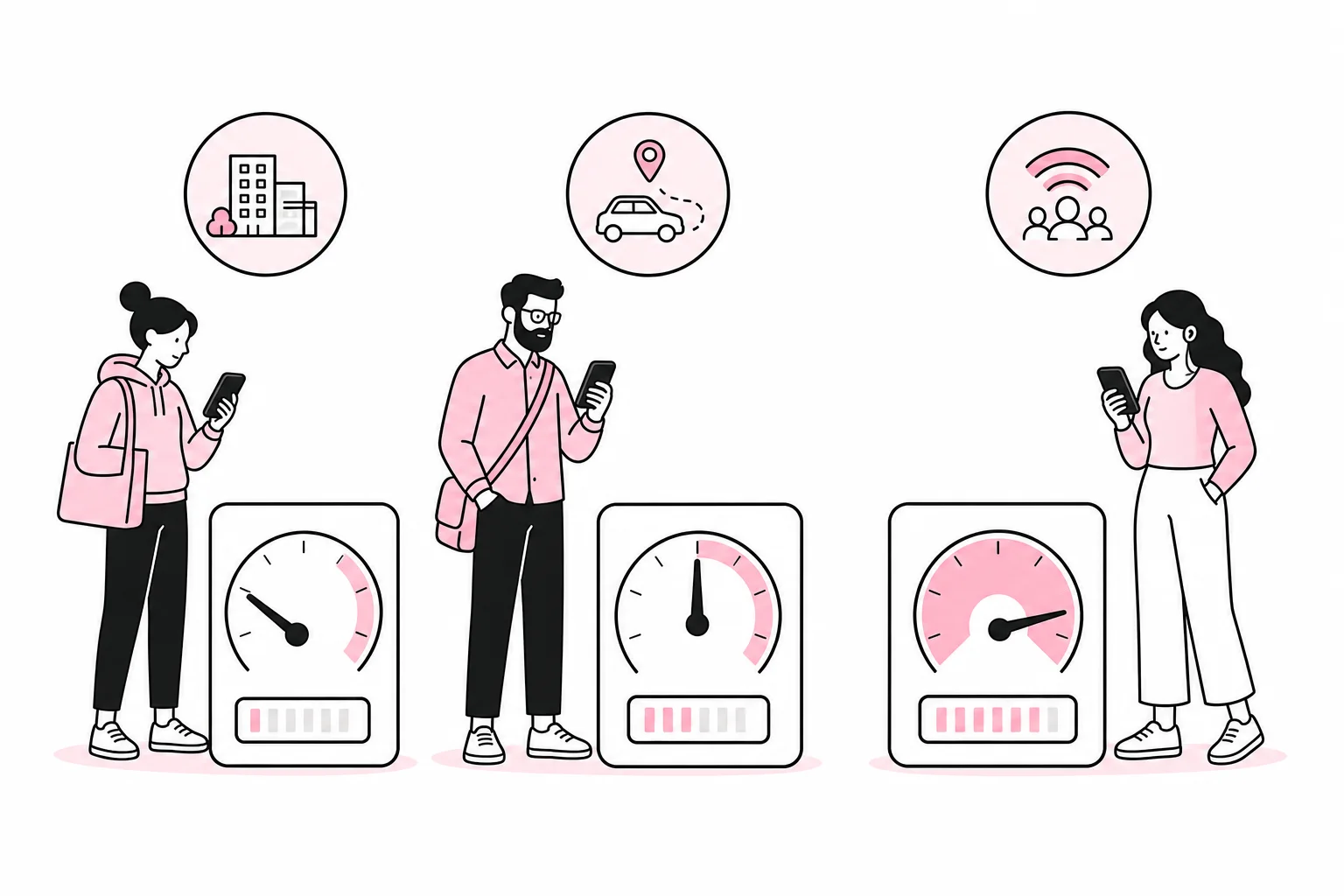
Most companies can get a long way with three or four profiles. The goal is not to calculate every megabyte, but to distinguish between clearly different working patterns.
Low usage: mostly on Wi-Fi
This profile suits employees who mainly work in the office or from home with a stable Wi-Fi connection. The mobile network is used for email, messages, authentication, some map use and occasional web browsing. A moderate data plan may be sufficient, but you should still account for travel and periods when Wi-Fi is unavailable.
Normal usage: a mobile working day
This group includes employees who are often away from the office, use maps and business systems, participate in occasional video meetings and sometimes tether a PC. They need more flexibility, especially if the phone is a genuine work tool rather than merely a device that receives one-time codes.
High usage: tethering and large files
Salespeople, consultants, technicians and others who work extensively in the field may have high and uneven usage. Regular video meetings, tethering and uploading photos or videos call for a generous data plan or a subscription without a low fixed data limit.
Unlimited data may be the right choice for this group, but the word unlimited should be read together with the terms and conditions. Speed, prioritisation, data sharing and use abroad may be regulated in different ways. Such a subscription is a little like a buffet: You are primarily paying for the freedom not to count, not because everyone actually needs four desserts.
Measure consumption before changing your agreements
Use historical data from invoices, the administration portal and the phones. Ideally, look at several typical months so that holidays, events or individual trips do not determine the entire decision. Per-app usage on the phone can provide useful insight, but the monitoring period in the operating system does not always match the billing period. Therefore, reset the statistics on a known date if you plan to use them actively.
A simple review can be carried out as follows:
- Retrieve total data usage per subscription for a few representative months.
- Identify employees who regularly approach or exceed their data limit.
- Find out whether peaks are caused by work, private use, travel or tethering.
- Place subscriptions into three or four usage profiles.
- Choose a data plan that covers normal usage with a moderate reserve margin.
- Repeat the assessment after a few months or when working practices change.
This rarely requires an “AI-powered telecom optimisation platform”. A spreadsheet and actual invoices perform the same magic, just without a dashboard that uses three colours to announce that a number is high.
At the same time, avoid sizing plans based on each employee’s most extreme month. If one conference or a long business trip creates a spike, a temporary add-on may be cheaper than paying for maximum capacity all year. Check which add-ons are available and how they are ordered and approved.
Look beyond the number of gigabytes
A data allowance is only one part of the subscription. The company should also check the speed, any reduction after a certain level of usage, whether tethering is allowed, coverage where employees actually work, and the terms for use abroad. Such conditions may change, so assess them based on the provider’s current agreement rather than old presentations or what someone thinks they remember from the last tender process.
Shared data allowances require alerts
A shared data pool can work well when many employees have low or variable usage. The downside is that a few heavy users can consume the capacity available to everyone else. Set up alerts at both individual and company level, and clarify who is responsible for responding. An alert without an owner is merely the electronic equivalent of a note on the fridge.
Roaming must be assessed separately
Included usage in Norway does not automatically mean the same terms apply everywhere. Before travelling abroad, employees should know which countries are covered, what limits apply and how additional purchases are handled. The company should have a simple procedure for this, particularly for travel outside the areas covered by the subscription’s standard terms.
The mobile network can be a deliberate security choice
Employees should not be forced onto arbitrary wireless networks simply to save data. An adequate data allowance makes it possible to use the mobile network when that is the most appropriate option. Combine this with the company’s other security measures, up-to-date devices and clear rules for handling business data.
Also activate alerts before the data limit is reached, and decide whether employees can purchase additional data themselves or whether approval is required. There is no need for a magical mobile app with a rocket icon for this process. A clear limit, an alert and a named person responsible are less futuristic, but annoyingly effective.
A simple decision rule for the company
Choose the data allowance based on normal documented usage, add a margin for variation and use larger subscriptions only where the way of working calls for them. Employees who frequently share their connection, take video meetings on the go or transfer large files should have more capacity than those who are almost always connected to a stable wireless network.
It may be wise to standardise on a few subscription types rather than having one solution per person. This makes purchasing and administration simpler without forcing everyone into the same data allowance. Review the setup when hiring new employees, when roles change and when travel patterns change. That way, the mobile subscription is adapted to the job—not an old order left untouched because no one quite knows who owns the spreadsheet.