
Passkeys, often referred to as passkeys, promise a daily routine without forgotten passwords, phishing and employees adding an exclamation mark when the system requires “a new” password. The technology solves real problems, but it should not be rolled out as a blank switch labelled passwordless future. Before you introduce passkeys, you need to know which services support them, how the keys are stored, and what happens when an employee loses their device.
The short answer is that your business should consider passkeys when core systems and the identity provider support them, devices are managed, and you have a proven recovery process. For many organisations, the smartest approach is to start with a limited pilot and retain existing sign-in methods as a fallback during the transition.
What is a passkey, and why is it harder to trick?
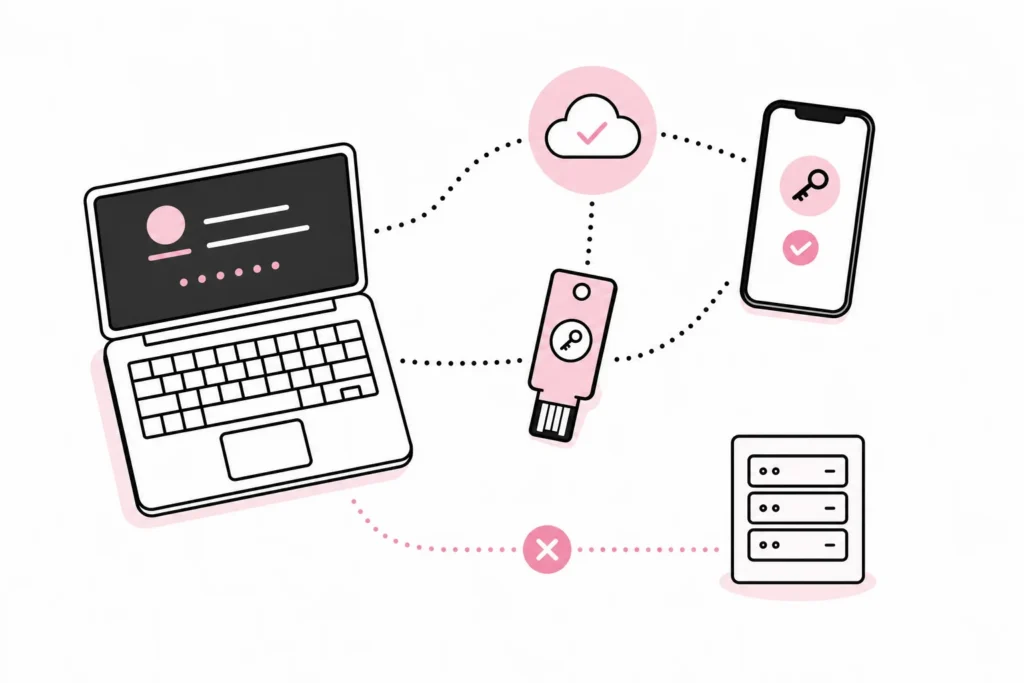
A passkey is based on public-key cryptography. When a user registers a passkey, a key pair is created: the service stores a public key, while the private key is kept on the user’s device or in an approved synchronisation service. When signing in, the device proves that it has the correct private key without sending the key to the website.
The user normally approves the sign-in with a screen lock, PIN, fingerprint or facial recognition. Biometric data is used locally to unlock the key and is not sent to the website. Your face therefore does not need to travel to the authentication provider, which is convenient for everyone involved.
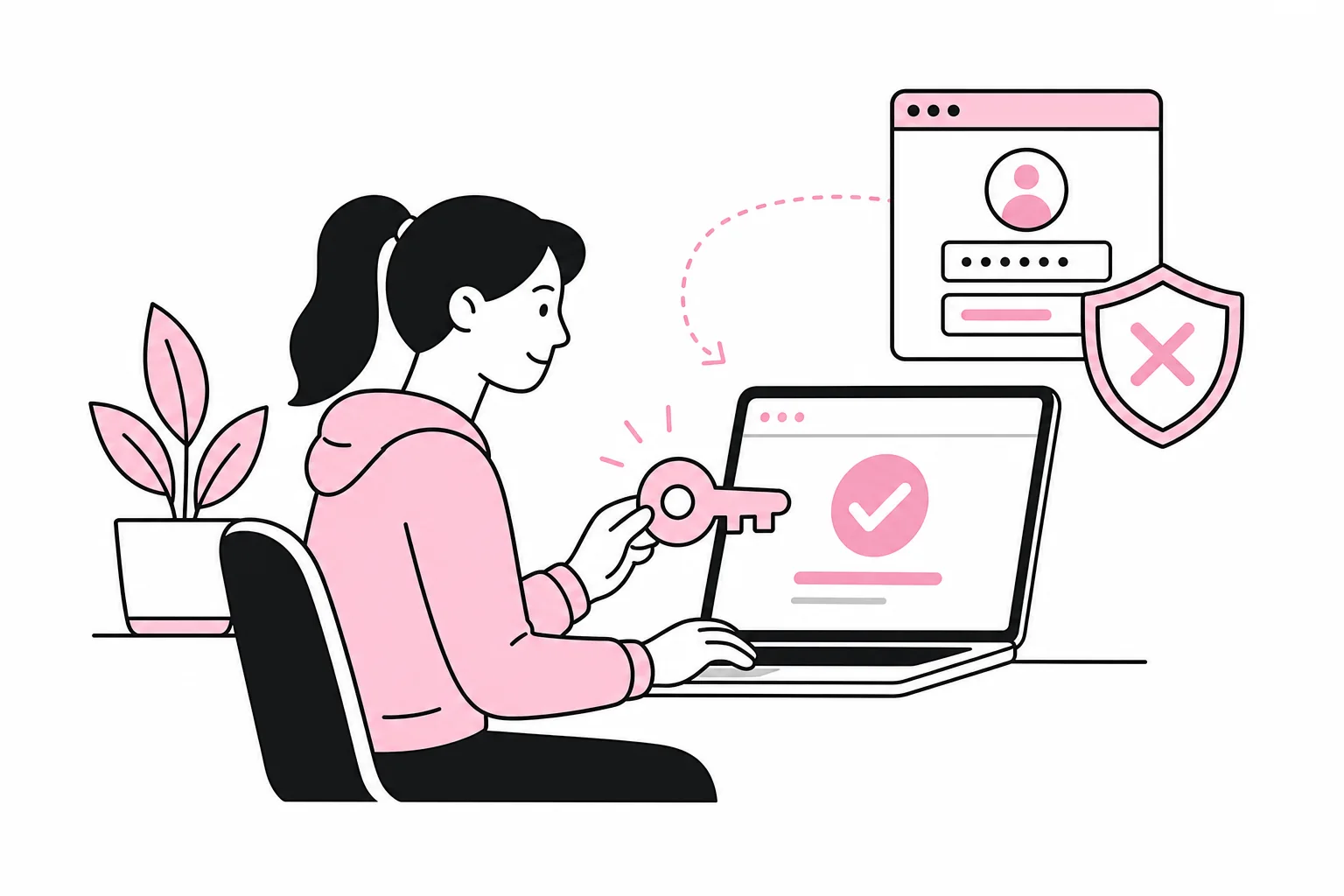
An important security benefit is that the passkey is tied to the correct website or service. A fake sign-in page therefore cannot simply trick the user into handing over a secret as it can with passwords. This makes passkeys resistant to many common forms of phishing.
Passkeys also reduce the need for shared secrets. A password can be copied, reused, read out over the phone or end up in a spreadsheet called “Miscellaneous final 2”. A private passkey is designed to remain in the technical solution that manages it.
A passkey is not always the same as multifactor authentication
A passkey can provide strong authentication because access requires both the key itself and local unlocking of the device. How this is classified and which requirements it meets nevertheless depends on the solution, the device and the organisation’s security requirements. Do not assume that the word “passwordless” automatically meets all internal or regulatory requirements. Buzzwords are rarely approved as control measures, even when they appear in a very blue presentation.
When is your business ready for passkeys?
Start with the sign-in environment, not with a campaign declaring that the password is dead. If employees use a shared identity platform and single sign-on, passkeys can often be introduced centrally for multiple services. If, on the other hand, you have many separate user accounts, legacy business systems and suppliers with varying levels of support, the rollout must happen in stages.
The following should be in place before passkeys become the primary method:
- Supported services: Map the identity platform, browsers, operating systems and the most important business systems.
- Controlled devices: Clarify whether employees use managed work computers, personal devices or a combination.
- Clear storage model: Find out whether passkeys are synchronised between devices or bound to a single physical device.
- Secure recovery: Define how identity is verified when a user loses access to all registered devices.
- Alternative methods: Keep a controlled fallback for systems and situations that do not yet support passkeys.
- Administration: Make sure IT can revoke access, follow up on incidents and close accounts when employment ends.
If the solution requires three browser extensions, a QR code printed by the service desk and a kick-off meeting called “Identity Enablement Journey”, you probably have not removed the complexity. You have simply given it a new access card.
Synchronised and device-bound passkeys
Synchronised passkeys can follow the user between devices within a supported ecosystem. This makes them easier to use and reduces the risk of being locked out when one device disappears. At the same time, the organisation must understand which account or service synchronises the keys, and whether this fits its requirements for control and data processing.
Device-bound passkeys can give the organisation tighter control, particularly when used with security keys or managed work computers. The downside is more logistics: if the user loses the device, a new key must be registered through a secure process. The choice is therefore not just about the strongest possible technology, but about balancing security, administration and everyday working life.
Recovery is the most important part of the rollout
The greatest practical risk is often not that someone breaks the cryptography, but that the user loses their phone, replaces their computer or leaves the ecosystem where the key is stored. A weak recovery process can undermine the entire solution. If an attacker can reset the account by answering a few simple security questions, it matters little that the usual sign-in is technically elegant.
Create clear procedures for at least these situations:
- An employee loses the only registered device.
- A work phone or computer is replaced.
- An employee changes role or department.
- An employee leaves and all active passkeys must be removed.
- An administrator loses access to a privileged account.
- The identity platform or synchronisation service is unavailable.
For administrators and other privileged users, you should consider multiple registered authentication devices and a separate, controlled fallback. The fallback process must be tested, documented and protected against social engineering. An emergency setup that no one has tried is, in practice, more a hope than a procedure.
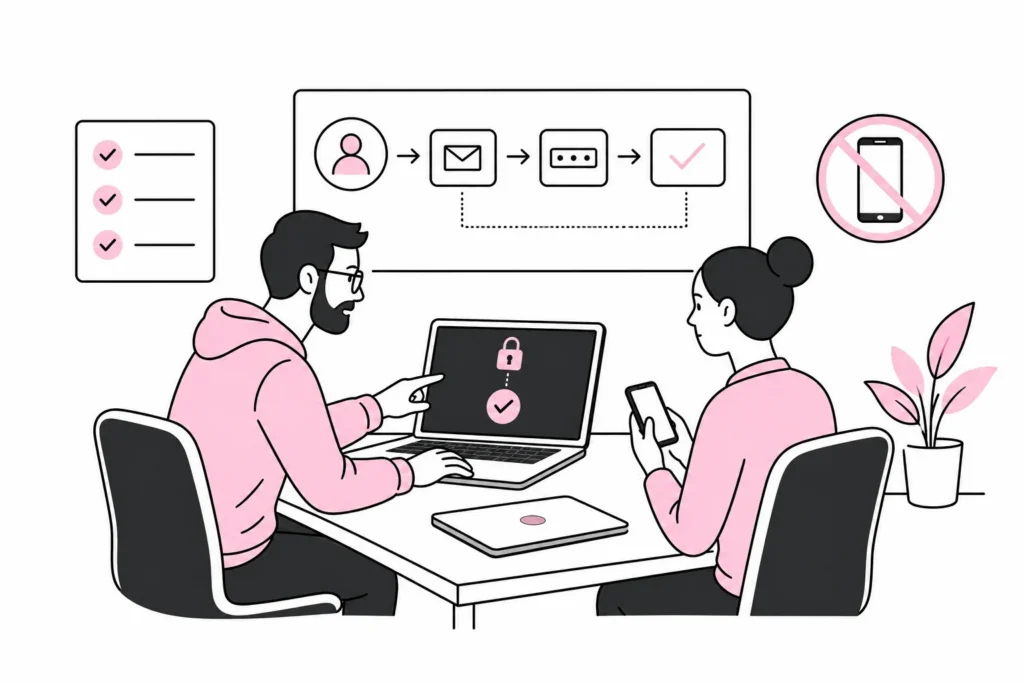
Avoid shared accounts
Passkeys work best when each person has their own identity. Shared accounts make it difficult to know who has access, who performed an action and how to remove one person without affecting the rest. If a system only works with one shared user, you should investigate role-based access, delegation or personal accounts before introducing passkeys.
How to run a safe pilot
Choose a group that represents real-world use: people with different types of devices, one or more administrators, employees who travel and users without a particularly strong technical interest. A pilot with only the IT department can prove that the solution works brilliantly for people who find sign-in logs enjoyable reading. It says less about the rest of the organisation.
The pilot should cover the entire lifecycle, not just the first login:
- Register a passkey on both a new and an existing account.
- Test sign-in on all supported devices and browsers.
- Switch phones or computers and verify the migration.
- Simulate a lost device and carry out revocation.
- Test recovery without access to the primary device.
- Check deprovisioning when a user leaves.
- Record where users encounter unclear choices or unnecessary steps.
Measure the number of support requests, failed sign-ins, recoveries, and instances requiring fallback methods. Compare these with the current solution. Do not turn the pilot into a six-month innovation programme with its own logo; the goal is to find out whether people can access the systems in a secure and manageable way.
When the pilot works, you can roll it out department by department or system by system. Communicate what a passkey is, which devices can be used, and who to contact if problems arise. The instructions should be short enough to actually be read, but precise enough that the service desk does not have to interpret “it doesn’t work” as a complete error message.
The conclusion: Passkeys are a good choice when you want to reduce phishing and password-related issues, while also having control over devices, identities, and recovery. Start with centralized sign-in, prioritize high-risk accounts, and test the entire user journey before phasing out passwords. The technology can make signing in easier, but only if the process around it is no more complicated than the problem it is intended to solve.