
If the website is important for sales, customer service or internal operations, changes should normally be tested somewhere else before they are published. The alternative is to use the production environment as a laboratory. That is roughly like changing tyres while the car is moving, only with customers in the shopping cart.
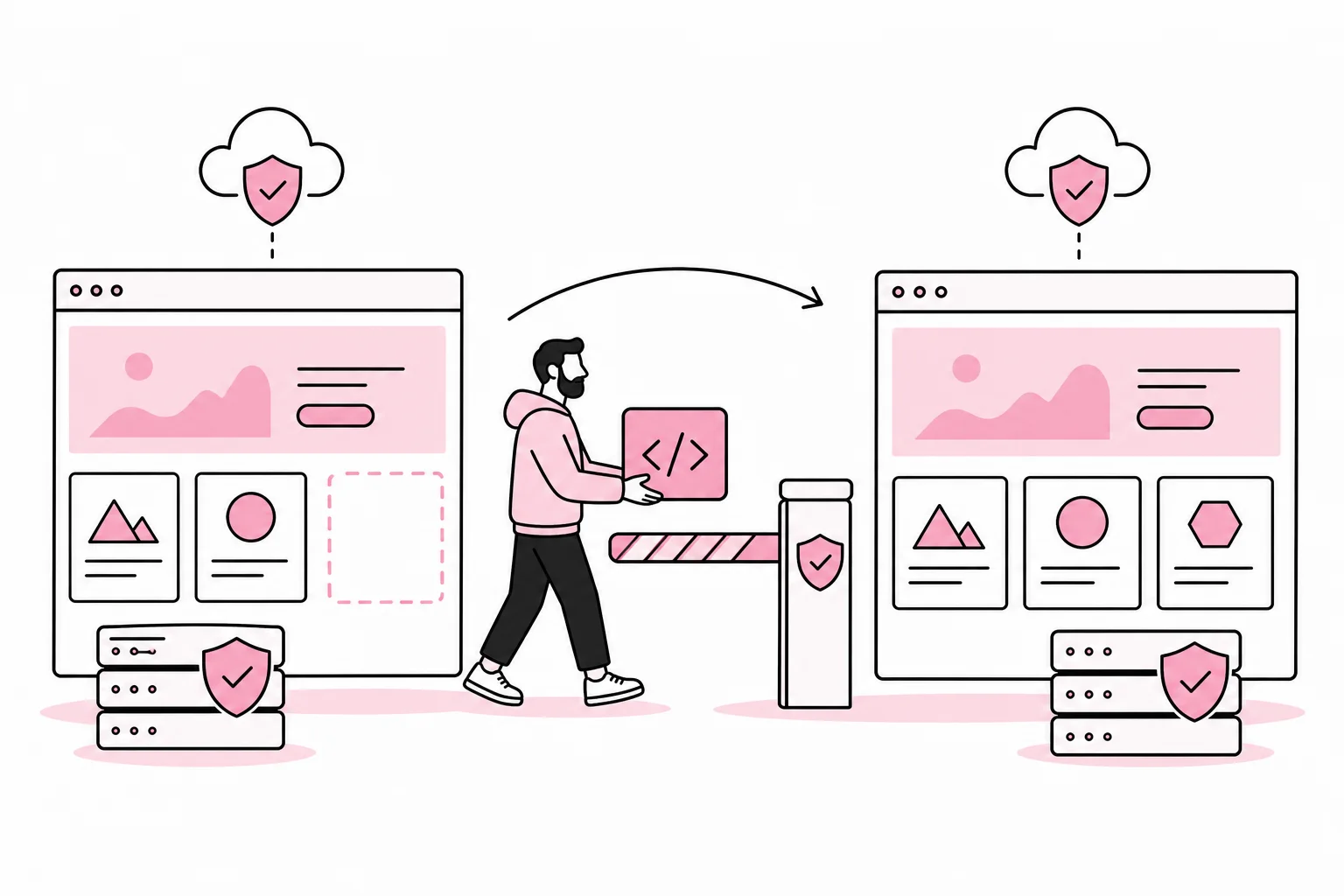
A testing environment is a separate copy of the website where developers, editors and other responsible parties can check updates without affecting the published solution. It is often called a staging environment, or staging. Larger solutions often use development, testing and production environments, but most businesses can go a long way with one good testing environment and a well-organised publishing routine.
The point is not to build a technical amusement park. The point is to discover errors before users do, and to publish changes in a controlled manner. The question is therefore not only whether you have a testing environment, but whether it actually resembles production closely enough to provide reliable answers.
When does a business need a testing environment?
A small information website that is rarely changed may, in some cases, manage with previews, good backups and a cautious workflow. The need increases quickly when the website includes functionality, integrations or several people with publishing access.
A testing environment is particularly useful when you do one or more of the following:
- update the content management system, theme, extensions or framework
- run an online shop, booking solution or logged-in services
- connect the website to a CRM, financial system, payment solution or other business systems
- have forms that forward data, notifications or automated tasks
- make major changes to the design, navigation or content structure
- have several editors, developers or suppliers working on the solution
- depend on the website being available and functioning correctly throughout the working day
The need is therefore more about consequences than the size of the business. A simple website can be business-critical if all enquiries come through a single form. Conversely, a large website may involve little risk when making an isolated text change. Consider what could go wrong, who would be affected and how difficult the change would be to reverse.
A testing environment must resemble production
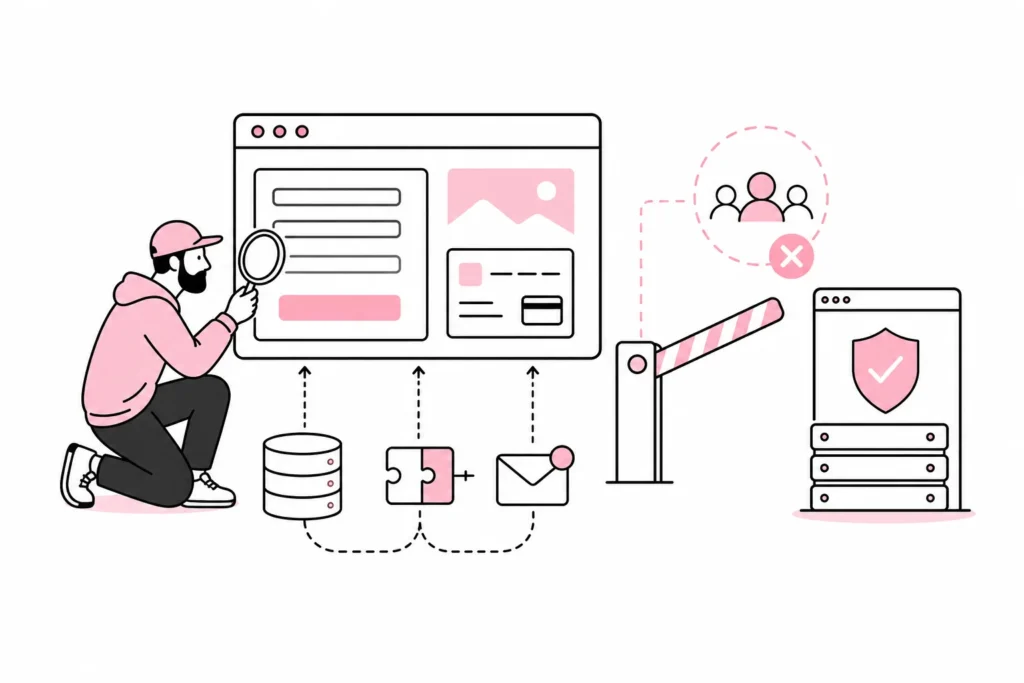
A testing environment only adds value when it recreates the relevant parts of the published solution. The same code version, a comparable server setup and realistic configuration make it possible to find problems before publication. An environment with completely different settings may give the go-ahead to a change that fails as soon as it encounters reality.
Think of the testing environment as a dress rehearsal. If the stage, props and entrances are missing, you have really only read the script aloud in the break room. That may be pleasant, but it says little about the premiere.
Separate code, content and configuration
Code should be moved from testing to production in a controlled manner, preferably using version control and a documented deployment process. Content requires a different assessment. If editors publish new articles in production while development is under way in testing, you cannot simply copy the entire test database back. You risk overwriting fresh content, orders or user data.
Configuration must also be handled deliberately. Connections, keys, domains and environment variables must be correct for each environment. A button that sends test orders directly into the real financial system is technically an integration. It is just a little too enthusiastic.
Use safe test data
Production data should not be copied uncritically. The database may contain names, contact details, orders, messages or other personal data. If realistic data is necessary for testing, it should be limited and anonymised wherever possible. Access to the testing environment must also be managed as carefully as access to other systems.
The testing environment should also be prevented from sending real emails, SMS messages, payments and notifications. Use test modes, separate recipients or technical safeguards. It is far better to discover an error in a controlled inbox than through a surprised customer.
What you must test before publication
Testing should be based on what the change can actually affect. A security update may have consequences for logins and integrations. A design change may affect mobile display, forms and accessibility. Opening the homepage, nodding seriously and declaring everything fine is a highly efficient process, apart from the part where it finds errors.
A practical checklist may include:
- Core functionality: Test forms, search, logins, payments, orders and other key user tasks.
- Integrations: Check both the data sent out and the responses received. Also see what happens in the event of an error or delay.
- Mobile and browsers: Try relevant screen sizes and browsers, especially on the most important pages and steps.
- Performance: Look for unusually slow loading, heavy database queries, large files and caching errors.
- Availability: Check keyboard navigation, focus indicators, form labels, colour contrast and clear error messages.
- Tracking: Verify that analytics, consent mechanisms and important events work as planned without recording more than you have decided.
- Error handling: Test what the user sees if an external service is unavailable or a form contains errors.
Automated tests can check recurring functionality, but they do not replace all manual checks. They are particularly useful for critical user journeys such as login, checkout and form submission. Changes in language, layout and clarity still need to be assessed by people. Fortunately, we still do not have a plugin that can reliably install common sense with one click, even though the marketing has come close to promising it.
Create a simple path from testing to production
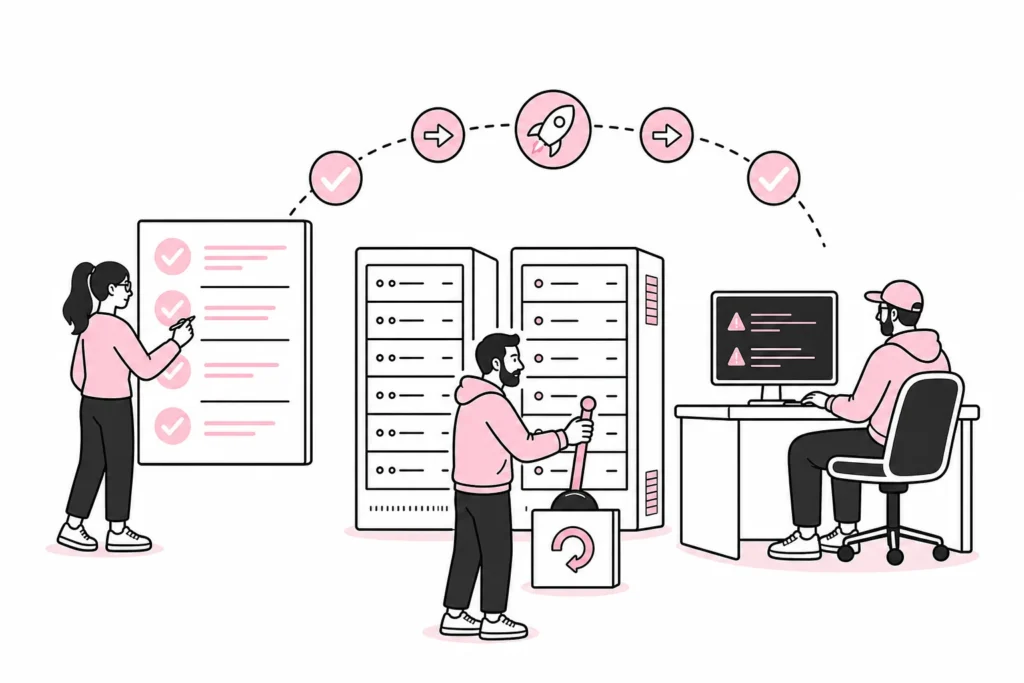
A good workflow does not need to be cumbersome. It simply needs to answer who makes the change, who tests it, who approves publication and how you revert if something fails. For smaller businesses, this may be a short checklist. For business-critical solutions, the process should be more formalised and logged.
Before publication, you should have a recent, verified backup, a rollback plan and an overview of dependencies. Also decide when the deployment should take place. A major change just before a campaign or on a Friday afternoon leaves limited room for follow-up. The calendar is not a security measure, but it has saved a surprising number of weekends.
After publishing, you must carry out a brief production check. Retest the most important functions, monitor error logs and verify that integrations are processing data as expected. The test environment shows what is likely to happen; the production check confirms what actually happened.
A minimum solution that works
For a typical business website, the minimum should be a password-protected test environment that is not indexed by search engines, controlled code synchronization, separate settings for external services and a simple approval checklist. Add version control, automated tests and clear deployment procedures as the risk and complexity increase.
Be skeptical of solutions that promise complete staging with one magical click without explaining how they handle databases, personal data, integrations and rollback. Cloning is the easy part. Knowing what can be overwritten, sent or triggered is the real job.
A test environment is therefore not decorative extras around the website. It is a tool for making changes with lower risk and better control. If the website performs tasks the business depends on, the answer is usually simple: Yes, you need a test environment – but you also need a process that makes it trustworthy.