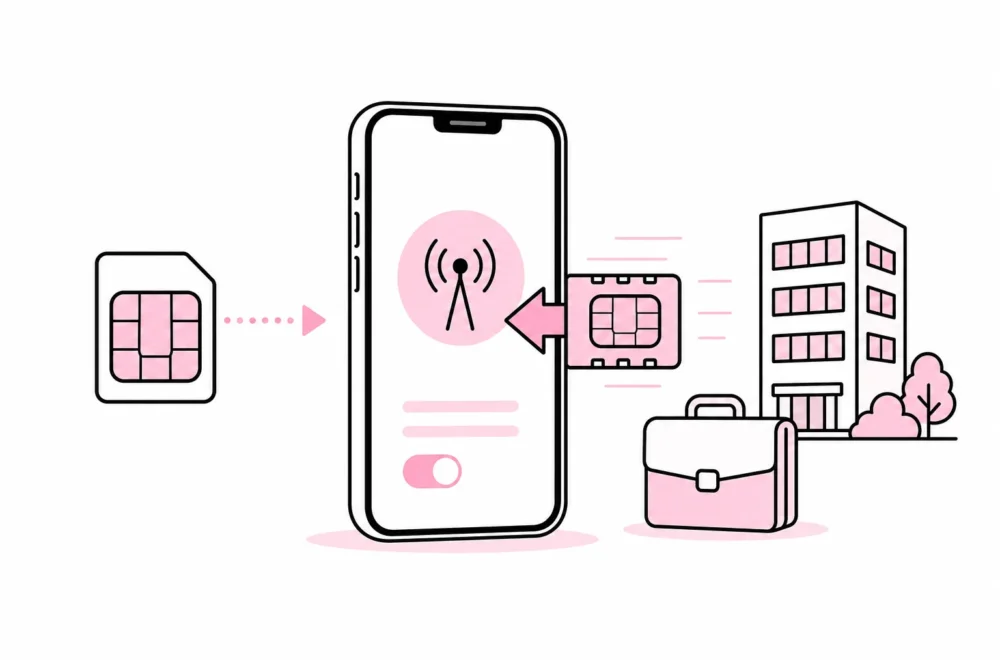


If employees have to log in separately to the CRM system, project tool, intranet and five other services before lunch, the question tends to arise: Should we implement SSO? Logins have a particular talent for multiplying like browser tabs. No one quite remembers who opened them, but everyone notices the computer slowing down.
SSO, or single sign-on, means that users authenticate with a central identity provider and then gain access to multiple connected systems. The goal is not just fewer passwords. The most important benefit is that the business can manage access more centrally: Who is allowed to log in, what requirements apply, and what happens when someone changes roles or leaves?
The short answer is that SSO should be considered when the business uses several business-critical cloud services, experiences regular staffing changes or spends a noticeable amount of time managing access. But SSO is not a magic login plugin that sprinkles security over your systems after installation. Without proper configuration, you simply get one very important place to make mistakes.
What does SSO actually solve?
Without SSO, each system typically creates its own user account. This means more passwords, different multifactor authentication requirements and a greater risk of old accounts being left active. Administrators must also manage access in multiple interfaces, often with varying degrees of visibility.
With SSO, the identity provider works roughly like the reception desk in an office building. It verifies who the person is, while each room still decides whether they are allowed in. This distinction is important: SSO confirms identity, but does not necessarily provide the right roles inside the financial system, publishing solution or customer portal.
A good SSO solution can centralize requirements for multifactor authentication, login policies and user blocking. It can also provide better visibility into logins. However, automatic account creation, updating and deletion often requires separate support for user provisioning. The fact that a system supports SSO therefore does not automatically mean that the entire user account lifecycle is managed.

This is a common place to be dazzled by vendor language. “Comprehensive identity platform” can mean anything from effective automation to a control panel with lots of blue boxes. Ask for a concrete demonstration of what happens when an employee joins, changes departments and leaves.
Signs that the business is ready for SSO
There is no universal threshold for the number of employees or systems. Instead, consider workload, risk and the need for control. The following signs indicate that SSO may be a sensible investment:
- Employees use many web-based systems with separate accounts.
- Access is frequently created and removed due to new hires, project work or role changes.
- IT or administration spends a great deal of time on password issues and manual account management.
- The business needs consistent multifactor authentication requirements.
- It is difficult to document who has access to which systems.
- External consultants or partners need time-limited access.
- Blocking a primary account should be able to stop access to multiple services quickly.
SSO is particularly useful when access management otherwise depends on someone remembering to email four system owners. An offboarding process rarely needs more forms than a building permit application; it needs one clearly responsible person, an up-to-date system list and action taken at the right time.
For a small business with few systems, stable roles and straightforward procedures, the benefits may be limited. It may be better to prioritize a password manager, multifactor authentication and a well-organized onboarding and offboarding process. SSO should reduce actual work and risk, not merely make the architecture diagram more impressive.
This must be clarified before you choose a solution
Start with an overview of the systems, not product demonstrations. Map which services employees use, who owns them, how users are created and what happens when access needs to be removed. Shadow systems ordered directly by a department should also be included. They do not become any less real just because the IT department did not receive the calendar invitation.
For each system, you should investigate the following:
- Does it support the desired SSO standard? The system must be connectable to the identity provider in a documented and maintainable way.
- What does the feature cost? Some vendors include SSO only in a more expensive subscription. Check the current terms before approving the calculations.
- Can users be provisioned automatically? Find out whether accounts can be created, updated and deactivated centrally.
- How are roles managed? Clarify whether groups and attributes can be used, or whether roles still have to be assigned manually in the system.
- Do local accounts still exist? An old administrator account can bypass the central block if it is not managed.
- How do logout and sessions work? Blocking an identity does not necessarily terminate active sessions immediately in all services.
- What happens during an outage? The business must have a controlled method for necessary administrator access if the identity provider is unavailable.
SSO concentrates a great deal of power in one solution. This makes strong multifactor authentication, limited administrator roles and good monitoring important. Administrators should use dedicated administrative accounts, and the number of people with extensive privileges should be kept low. A list with twenty global administrators is certainly inclusive, but not particularly reassuring.
Also have one or more emergency accounts that are isolated from ordinary dependencies and stored in a controlled manner. These should not be used for day-to-day work. Access should be tested according to a fixed routine, and use must be detectable and followed up. The fallback plan is not complete just because the password is stored “somewhere secure” that no one has opened since the last office move.
How to implement SSO without locking everyone out
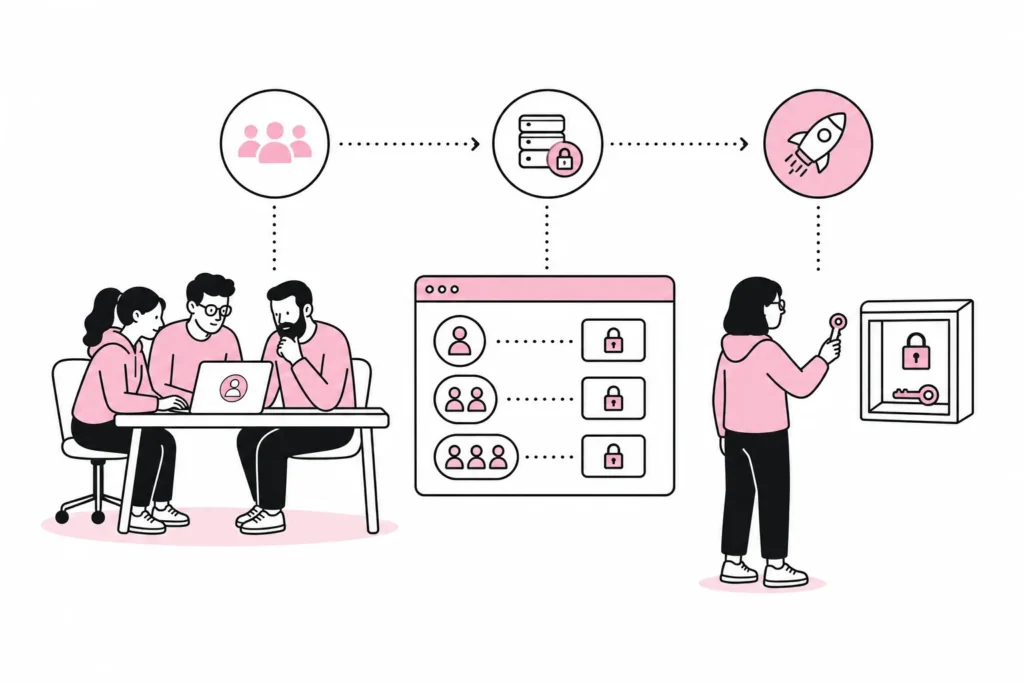
Start with a limited pilot project. Choose a few systems that are important enough to provide realistic learning, but not so critical that an initial configuration error brings the entire business to a halt. Include users with different roles, devices, and working patterns. External users and administrators should be tested separately.
Next, define the access model. Use groups based on role or function rather than assigning each system directly to individuals. For example, a sales group might have access to the CRM and quoting tools, while the finance group gets access to the financial system. There will be exceptions, but they should be visible and justified. If everyone is a special case, you do not have a model; you have a collection of notes.
Test the entire user journey before rollout:
- A new employee receives the correct systems and roles.
- A role change removes old access and grants new access.
- The end date blocks access at the agreed time.
- Multi-factor authentication works on the relevant devices.
- Local accounts and active sessions are handled as planned.
- Emergency accounts work without being part of the regular sign-in process.
- Support staff know what to do in the event of an error or loss of an authentication factor.
Roll out in stages and communicate what is actually changing. Users need to know which account to use, how to activate multi-factor authentication, and where to get help. Long presentations about the “identity journey” can usually be replaced with one precise guide and a clear point of contact. It is surprising how well concrete verbs work.
After implementation, the solution must be managed. Regularly review administrator roles, emergency accounts, integrations, and systems that still have local users. New cloud services should be assessed against SSO and provisioning requirements before they are purchased. Otherwise, the old account sprawl will grow back around the new solution, much like weeds through freshly laid asphalt.
The conclusion is simple: Implement SSO when centralised identity management provides a clear benefit in terms of security, administration, and revoking access. Wait if system support is weak, responsibilities are unclear, or the company lacks a plan for service outages. SSO works best when treated as access infrastructure, not as yet another button for users to press.