

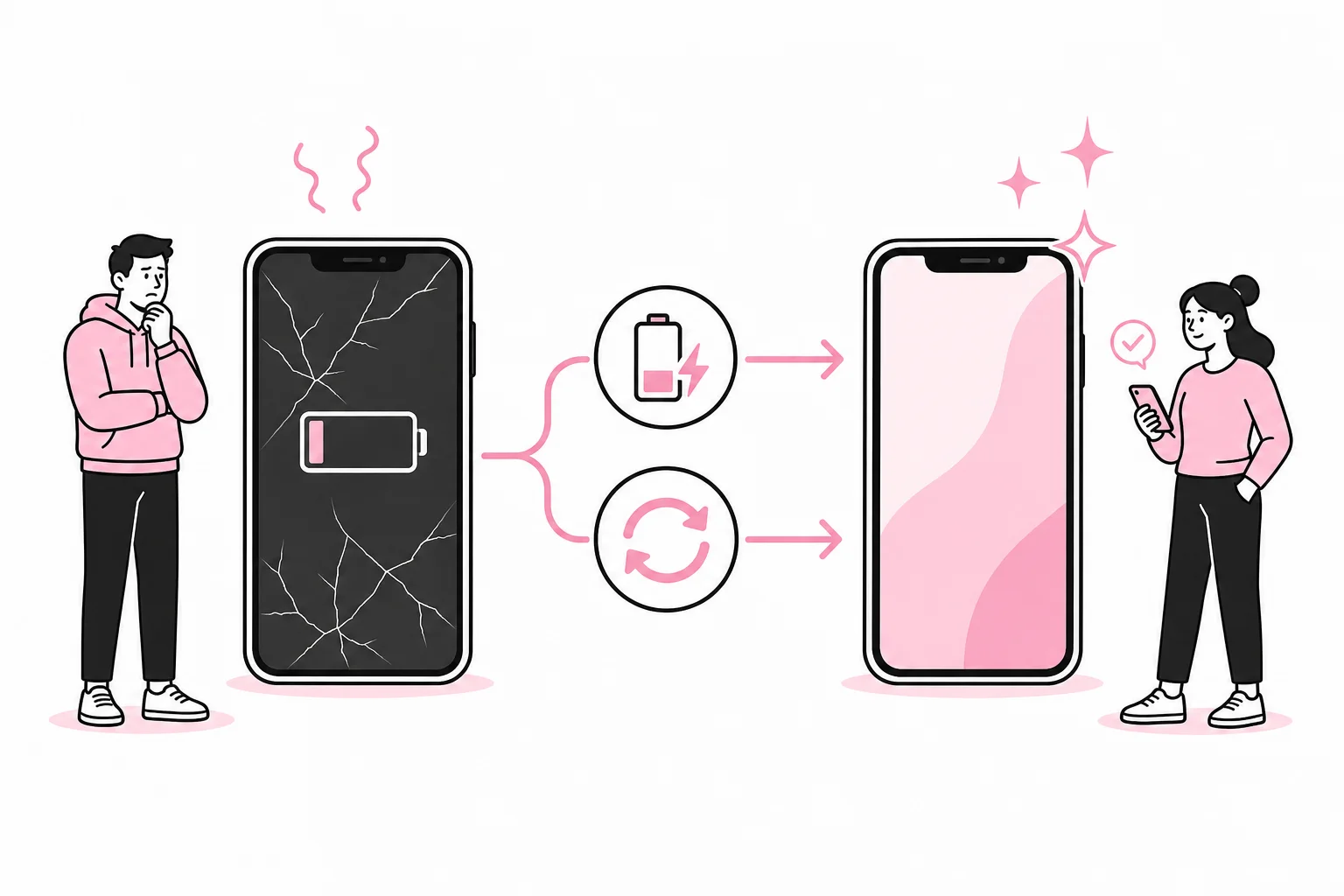
A work phone starts running out of power before lunch. It is a little slow in video meetings, and the camera has developed a close relationship with dust. Should the business buy a new phone, or is replacing the battery enough?
There is no universal three-year rule that suits everyone. A phone used by a service technician outdoors in cold and rain has a different life from the mobile of an office employee who mainly approves invoices. Replacing both according to the same calendar schedule is about as precise as sizing company cars by the colour of the parking lot.
The right decision is based on four factors: security support, battery, physical condition and whether the phone still handles the work without unnecessary waiting. The goal is not to keep every phone for as long as possible, but to avoid both premature replacement and the costly operation of devices that should have been retired.
Start with security support, not the battery percentage
The first question is whether the phone still receives the necessary security updates. A phone can look pristine and have good battery life, yet still be a poor work tool if the manufacturer no longer maintains its operating system.
Also check whether the business's essential apps still support the phone's operating system. Banking, authentication, collaboration and specialist systems may eventually require newer software. If employees have to use workarounds, browser versions with limited functionality or repeatedly postpone updates, that is a clear warning sign.
The phone should normally be replaced when:

- it no longer receives relevant security updates
- critical work apps are no longer supported or do not work reliably
- the operating system cannot be upgraded to a level required by the business
- the device can no longer meet the business's requirements for access, encryption or authentication
Do not try to solve a lack of security support with a “mobile optimiser” that promises cleaning, turbocharging and digital rejuvenation in the same rocket-shaped icon. It is rather like fitting a spoiler to a wheelbarrow: visually purposeful, but the problem remains untouched.
When is replacing the battery the best solution?
A worn battery behaves like a fuel tank that gradually gets smaller. The phone's engine is not necessarily worse, but the distance between charges shrinks. If the rest of the phone works well and is still supported, replacing the battery can significantly extend its useful life.
Look for practical symptoms, not just a single percentage in the settings. Battery measurements are useful, but are displayed and calculated differently across manufacturers and models. The key questions are whether the phone covers a normal working day, shuts down unexpectedly or suffers reduced performance under battery load.
Replacing the battery is often sensible when:
- the battery is the only clear problem
- the phone still receives security updates
- the screen, camera, charging port and buttons work normally
- performance is sufficient for the user's tasks
- the repair can be carried out safely and at a reasonable cost
A battery that is swelling, becoming unusually hot or pushing the screen out of the frame must not be treated as an ordinary capacity issue. Turn off the phone, avoid further charging and have it assessed by qualified service personnel. There is no prize for squeezing in one more working day.
Before sending the phone for service, the business should clarify backup procedures, access to company data and what the repair shop needs to carry out the work. Remove or protect sensitive information where practical. Also record the repair, so the next decision is based on history rather than a colleague's recollection that “it was in for something last year, wasn't it”.
Calculate the operating cost, not just the purchase price
A repair is not automatically cost-effective because it costs less than a new phone. Include time, shipping, a loan phone, setup and the risk that another component may fail shortly afterwards. An inexpensive battery repair on an otherwise well-functioning phone is often easy to justify. Several repairs on an old and unstable device are another matter.
Also consider the user's role. A phone used for critical customer contact, navigation, documentation or authentication should have little tolerance for instability. A backup device or a phone with limited use can remain in service despite minor cosmetic defects. Small scratches are not an operational failure, even if some procurement processes can make them look like the start of a major digital transformation.
A simple assessment model could look like this:
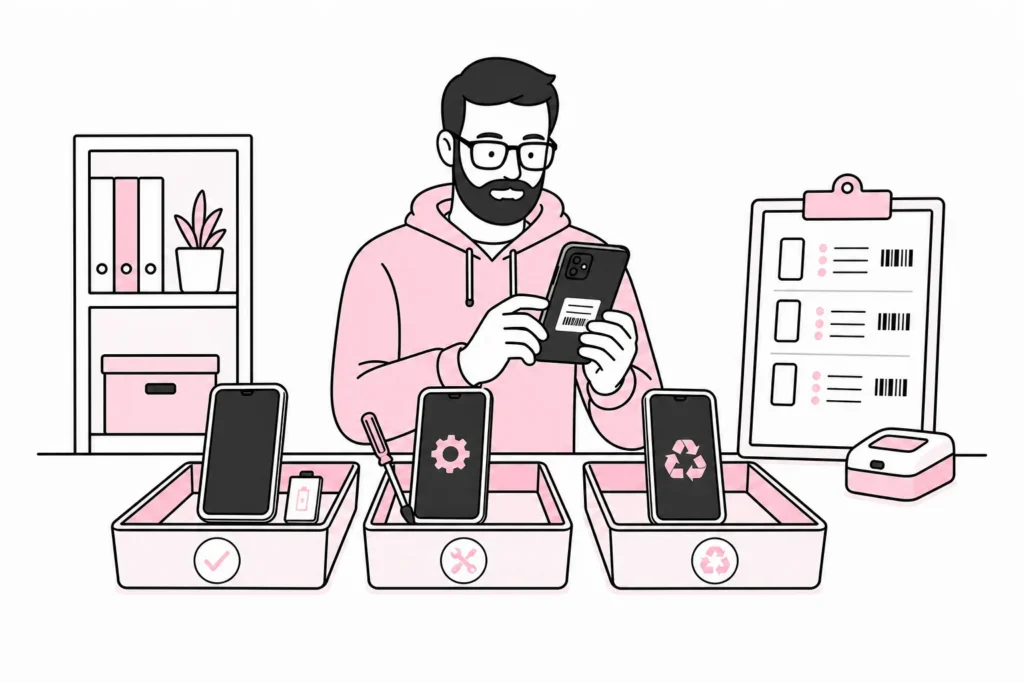
- Support: Does the phone still receive security updates and support the necessary apps?
- Condition: Is the problem limited to the battery, or are there several faults?
- Workability: Can the user perform their tasks without noticeable waiting, crashes or workarounds?
- Cost: Is the total repair cost reasonable compared with a suitable replacement?
- Expected lifespan: Is the repair likely to provide a meaningful amount of additional use?
If the phone passes the support and workability tests, and the battery is the main problem, replacing the battery is usually worth considering. If it fails on security or app support, a new battery will help little. You will have refurbished the engine compartment of a car that is no longer approved for the road.
Create a replacement policy that works in practice
A good policy should specify criteria, responsibilities and processes without locking the business into a particular age. The phone's age can be used as a review point, but should not be the sole basis for a decision. This allows robust phones to remain in use longer while problematic devices are identified earlier.
The policy should describe:
- who monitors security support and app requirements
- when assessing battery, physical condition and performance
- which faults qualify for repair or replacement
- how loaner phones and temporary access are handled
- how data is deleted before reuse, sale or recycling
- where the serial number, owner, repairs and status are recorded
Keep the process simple. The company needs an up-to-date device register and a few clear decision points, not an “AI-driven mobile lifecycle orchestration framework” with six dashboards and a consultant explaining the shade of green. A spreadsheet with an assigned owner beats a platform no one remembers the password for surprisingly often.
When a phone is replaced, the old device must be handled in a controlled manner. Make sure data and accounts are removed, the SIM or eSIM is handled correctly, and that the phone is either prepared for a new user or sent for responsible recycling. Drawers full of old mobile phones are not a contingency plan. They are an archaeological layer of charging cables.
The practical rule of thumb is therefore simple: Replace the battery when the phone is still secure, supported and fit for the job. Replace the entire phone when support, stability or the overall economics no longer add up. This gives the company a more predictable mobile fleet, less unnecessary purchasing and fewer employees planning their workday around the nearest power outlet.