
How long should a work phone last? For many businesses, three to four years is a sensible planning horizon, but age alone should not be the deciding factor. A phone should be replaced when it can no longer be used securely, reliably and cost-effectively in its role. That might be after two years for a heavily used field phone, or after five years for a model that still receives security updates and performs well.
A fixed replacement date is easy to budget for, but it can lead to good phones being discarded and problem phones being kept for too long. The result is often a drawer full of devices that “can surely be used for something”. That drawer is the company’s least organised museum, complete with charging cables from civilisations no one remembers anymore.
The best solution is a simple lifecycle policy with clear criteria. That way, the person responsible for IT does not have to revisit the discussion every time a screen cracks, the battery fails or an employee decides that this year’s camera is essential for approving invoices.
The phone’s age is just one of several criteria
A work phone is a work tool, an authentication device and often a gateway to email, documents and internal systems. Its lifespan must therefore be assessed more broadly than whether it can still make calls. An old phone may look fine and still be unsuitable because it lacks security updates or does not support the necessary apps.
Consider at least these five factors:
- Security support: Does the specific model still receive security updates from the manufacturer? This must be checked for the exact model at the time of assessment.
- Battery condition: Does the phone last through a normal working day without frequent charging or unexpected shutdowns?
- Performance and stability: Does it run the company’s necessary apps without noticeable delays, crashes or overheating?
- Physical condition: Are the screen, camera, microphone, speaker, charging port and biometric sensors reliable?
- Repair cost: Is the cost of repair reasonable in relation to the phone’s remaining useful life and value?
The battery deserves particular attention. Capacity loss is a little like a meeting room gradually losing chairs: the room is still there, but it becomes increasingly difficult to get through a full day in it. If the phone is otherwise supported and fast enough, replacing the battery may be far cheaper than replacing the entire device.

Use roles, not just calendar years
Not all employees need the same replacement interval. A phone used for customer calls, navigation, photography and field registration faces different demands from one used mainly for two-factor authentication and occasional email. Giving everyone the same lifespan looks tidy in a spreadsheet, but unfortunately reality has not read the spreadsheet.
Feel free to divide work phones into a few usage profiles:
- Standard user: Email, calendar, messaging, authentication and regular office apps.
- Mobile power user: Many calls, video meetings, navigation, camera use and frequent use without access to a charger.
- Field user: Exposure to dust, moisture, drops, temperature fluctuations or heavy physical use.
- Emergency or critical role: Dependent on reliable mobile access, long battery life and rapid replacement in the event of a fault.
For standard users, the company can plan for a longer lifespan, provided security support remains available and the battery can be maintained. Heavy and field users should be assessed more frequently. This does not necessarily mean they should always receive a new phone first, but downtime has a higher cost in these roles.
Avoid making the model more sophisticated than necessary. You rarely need an “AI-powered device lifecycle engine” to spot that a phone with a cracked screen, dead battery and missing updates should be retired. A register containing the purchase date, model, user, warranty, repairs and planned review date will cover a lot.
When is it worth repairing?
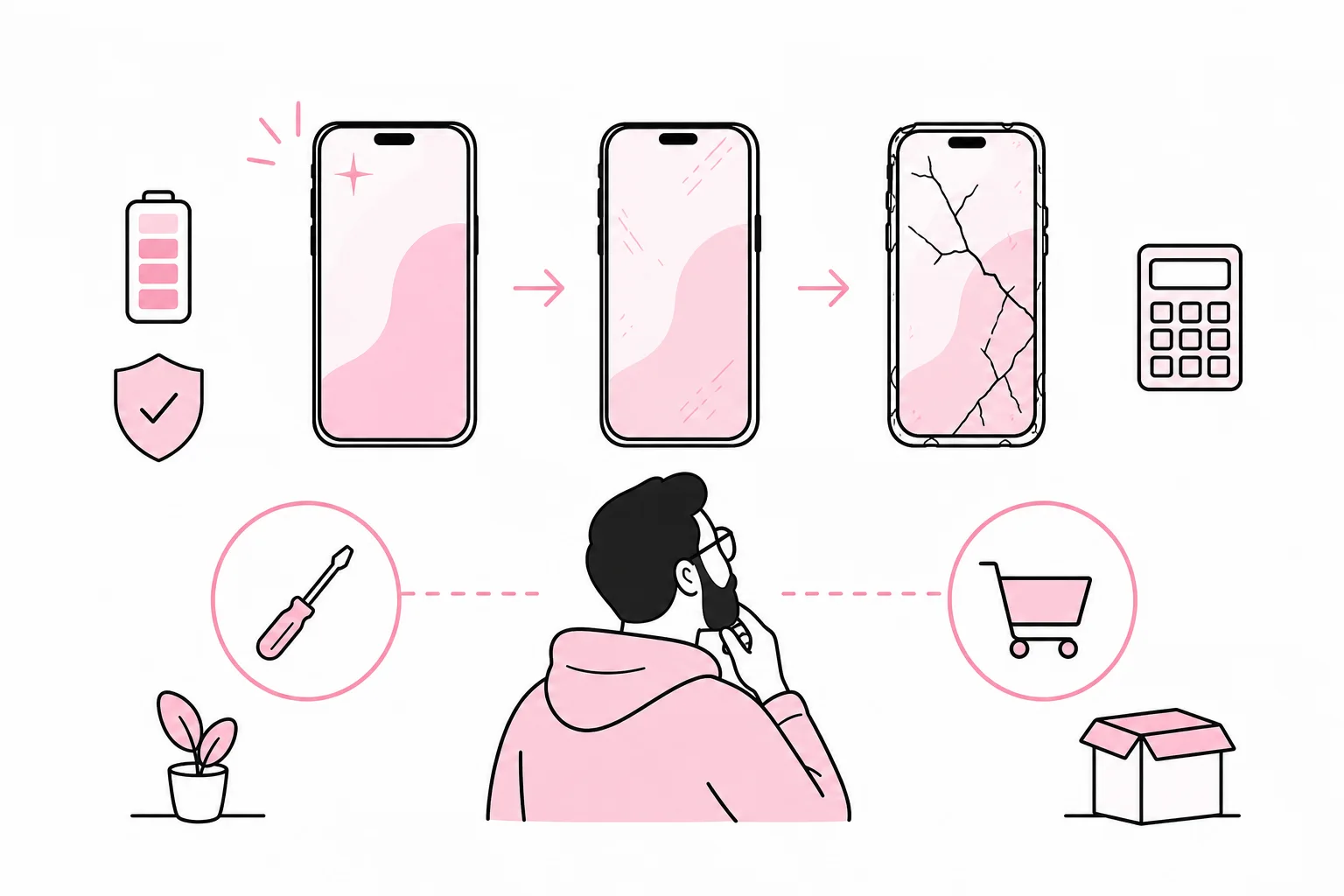
Repair is generally sensible when the phone still has expected security support, its performance meets requirements and the fault is limited in scope. Replacing the battery or screen, or repairing the charging port, can significantly extend the phone’s useful life. Before repairing it, clarify the price, the warranty on the work, the expected turnaround time and how data will be handled.
A simple assessment can be made in four steps:
- Check that the model will continue to receive the necessary security updates throughout the period you intend to use it.
- Compare the repair cost with the cost of a suitable replacement, not necessarily the latest flagship model.
- Include the cost of downtime, a loan phone, setup and working hours.
- Consider whether other components are likely to need repair soon.
If the phone is nearing the end of its security support, has several simultaneous faults or has already been repaired multiple times, replacement is often the more sensible option. A cheap repair is not cheap if the device has to be replaced a few months later. The purchase price is only the entrance ticket; setup, support and disruption are often already inside the auditorium ordering popcorn.
Also establish an agreed threshold for who can approve repairs and replacements. A process involving three quotes, two management meetings and the CFO’s signature can cost more in working hours than the battery itself. Control is good. Ceremony is more expensive.
Create a replacement policy that can actually be used
A good policy should be short enough for managers and IT staff to use. It does not need to specify one absolute lifespan, but should combine a scheduled review with specific replacement criteria. For example, all phones can be assessed after three years and then annually if they still meet the requirements.
The policy should describe:
- which models or minimum requirements the company approves
- who owns the phone and who is responsible for maintenance
- how often the devices should be assessed
- which security, battery and performance requirements apply
- when repair should be considered before replacement
- how loaner phones and rapid replacement are handled
- how data is deleted and the device prepared for reuse, sale or material recycling
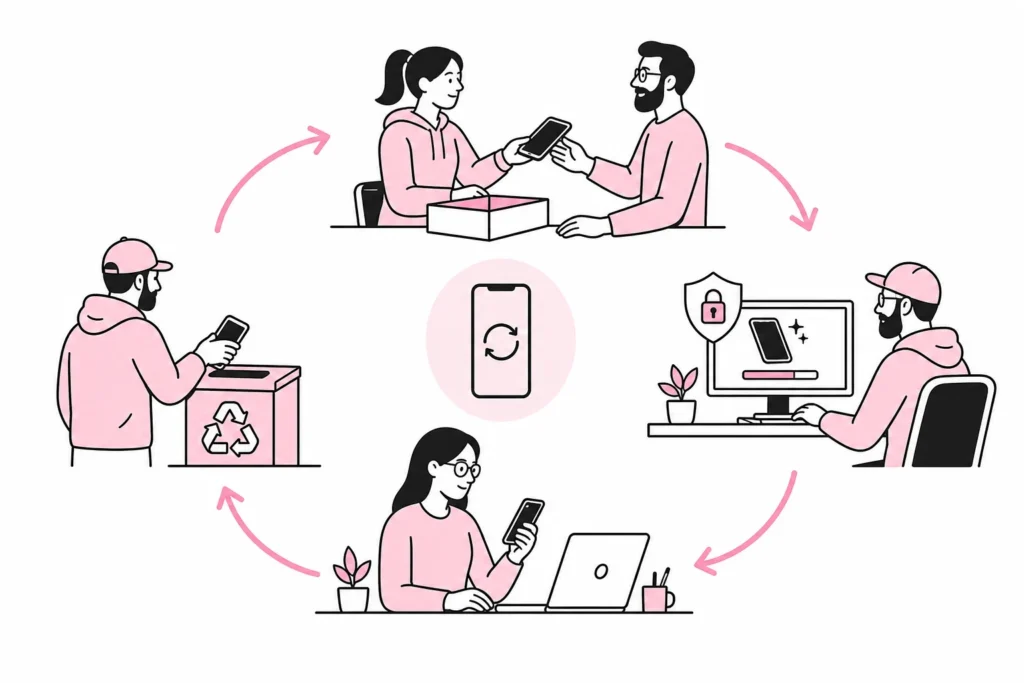
Before a phone is passed on to another employee, it must be removed from the previous user’s accounts, management solutions and activation locks. Company data must be deleted in a controlled manner, and the new user should receive a device that has been reset, updated and properly registered. “We deleted a few apps” is not a documented preparation routine, even if it has a pleasantly informal ring.
Phones that are still secure and functional can often be reassigned to roles with lower demands. This allows the company to get more out of its investment without pushing the device beyond its reasonable service life. Phones that are no longer to be used should be handled through an agreed process for secure deletion and responsible recycling.
The short answer, then, is not that all business phones should be replaced after a set number of years. Use three to four years as a natural point for a thorough assessment, and let security support, battery, stability, role and repair economics determine the rest. This gives the company a replacement plan that works for finances, employees and IT operations alike.